Overview
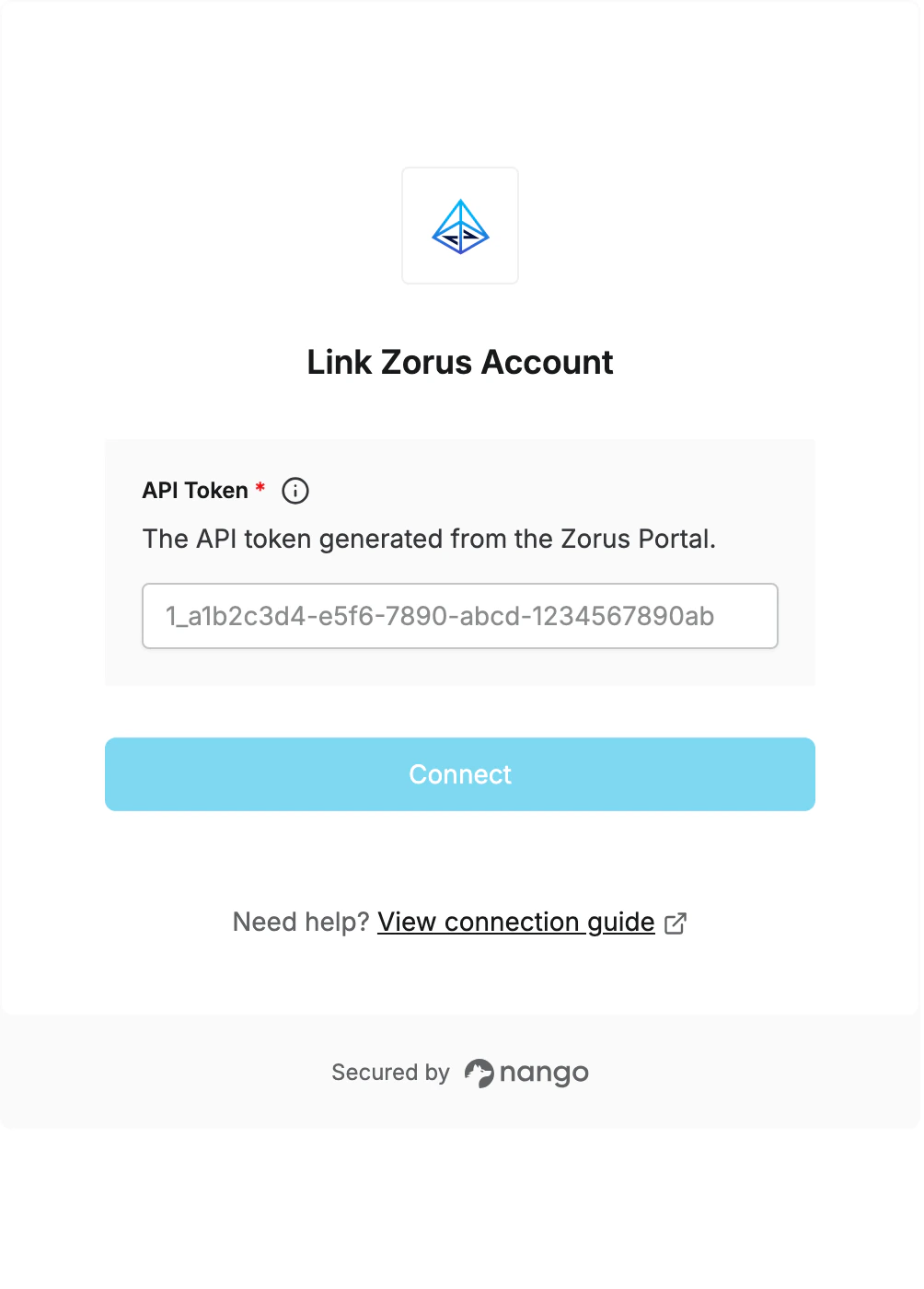
To authenticate with Zorus, you will need:- API Token - An API token generated from the Zorus Portal.
Prerequisites
- You must have access to the Zorus Portal.
Instructions
Step 1: Generating Your API Token
- Log in to the Zorus Portal.
- Go to Integrations -> API Access.
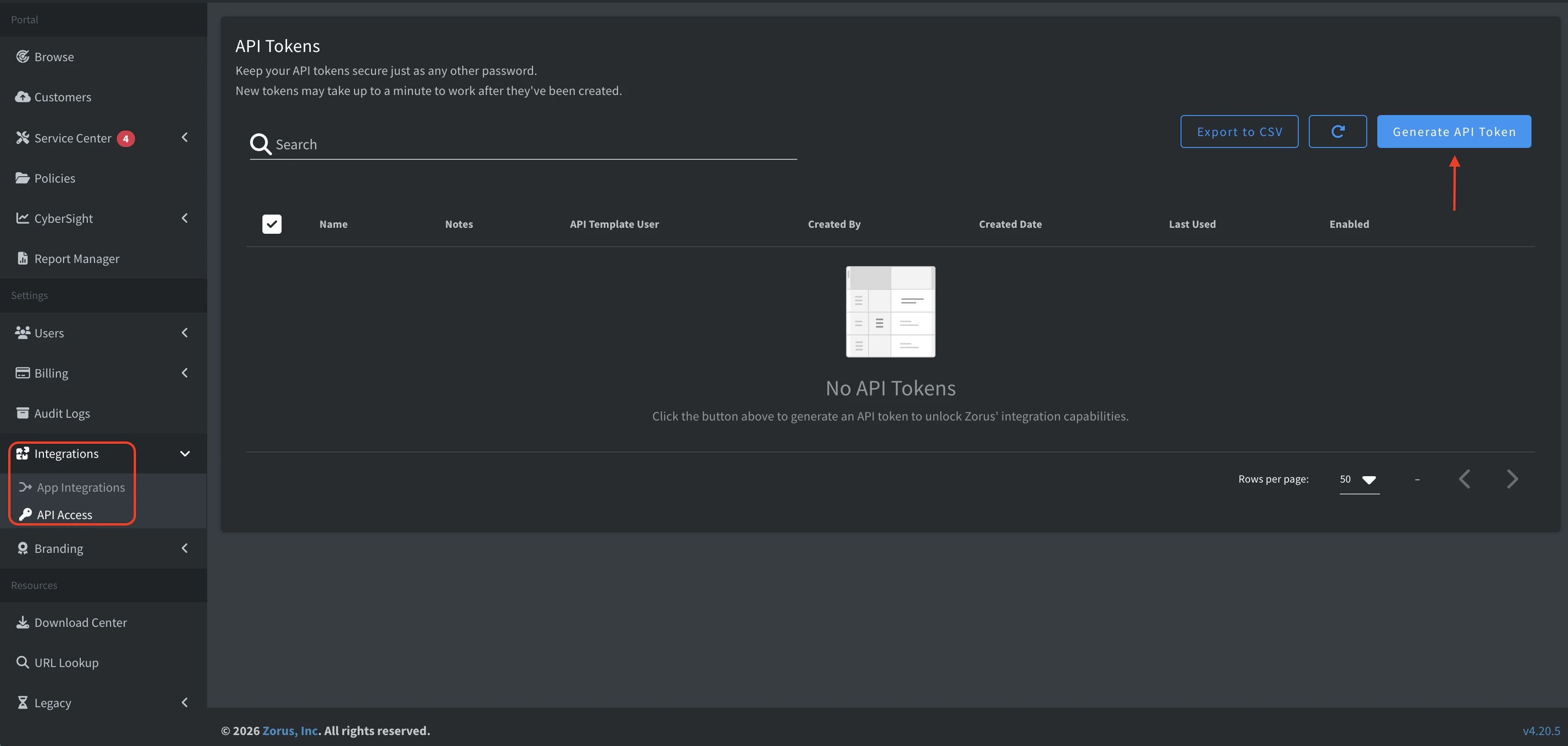
- Click Generate API Token.
- Select the user to impersonate, name the token, add any relevant notes, and generate the token.
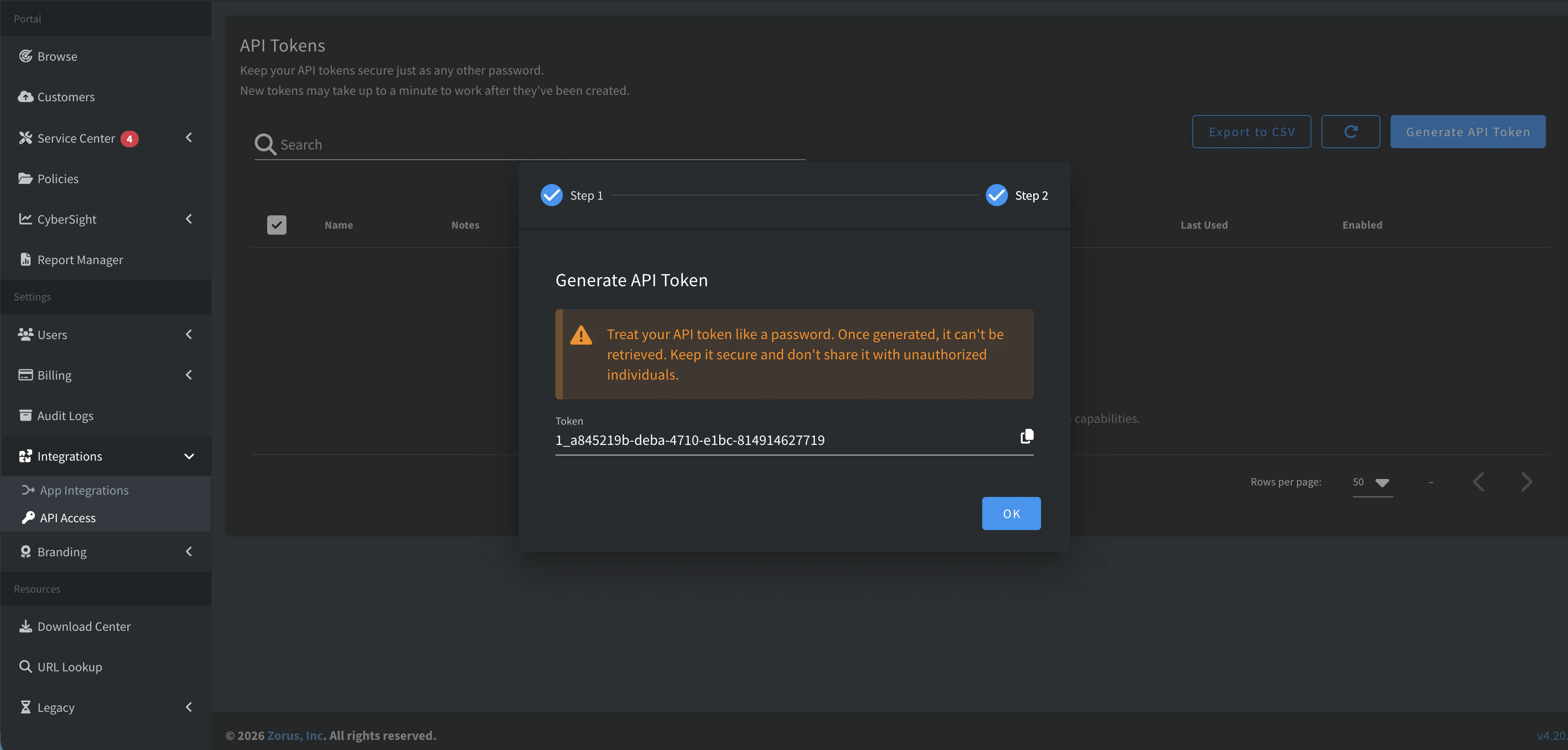
- Copy the generated token and store it securely. Zorus only shows this token once.
Step 2: Enter credentials in the Connect UI
Once you have your API Token:- Open the form where you need to authenticate with Zorus.
- Enter your API Token in the respective field.
- Submit the form, and you should be successfully authenticated.