Overview
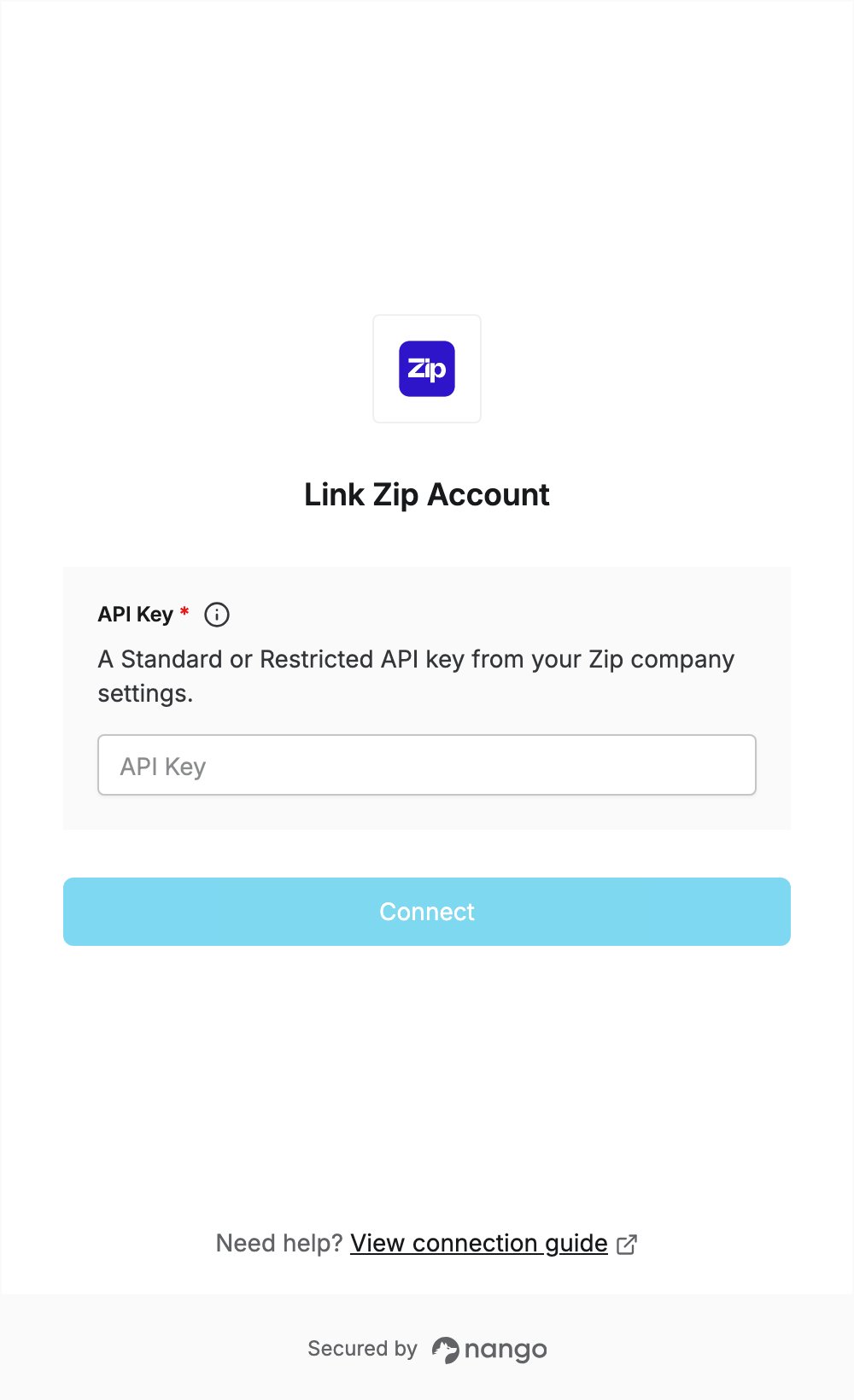
To authenticate with Zip, you need:- API Key — a Standard or Restricted API key created in your Zip company settings.
Prerequisites
- A Zip user with administrator permissions or the Manage company API keys permission.
- API access for your Zip company. If you don’t see API in your company settings, contact Zip support.
Step 1: Create an API key
- Sign in to Zip.
- Click the gear icon at the top of the page and select Company settings.
- Under Setup, click API.
- On the API keys tab, click + Create API key.
- Select the key type:
- Standard: read and write access on all endpoints.
- Restricted: access per record type. Choose Read-only (or more) next to each record type your app needs. Zip blocks access to record types you leave blank.
- Enter a Name and, optionally, an expiration date.
- Click Create, then copy the token from the Save API key dialog. Zip shows the full key only once.
Step 2: Enter your API key in the Connect UI
- Open the form where you need to authenticate with Zip.
- Enter your API Key from Step 1.
- Submit the form.