Overview
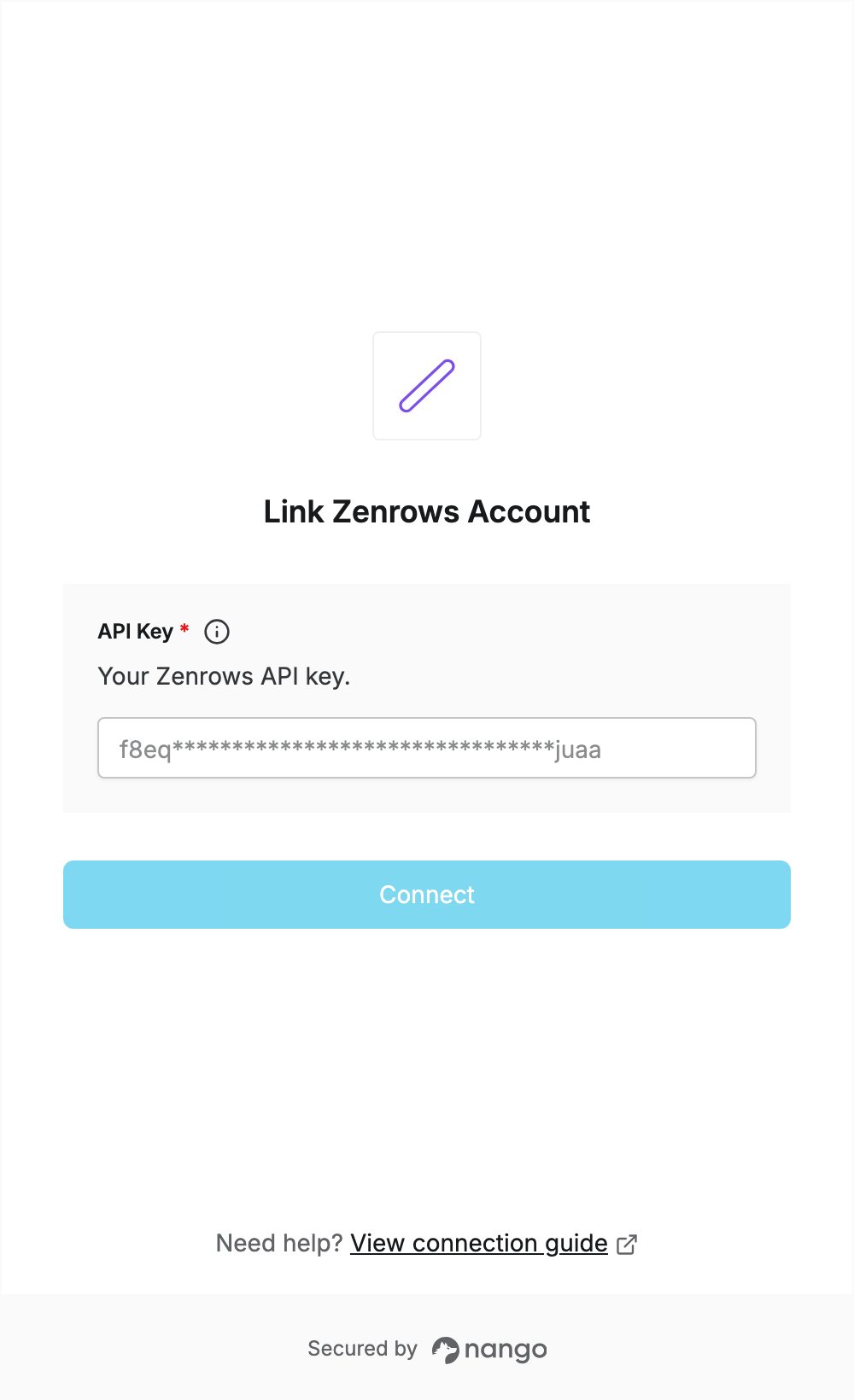
To authenticate with Zenrows, you need:- API Key - A Zenrows API key that lets Nango call the Zenrows API on behalf of your account.
Prerequisites
- A Zenrows account. Every new account starts on the Free plan, no credit card required; you can sign up here.
Step 1: Create an API key
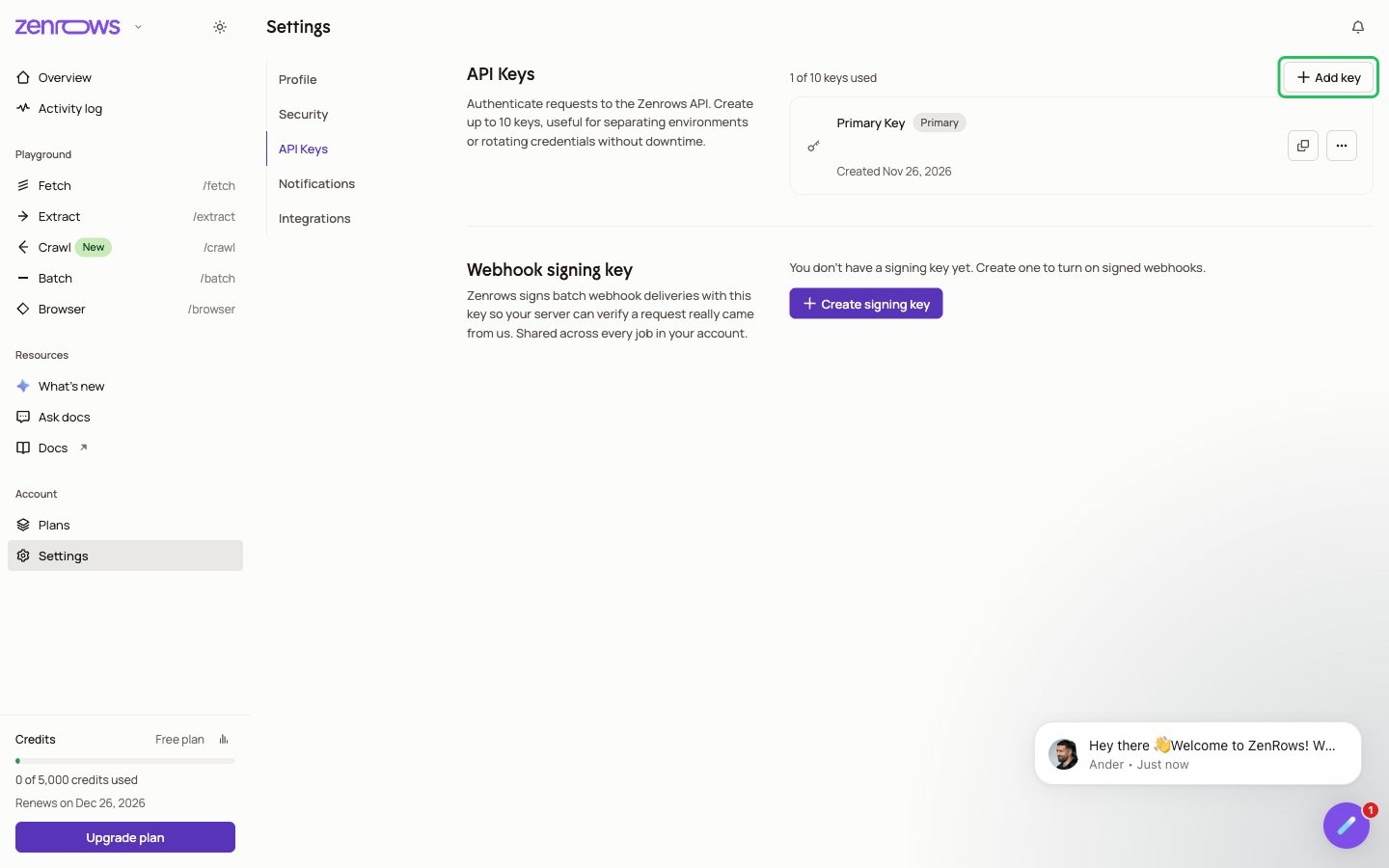
- Log in to Zenrows and go to Settings -> API Keys.
- Click Add key.
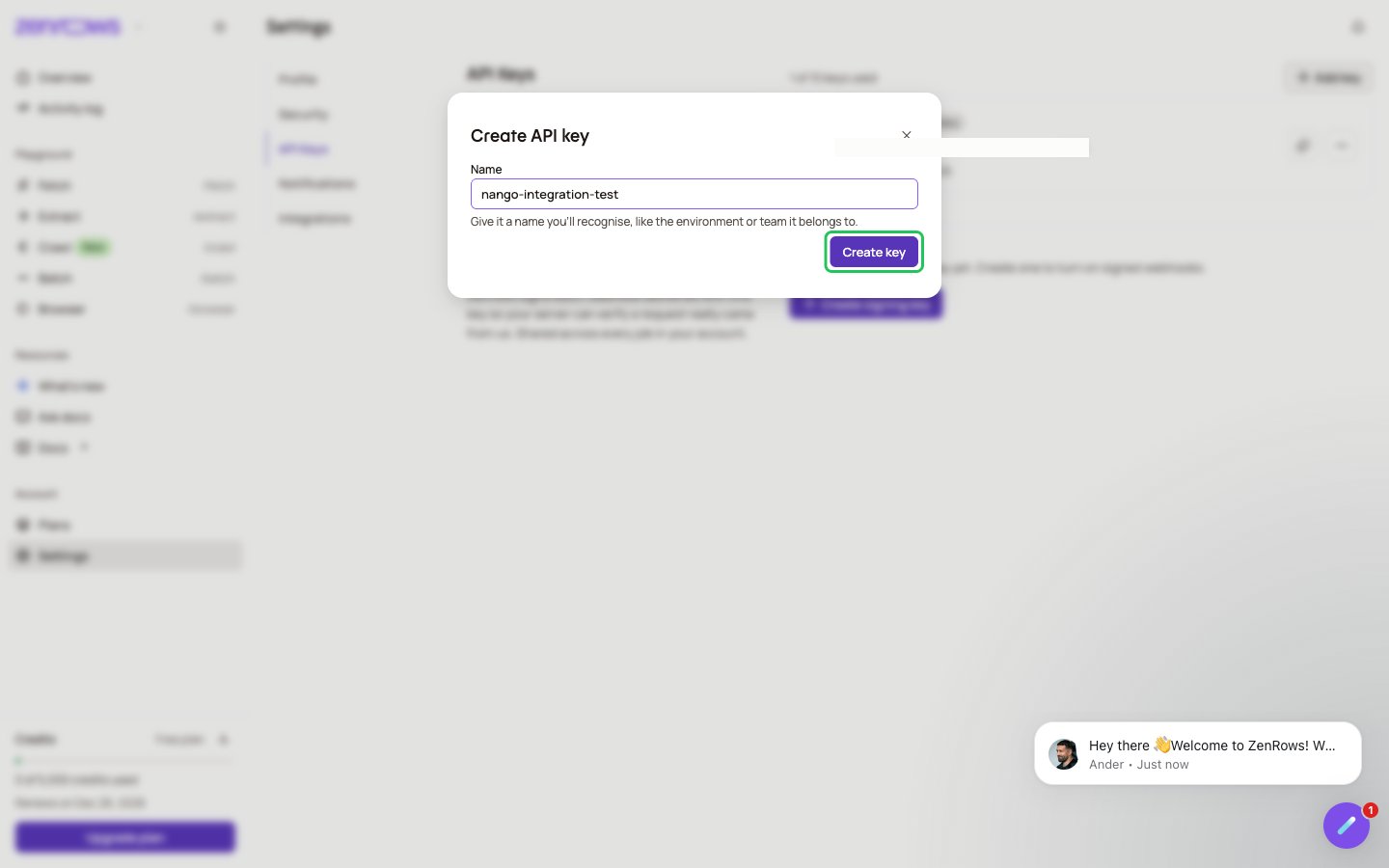
- Enter a name for the key (for example,
nango) and click Create key.
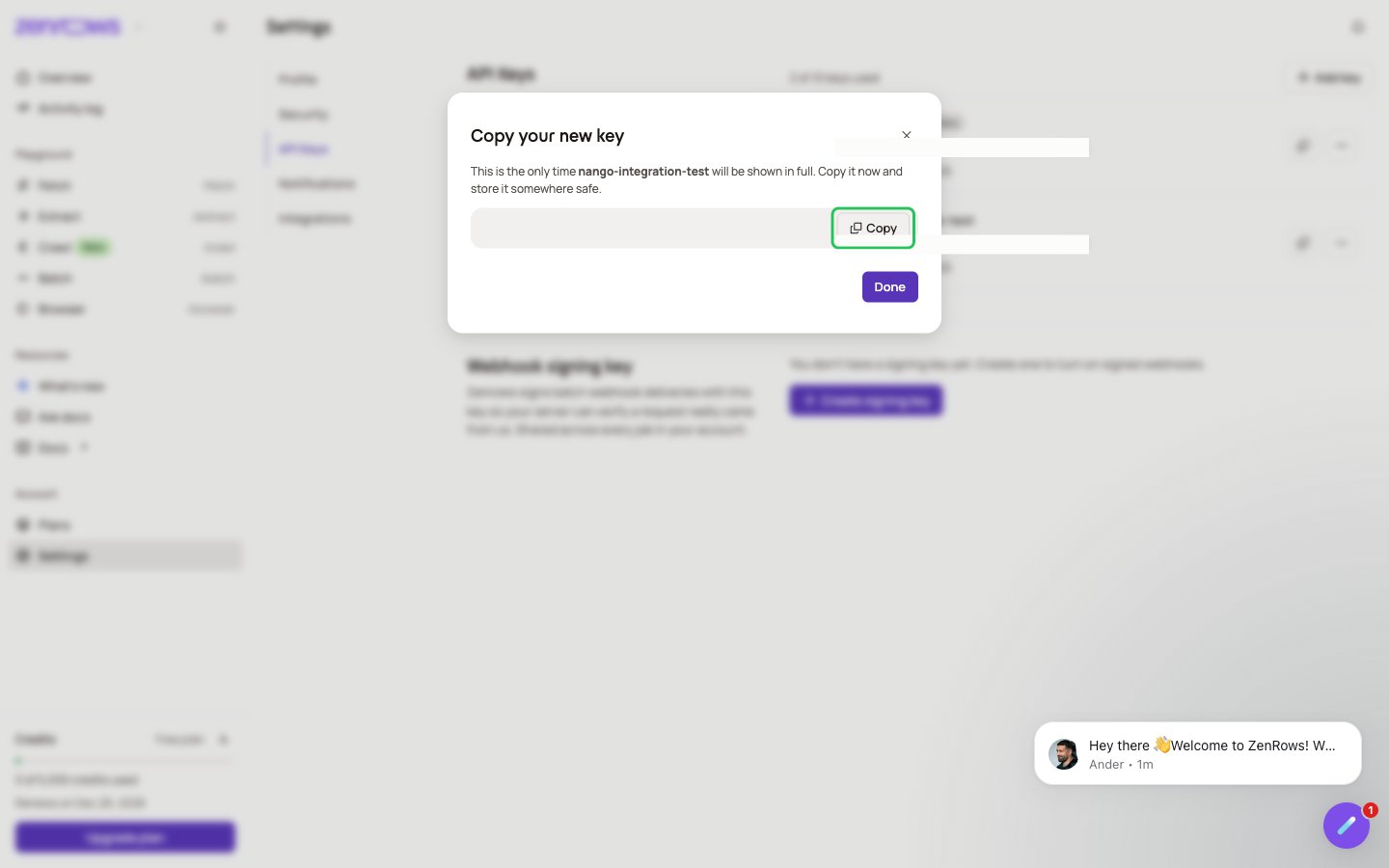
- Copy the key from the Copy your new key dialog, then click Done. The key is shown in full only once.
Step 2: Enter your API key in the Connect UI
- Open the form where you need to authenticate with Zenrows.
- Enter your API Key in the designated field.
- Submit the form, and you should be successfully authenticated.