Overview
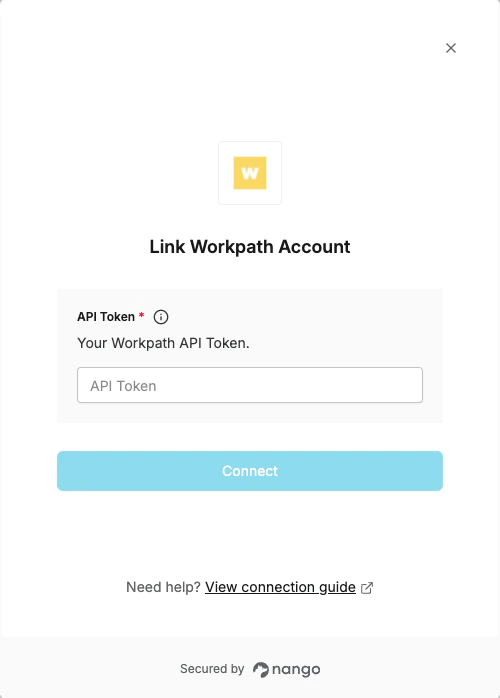
To authenticate with Workpath, you need:- API Token - A token that grants Nango permission to interact with Workpath’s API resources and services.
Prerequisites
- An active Workpath account with administrator access.
Instructions
Step 1: Getting Your API Token
- Log in to Workpath as an administrator.
- Click on your name in the lower left corner of the screen.
- Select Organization Settings.
- Select the API Clients tab on the bottom left.
- Click the + Create API Client button.
- Fill in a Title so you can recognize the token’s purpose.
- Click Submit.
- Copy and securely store the Token from the confirmation screen. You will not be able to view the token again.
Step 2: Enter credentials in the Connect UI
Once you have your API Token:- Open the form where you need to authenticate with Workpath.
- Enter your API Token in the respective field.
- Submit the form, and you should be successfully authenticated.