Overview
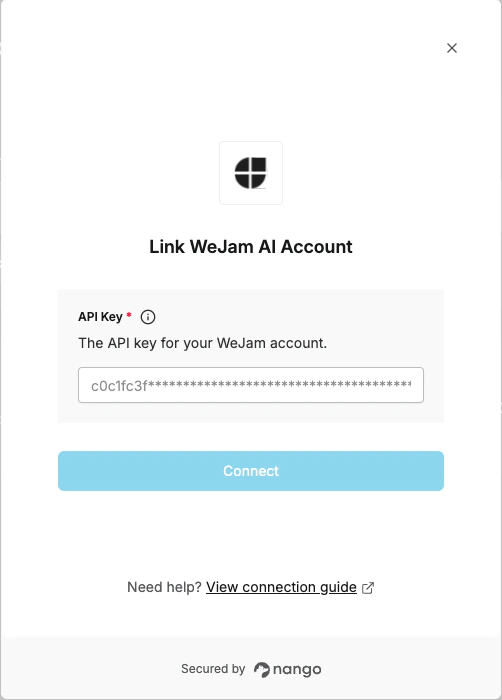
To authenticate with WeJam AI, you need:- API Key - A personal or organization key used to authenticate your requests to the WeJam AI API.
Instructions
Step 1: Getting Your API Key
- Log in and navigate to your WeJam AI API Keys dashboard.
- Choose the appropriate key type for your use case:
- Personal API Key — for individual access tied to your user account.
- Organization API Key — for shared access across your organization.
- Click New API Key and submit the form.
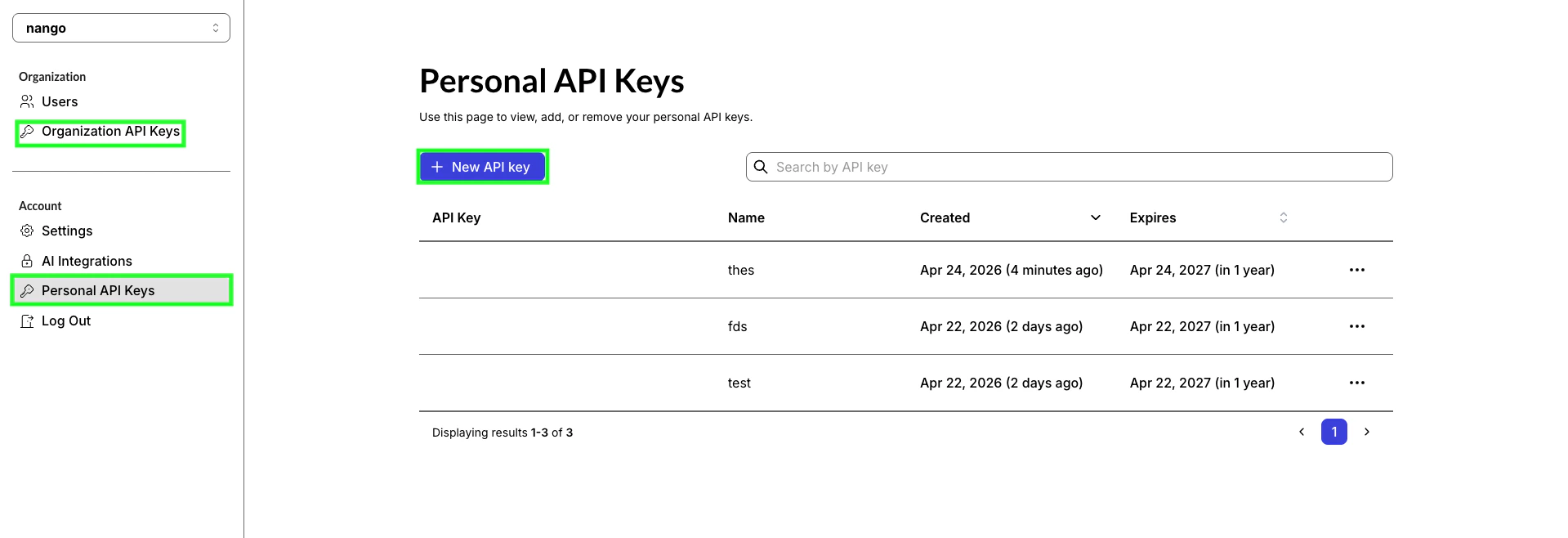
- Copy your API key and store it securely, you won’t be able to view it again.
Step 2: Enter credentials in the Connect UI
- Open the form where you need to authenticate with WeJam AI.
- Enter your API Key in its respective field.
- Submit the form, and you should be successfully authenticated.