Overview
To authenticate with WebinarJam, you need:
- API Key - A key that grants Nango permission to interact with WebinarJam’s API resources and services.
This guide will walk you through obtaining your API Key from WebinarJam.
Prerequisites
- An active WebinarJam account on a paid plan (API access is not available on trial accounts).
Instructions
Step 1: Getting Your API Key
- Log in to your WebinarJam account.
- Navigate to Profile > API and submit the API access application form.
- Wait for approval (up to 2 business days).
- Once approved, go to your Webinars Dashboard, click Advanced above any event, then click API custom integration.
- Copy your API Key.
Only one set of API credentials is generated per WebinarJam account. The same key works for all webinars.
Step 2: Enter credentials in the Connect UI
Once you have your API Key:
- Open the form where you need to authenticate with WebinarJam.
- Enter your API Key in the respective field.
- Submit the form, and you should be successfully authenticated.
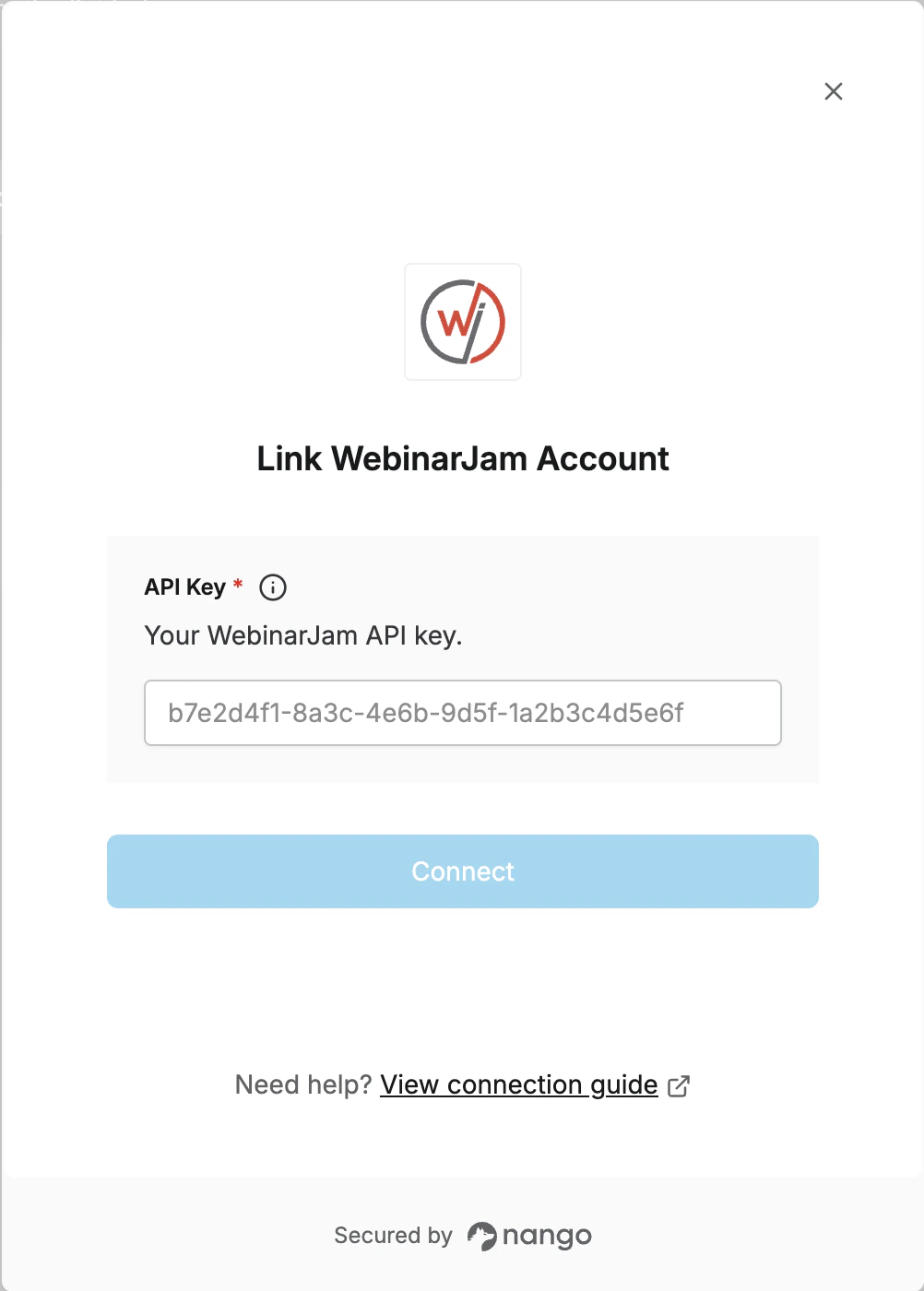 You are now connected to WebinarJam.
