Overview
To authenticate with Wingify (VWO), you need:- API Token — a Wingify API token.
Prerequisites
- A Wingify account on the Enterprise plan. API access is only available on this plan.
Step 1: Generate an API token
- Sign in to Wingify and open the API tokens page.
- Click Add another API token, then select the permission level your integration needs. See Roles and Permissions in Wingify for what each level allows.
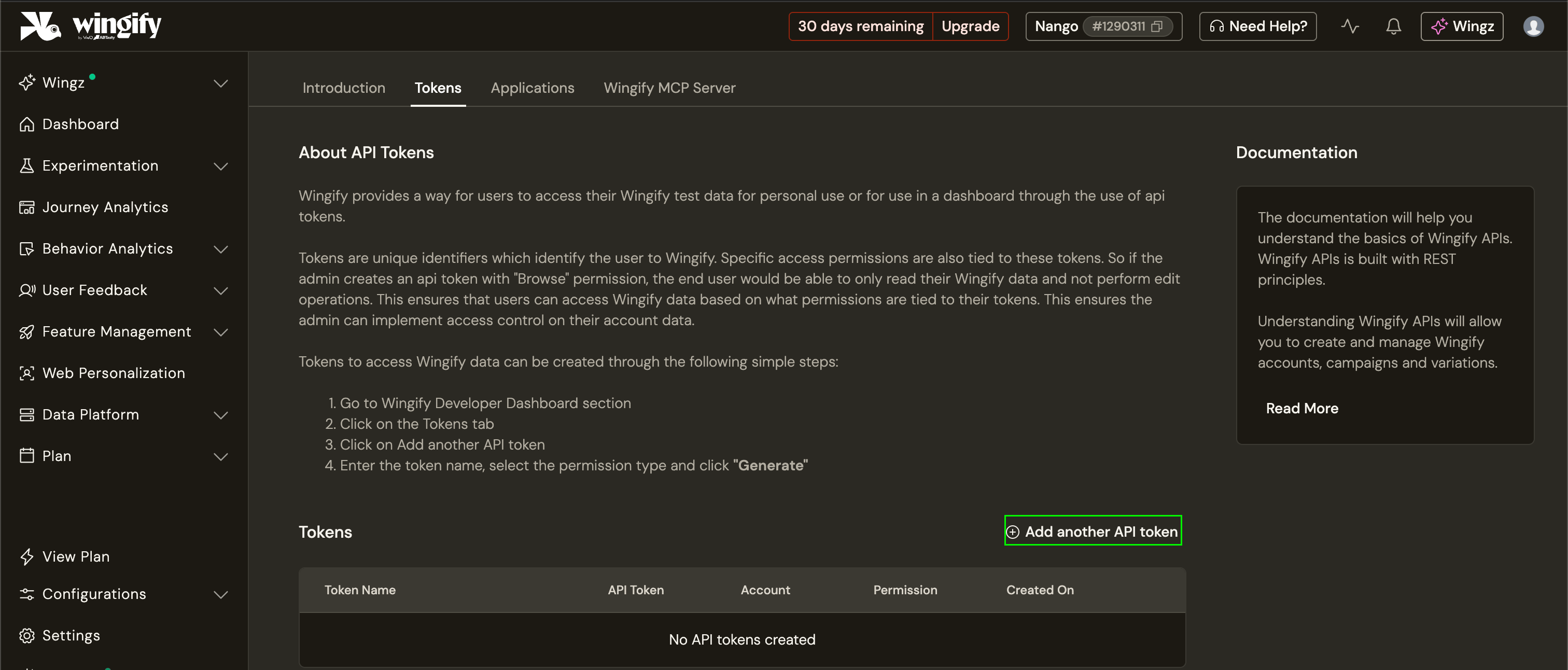
- Copy the token.
Step 2: Enter your API token in the Connect UI
- Open the form where you need to authenticate with Wingify (VWO).
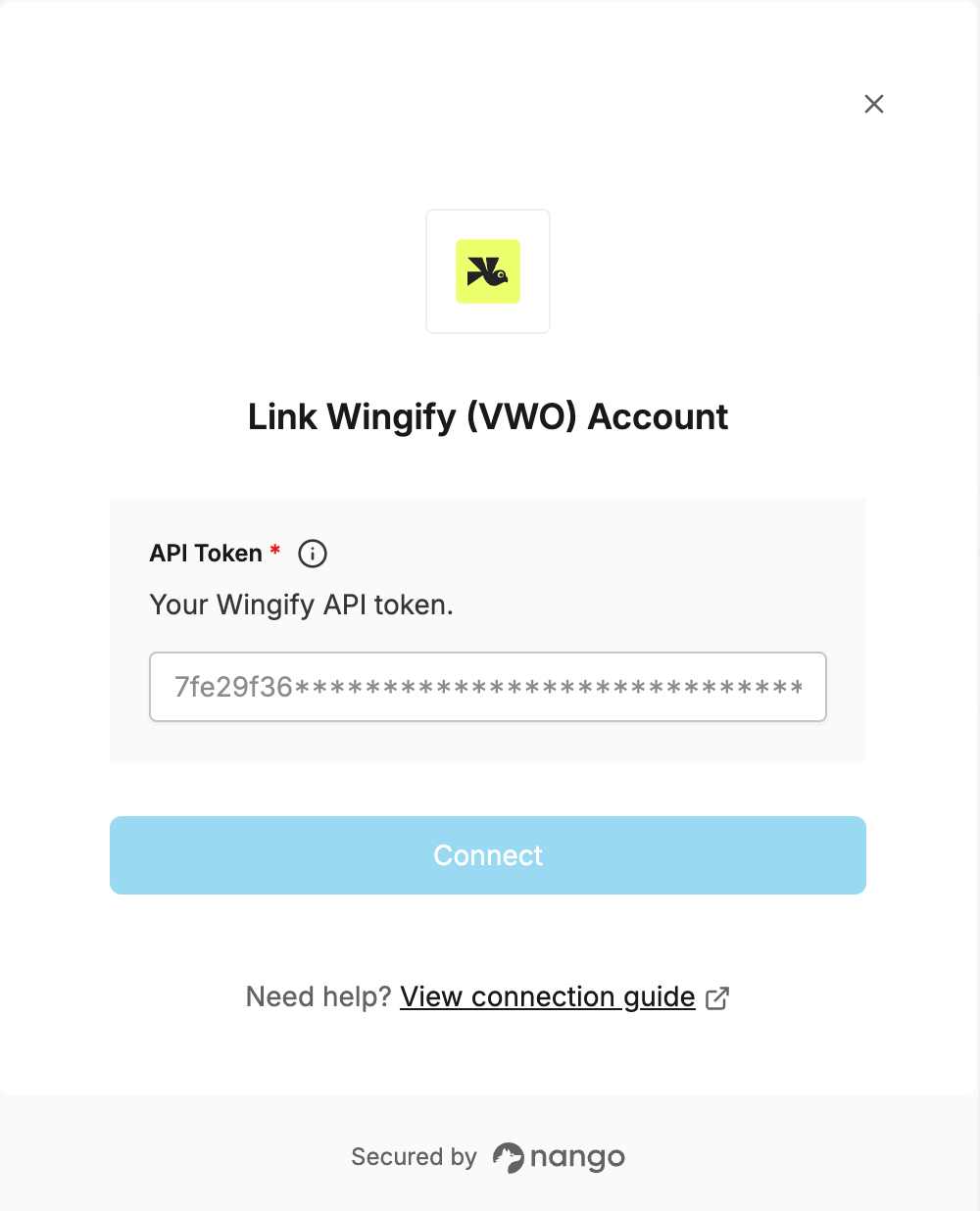
- Enter your API Token in the designated field.
- Submit the form, and you should be successfully authenticated.