Overview
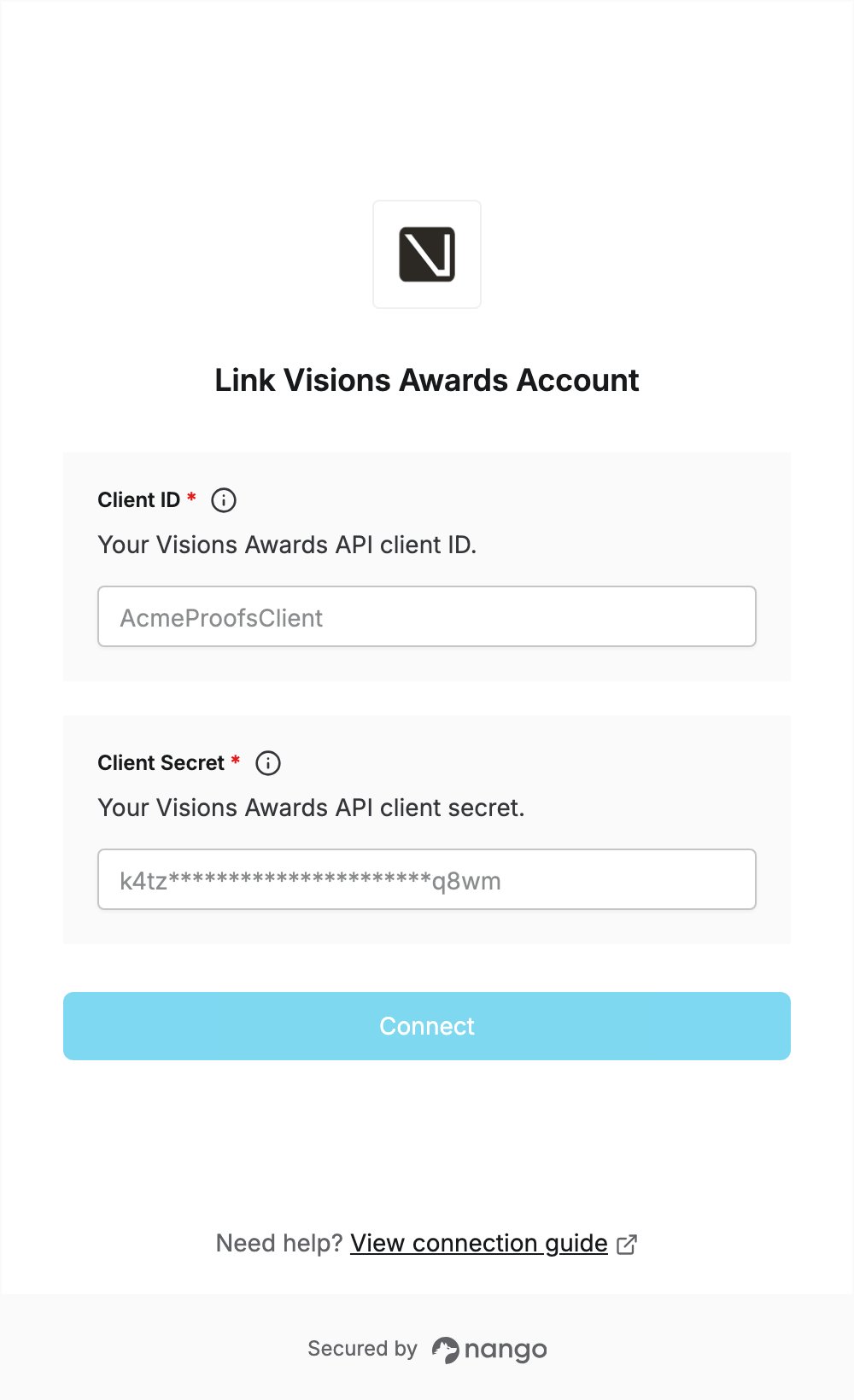
To authenticate with Visions Awards, you need:- Client ID - the client identifier configured for your API access.
- Client Secret - the client secret paired with it.
Prerequisites
- API access to the Visions Awards V-Suite web API. The client credentials are configured by Visions Awards, so ask your Visions Awards contact for them.
Step 1: Get your API client credentials
- Ask your Visions Awards contact for the Client ID and Client Secret configured for API authentication.
- Store the client secret somewhere safe: it gives access to your sales orders.
POST /api/auth/token, which returns an access token for the other API calls. Wrong credentials are rejected there, so the connection is only created when they are valid.
Step 2: Enter your credentials in the Connect UI
- Open the form where you need to authenticate with Visions Awards.
- Enter your Client ID and Client Secret.
- Submit the form, and you should be successfully authenticated.