Overview
VEED’s AI video models run on fal.ai’s infrastructure, so authenticating with VEED means authenticating with a fal.ai API key. This guide walks you through generating one.Prerequisites
- A fal.ai account
Instructions
Step 1: Generate your API key
- Sign up or sign in at fal.ai.
- Navigate to the API Keys page.
- Select + Add key, then choose a scope:
- API — for running models and calling inference endpoints. Cannot manage keys, billing, usage, or compute. Recommended for most use cases, including Nango.
- Admin — full account access, including managing keys, billing, usage, and compute.
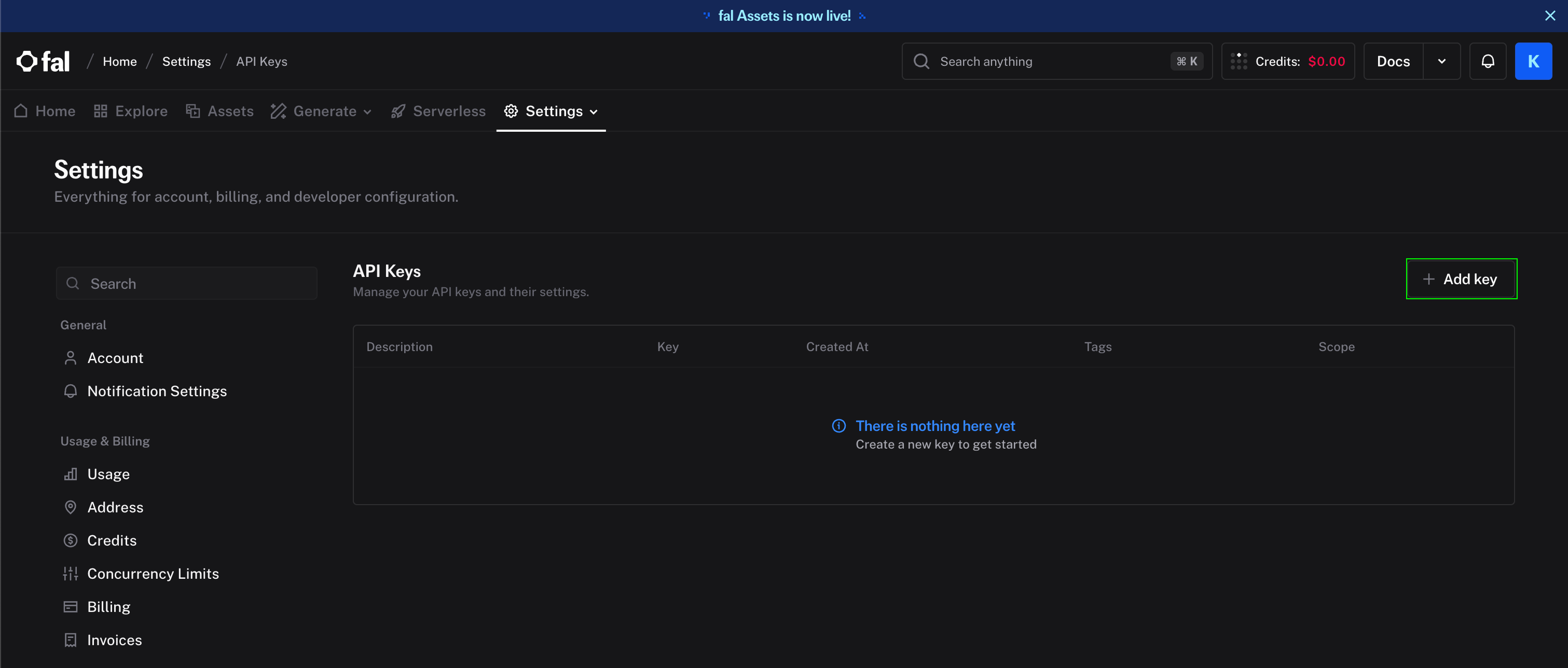
- Copy the key.
Step 2: Enter credentials in the Connect UI
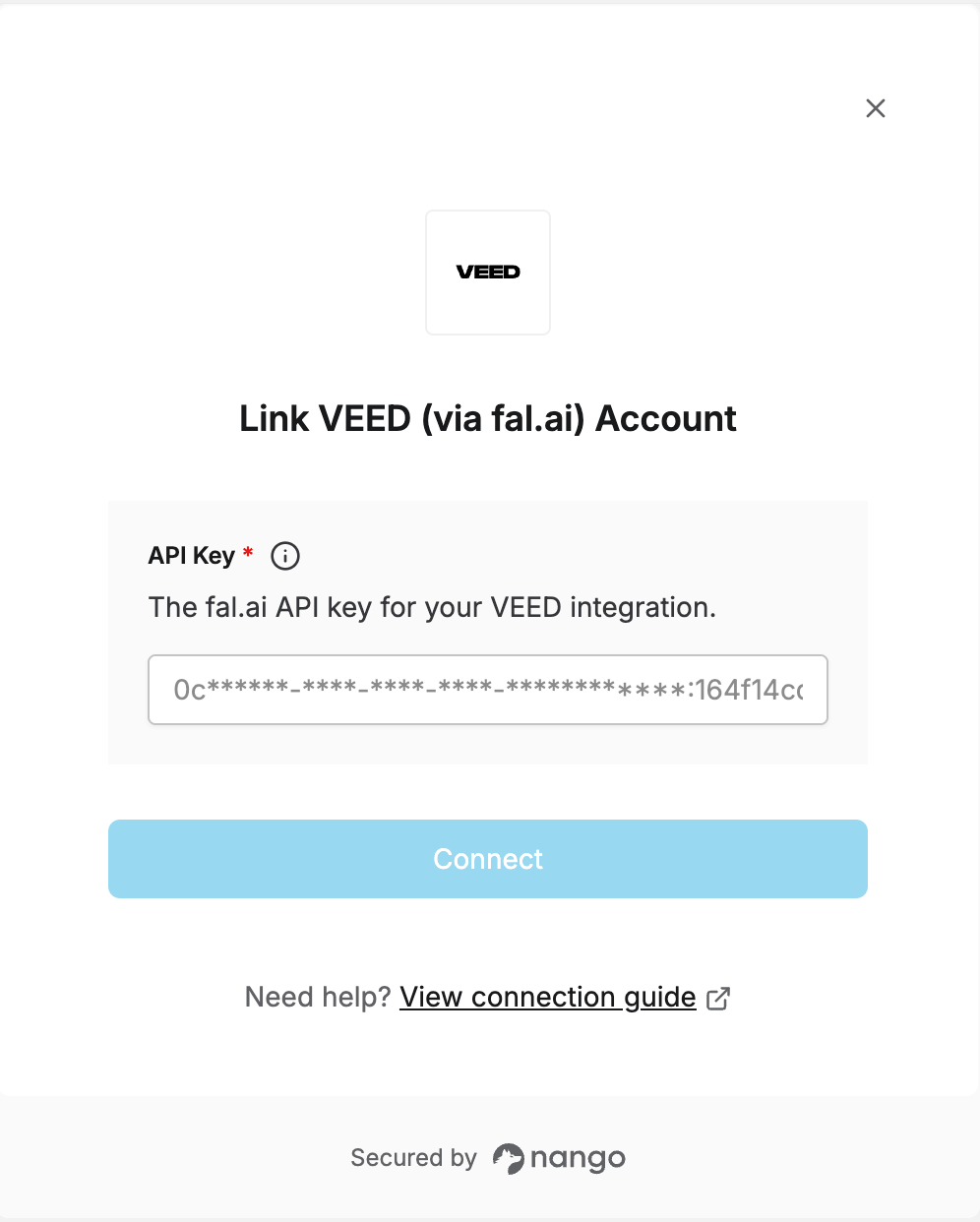
- Open the form where you need to authenticate with VEED.
- Enter your API key in its field.
- Submit the form to connect your account.