Overview
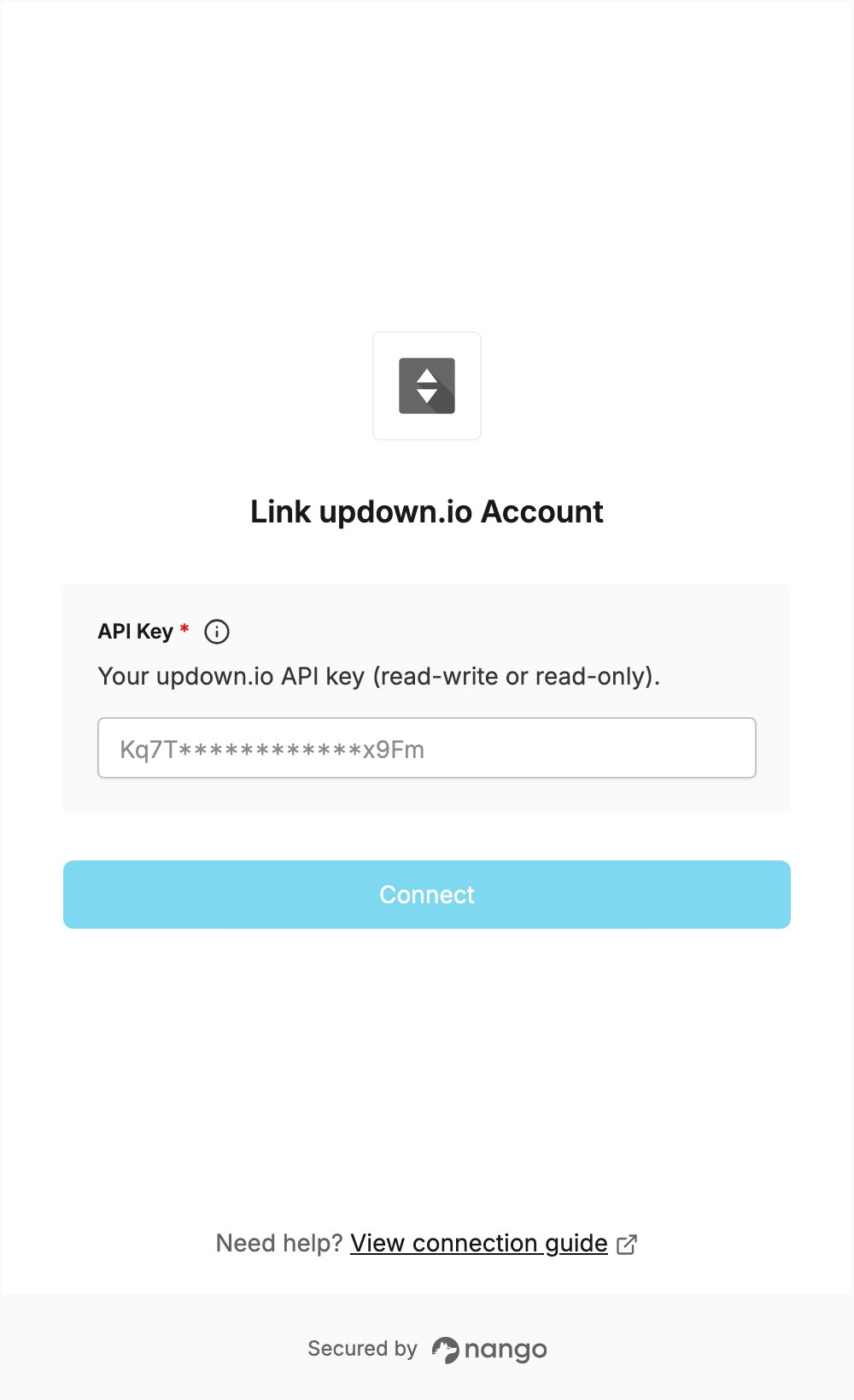
To authenticate with updown.io, you need:- API Key - your updown.io API key (the read-write key or the read-only key).
Prerequisites
- An updown.io account. You can sign up for free; new accounts get 100,000 free credits.
Step 1: Copy your API key
- Sign in to updown.io.
- Click Settings in the top navigation to open your settings page.
- Scroll to the API section at the bottom of the right column.
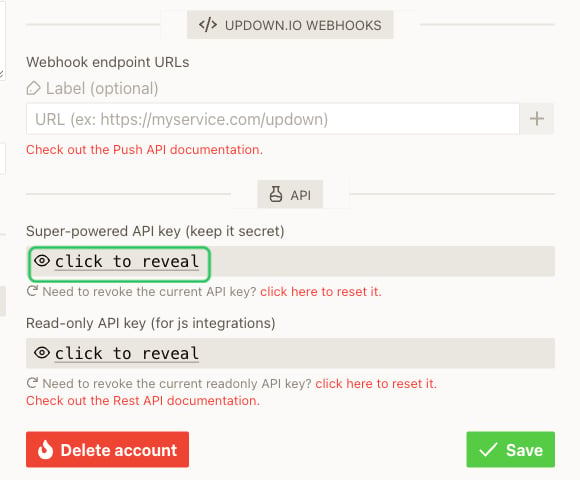
- Next to Super-powered API key (keep it secret), click click to reveal.
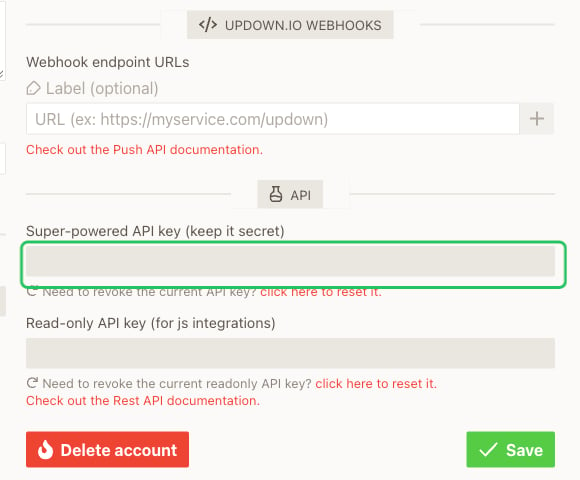
- Copy the revealed key. This is the read-write key.
Step 2: Enter your API key in the Connect UI
- Open the form where you need to authenticate with updown.io.
- Enter your API Key in the designated field.
- Click Connect. Nango checks the key with updown.io and rejects it if it is wrong.