Overview
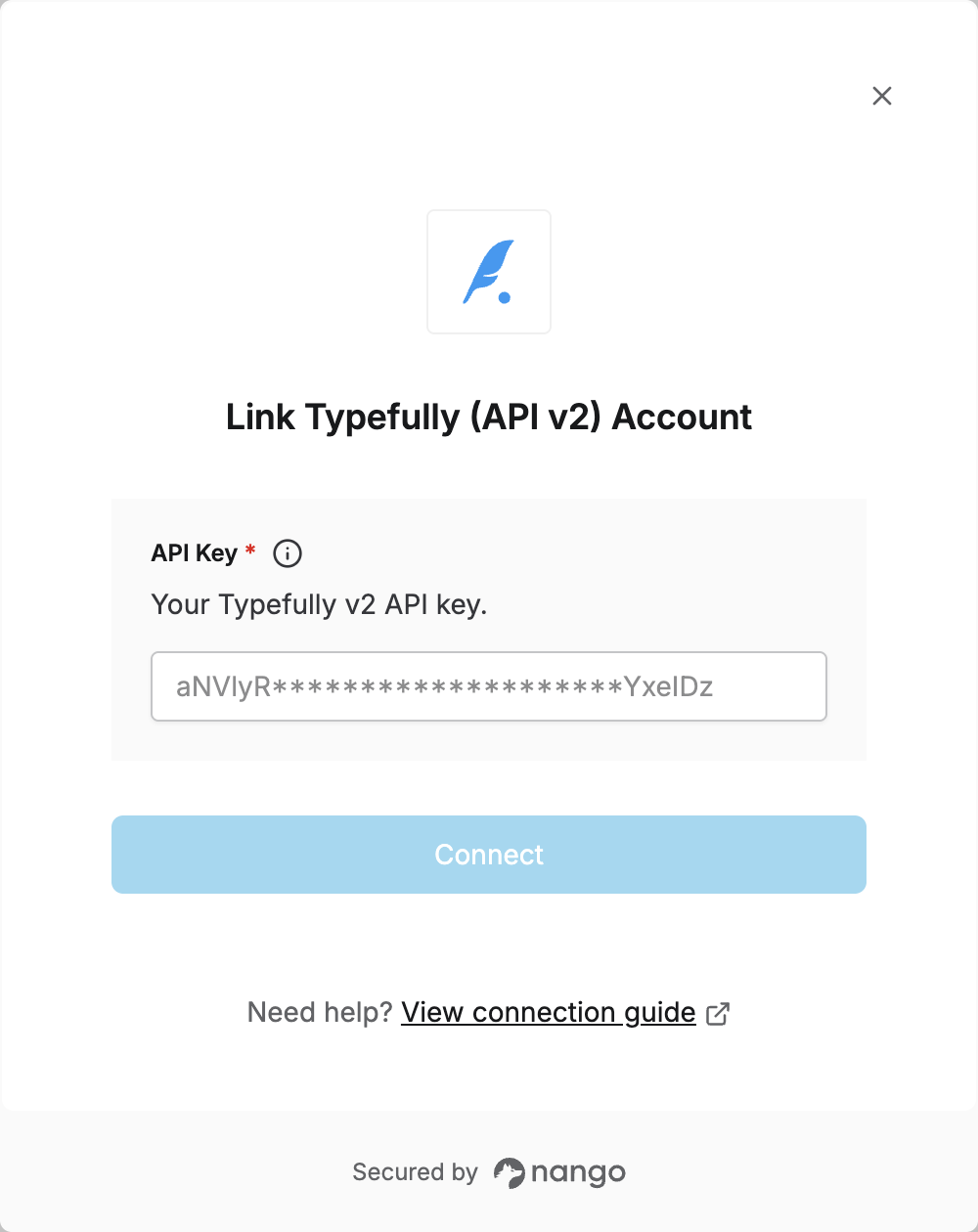
To authenticate with the Typefully Public API v2 via Nango, you need:- API Key – A key that grants Nango permission to call the Typefully v2 API.
Prerequisites
- A Typefully account.
Instructions
Step 1: Generating your API key
- Log in to your Typefully account.
- Go to Settings.
- Open the API section, click + New API Key, enter a name, and submit. Your key will be generated; copy it and store it securely.
Use a key generated for API v2. Keys created for the legacy v1 API will not work with v2.
Step 2: Enter credentials in the Connect UI
Once you have your API Key:- Open the form where you need to authenticate with Typefully (API v2).
- Enter your API Key in the designated field.
- Submit the form; you should be successfully authenticated.