Overview
To authenticate with Twelve Data, you need:- API Key — the API key from your Twelve Data dashboard.
Prerequisites
- A Twelve Data account. The Basic plan is free and needs no credit card: sign up.
Step 1: Copy your API key
- Sign in to Twelve Data.
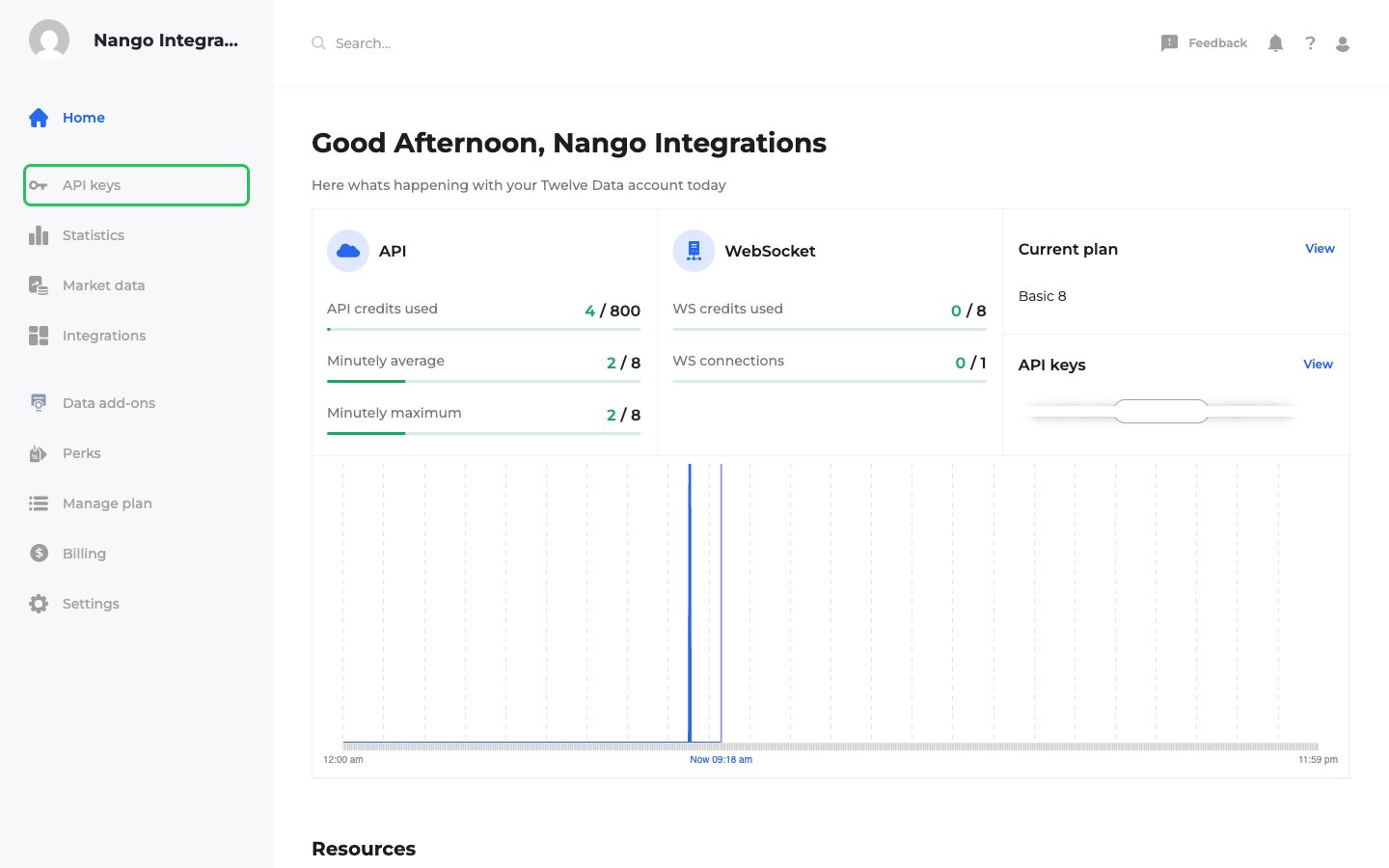
- Click API keys in the dashboard sidebar, or open the API keys page.
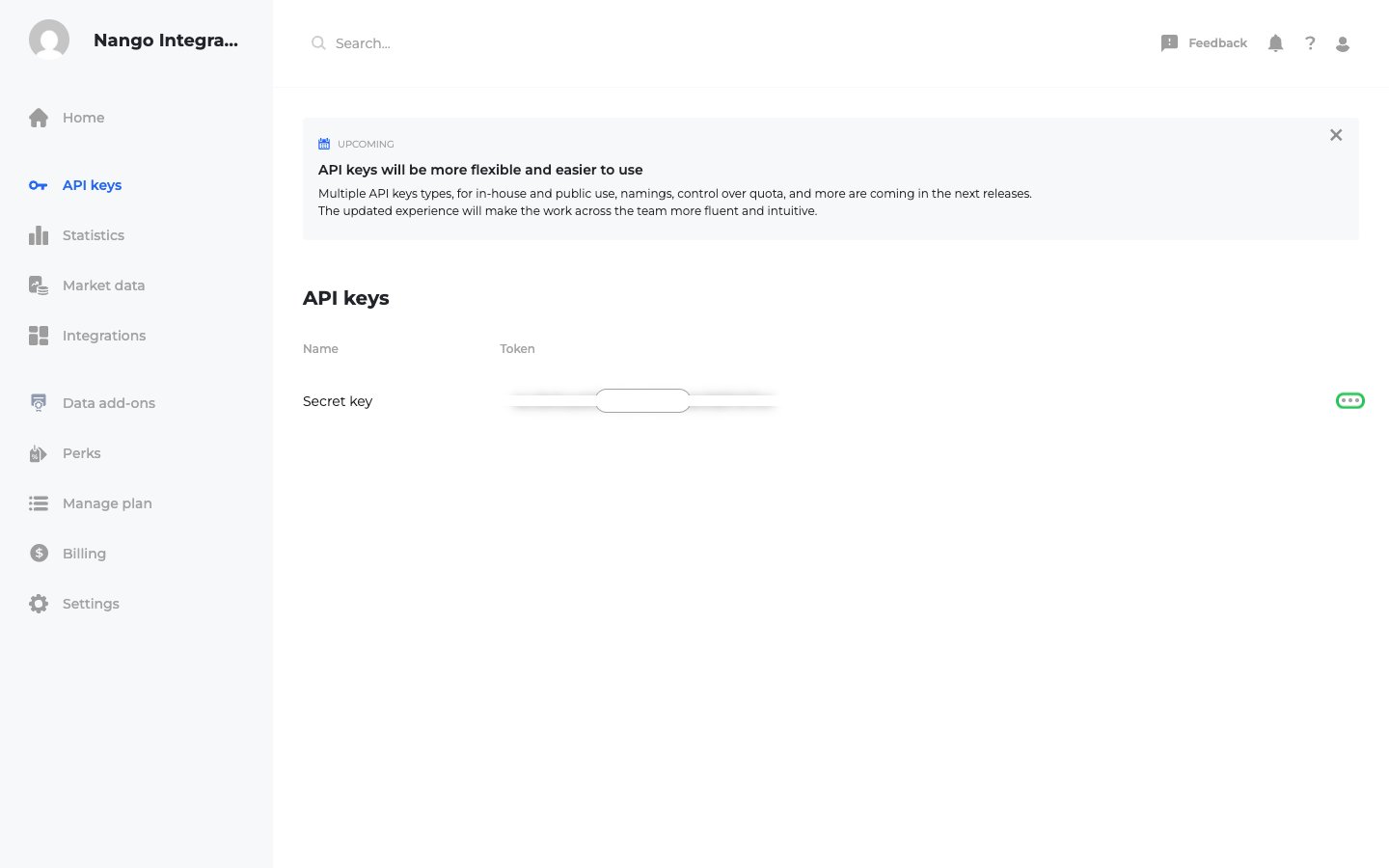
- Twelve Data creates one key for your account, listed as Secret key. Click Reveal to show the token, or click the copy button next to it to copy the key.
Step 2: Enter your API key in the Connect UI
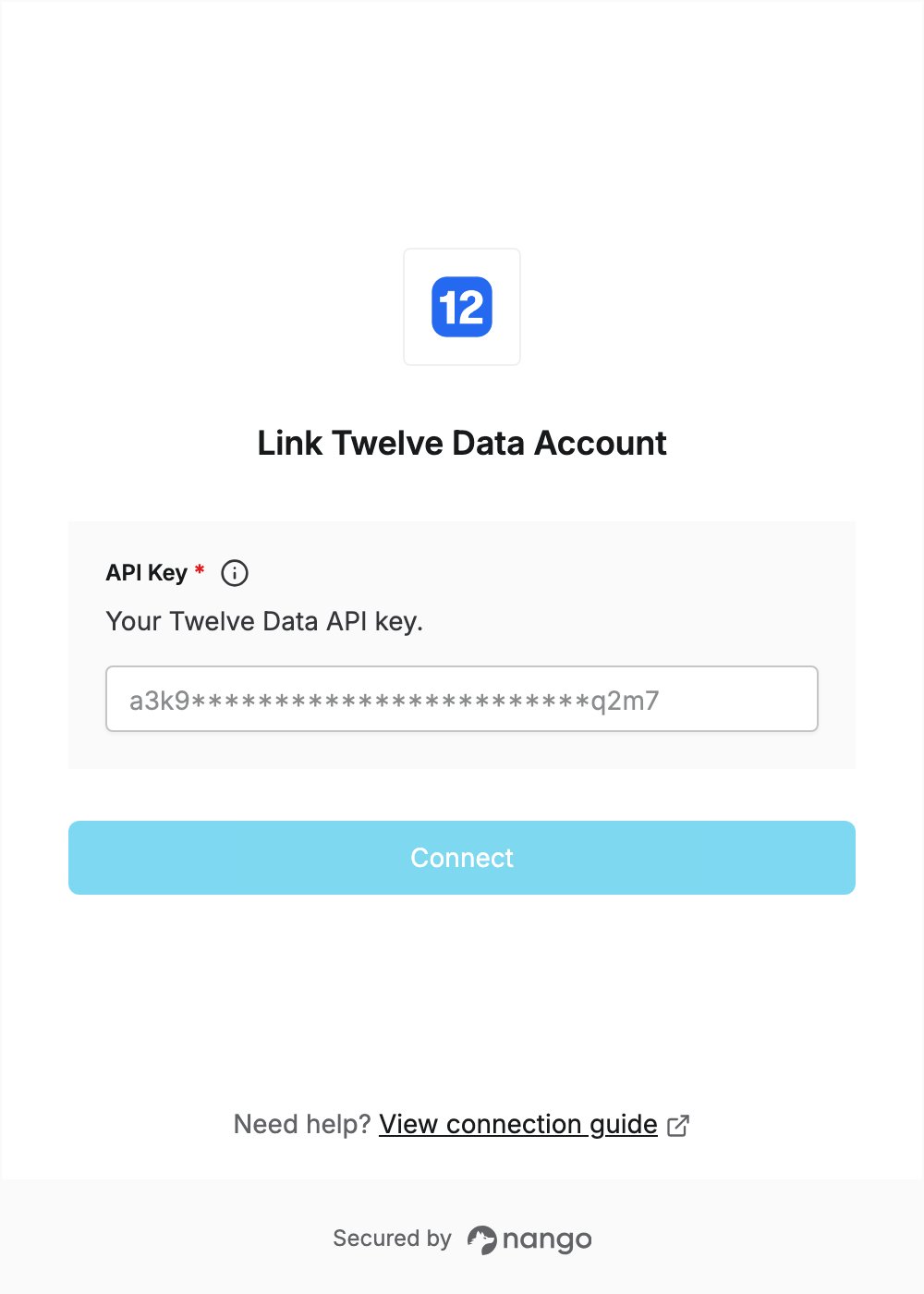
- Open the form where you need to authenticate with Twelve Data.
- Enter your API Key in the designated field.
- Submit the form, and you should be successfully authenticated.