Overview
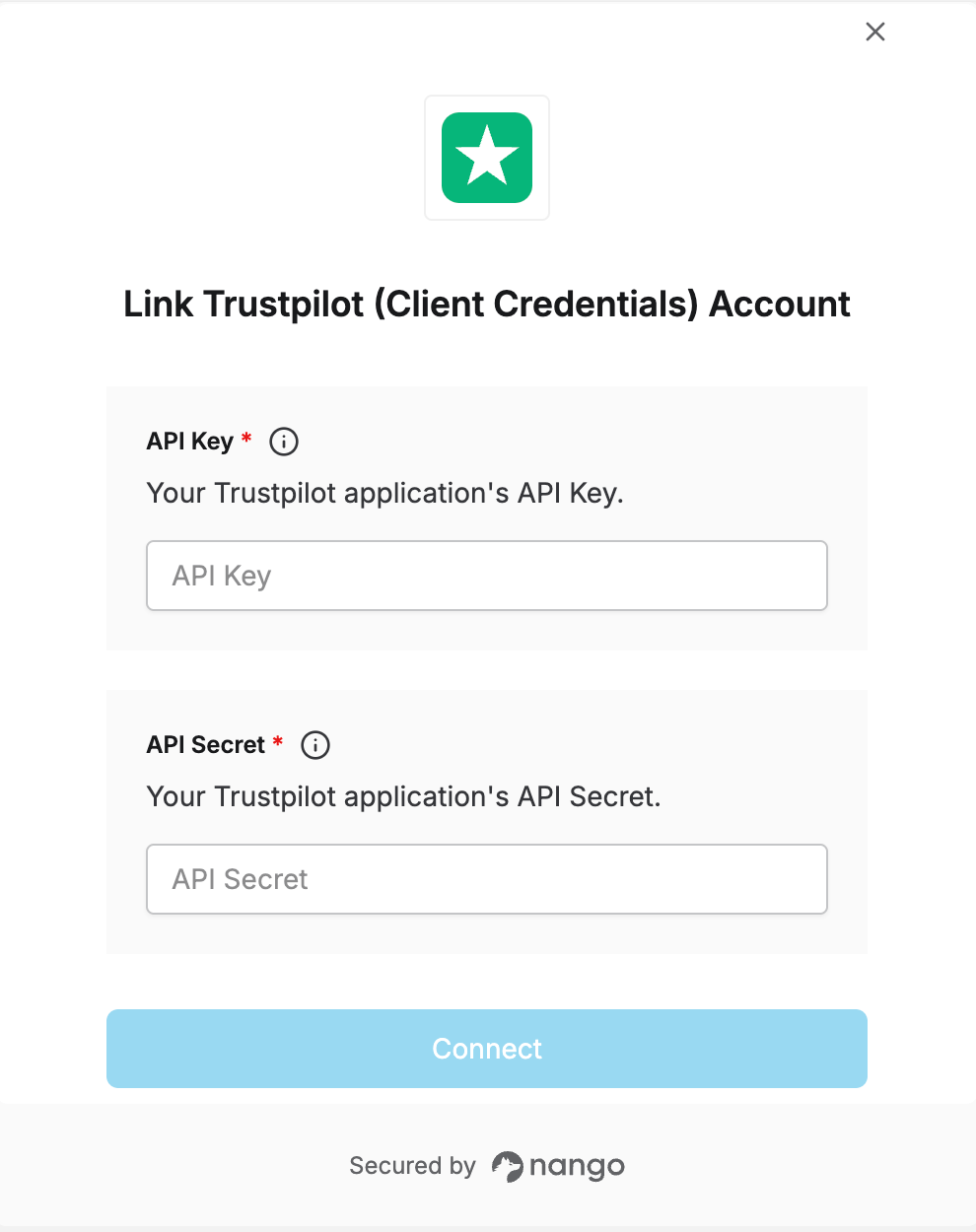
To authenticate with Trustpilot, you need:- API Key - The API key from your Trustpilot Business application.
- API Secret - The secret key from your Trustpilot Business application.
Prerequisites
- You must have a Trustpilot Business account with access to the API module. If your account doesn’t have API access yet, request access from Trustpilot.
Instructions
Step 1: Create an application and get your credentials
- Log in to your Trustpilot Business account.
- Go to Integrations -> Developers -> APIs.
- Under Your Applications, select Create Application.
- Give the application a name and confirm creation.
- Use the eye icon to reveal, or the copy icon to copy, your API Key and API Secret.
Step 2: Enter credentials in the Connect UI
Once you have your API Key and API Secret:- Open the form where you need to authenticate with Trustpilot.
- Enter your API Key and API Secret in their designated fields.
- Submit the form, and you should be successfully authenticated.