Overview
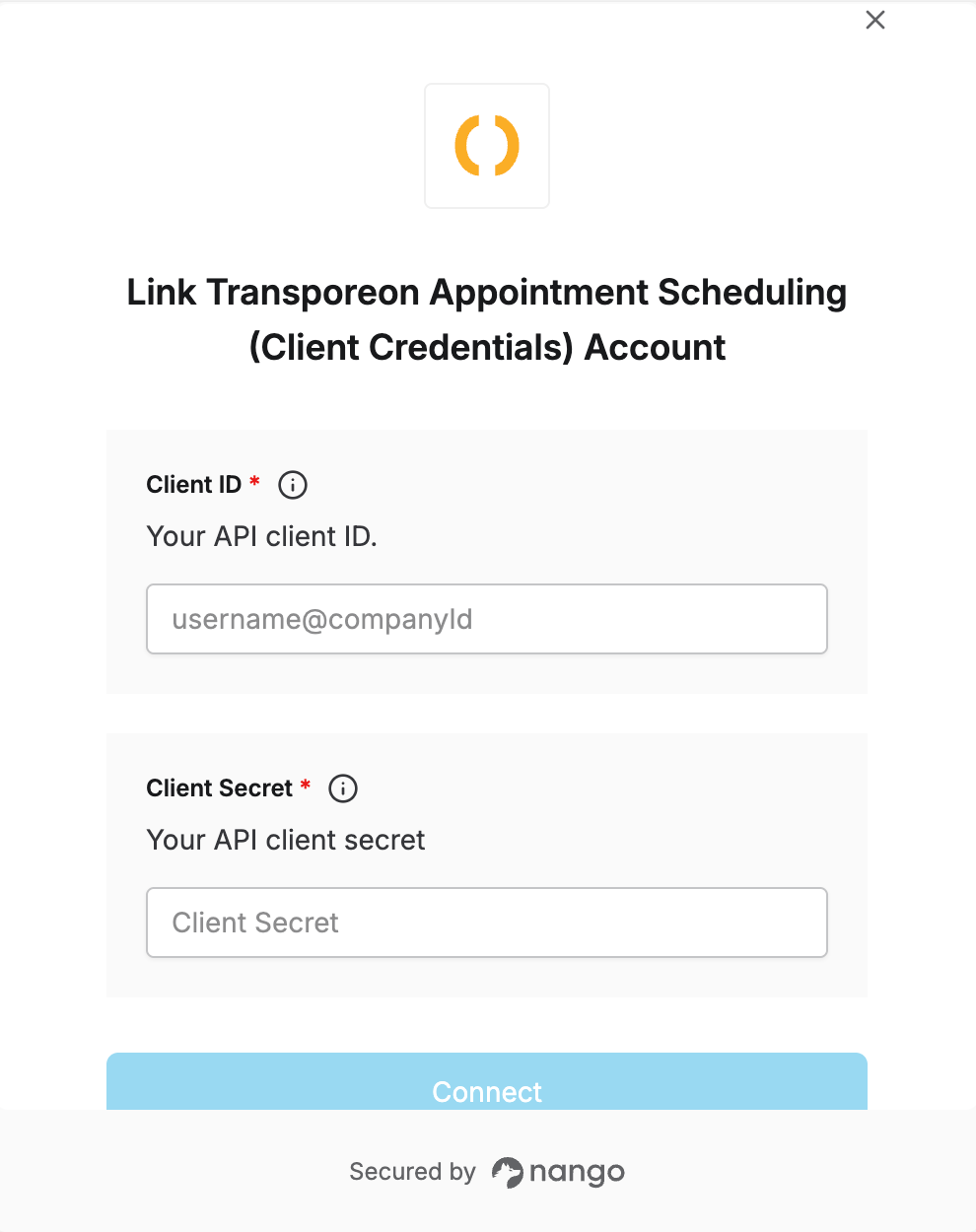
To authenticate with the Transporeon Appointment Scheduling API, you need:- Client ID - Issued by the Trimble team, in the format
username@companyId. - Client Secret - Issued alongside your Client ID.
Instructions:
Step 1: Obtaining Your Client Credentials
- Contact the Trimble team to request access to the Appointment Scheduling API.
-
Trimble provisions a Client ID (in the format
username@companyId, whereusernameuniquely identifies your API client andcompanyIdidentifies the carrier within the Trimble ecosystem) and a Client Secret.
Store your Client Secret securely.
Step 2: Enter credentials in the Connect UI
Once you have your Client ID and Client Secret:- Open the form where you need to authenticate with Transporeon.
- Enter your Client ID in its designated field.
- Enter your Client Secret in its designated field.
- Submit the form, and you should be successfully authenticated.