Overview
To authenticate with the Transporeon Carrier Interface API, you need:- Client ID - in the format
username@companyId. - Client Secret - issued alongside your Client ID.
- Token Host - which Transporeon token endpoint to authenticate against:
api.transporeon.com(production) orapi.test.transporeon.com(test). - API Host - which Transporeon Carrier Interface host to connect to:
xp.transporeon.com(production) orxp.test.transporeon.com(test). This must match the environment of your Token Host and credentials.
Instructions:
Step 1: Obtaining your client credentials
- Request API access from Transporeon (contact your Transporeon/Trimble account team). Ask for credentials for whichever environment you need — production or test.
-
Transporeon provisions a Client ID (in the format
username@companyId, whereusernameidentifies your API client andcompanyIdidentifies your carrier account) and a Client Secret.
Step 2: Selecting your token host and API host
Transporeon runs separate production and test environments, each with its own token endpoint and API host:- Token Host -
api.transporeon.com(production) orapi.test.transporeon.com(test). - API Host -
xp.transporeon.com(production) orxp.test.transporeon.com(test).
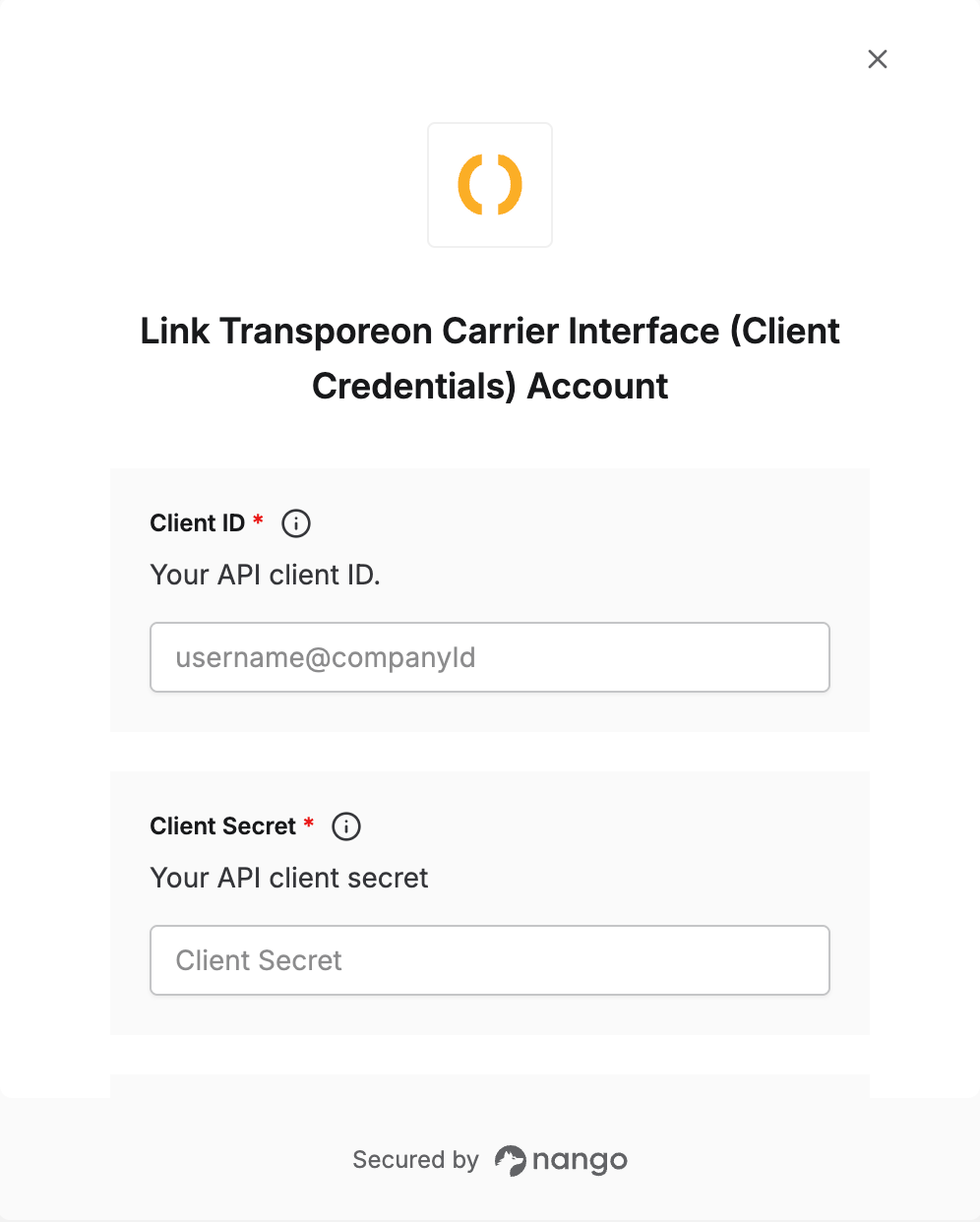
Step 3: Enter credentials in the Connect UI
Once you have your Client ID, Client Secret, Token Host, and API Host:- Open the form where you need to authenticate with Transporeon.
- Enter your Client ID in its designated field.
- Enter your Client Secret in its designated field.
- Select the Token Host matching the credentials you were issued.
- Select the matching API Host — it must be the same environment as the Token Host.
- Submit the form, and you should be successfully authenticated.