

Overview
The Toggl Track API authenticates with HTTP Basic Auth. Nango stores a username and password pair that map to one of two supported combinations:- Email and password —
usernameis your Toggl Track account email andpasswordis your account password. - API token —
usernameis your personal API token andpasswordmust be the literal stringapi_token.
Prerequisites
- A Toggl Track account
Step 1: Choose email/password or API token
Option A — Email and password Use the same email and password you use to sign in to Toggl Track. Option B — API token (recommended for integrations)- Sign in to Toggl Track and open your profile.
- Find your API token (personal token) and copy it.
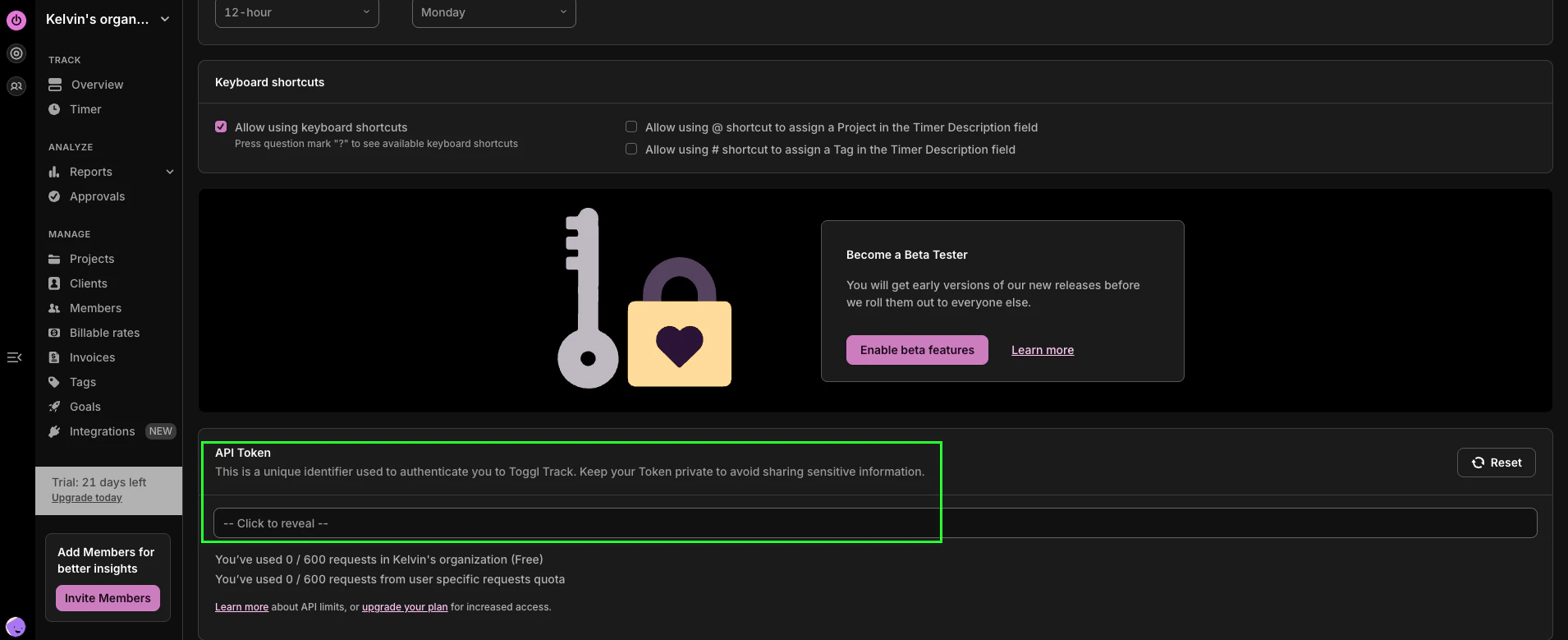
- In Nango, set Email or API token to the token value.
- Set Password or api_token to exactly
api_token(the wordapi_token, not your account password).
Step 2: Enter credentials in the Connect UI
- Open the form where you need to authenticate with Toggl Track.
- Enter Email or API token and Password or api_token as described above.
- Submit the form, and you should be successfully authenticated.
