Overview
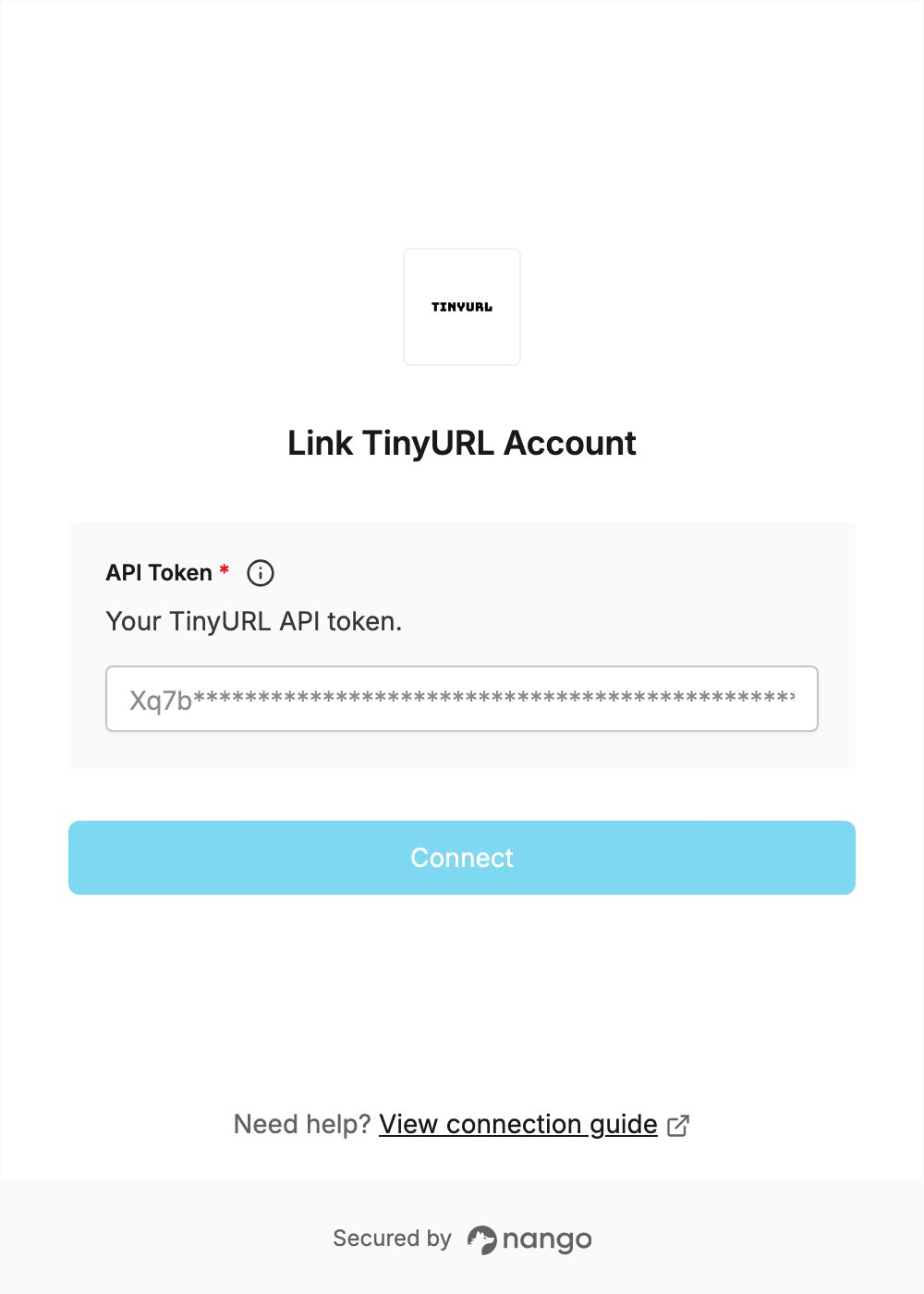
To authenticate with TinyURL, you need:- API Token — an API token from your TinyURL account settings.
Prerequisites
- A TinyURL account. Free plan users can use the API: sign up.
Step 1: Create an API token
- Sign in to TinyURL. If you just signed up, verify your email address first.
- Open your profile menu and go to Settings > API, or open the API settings page.
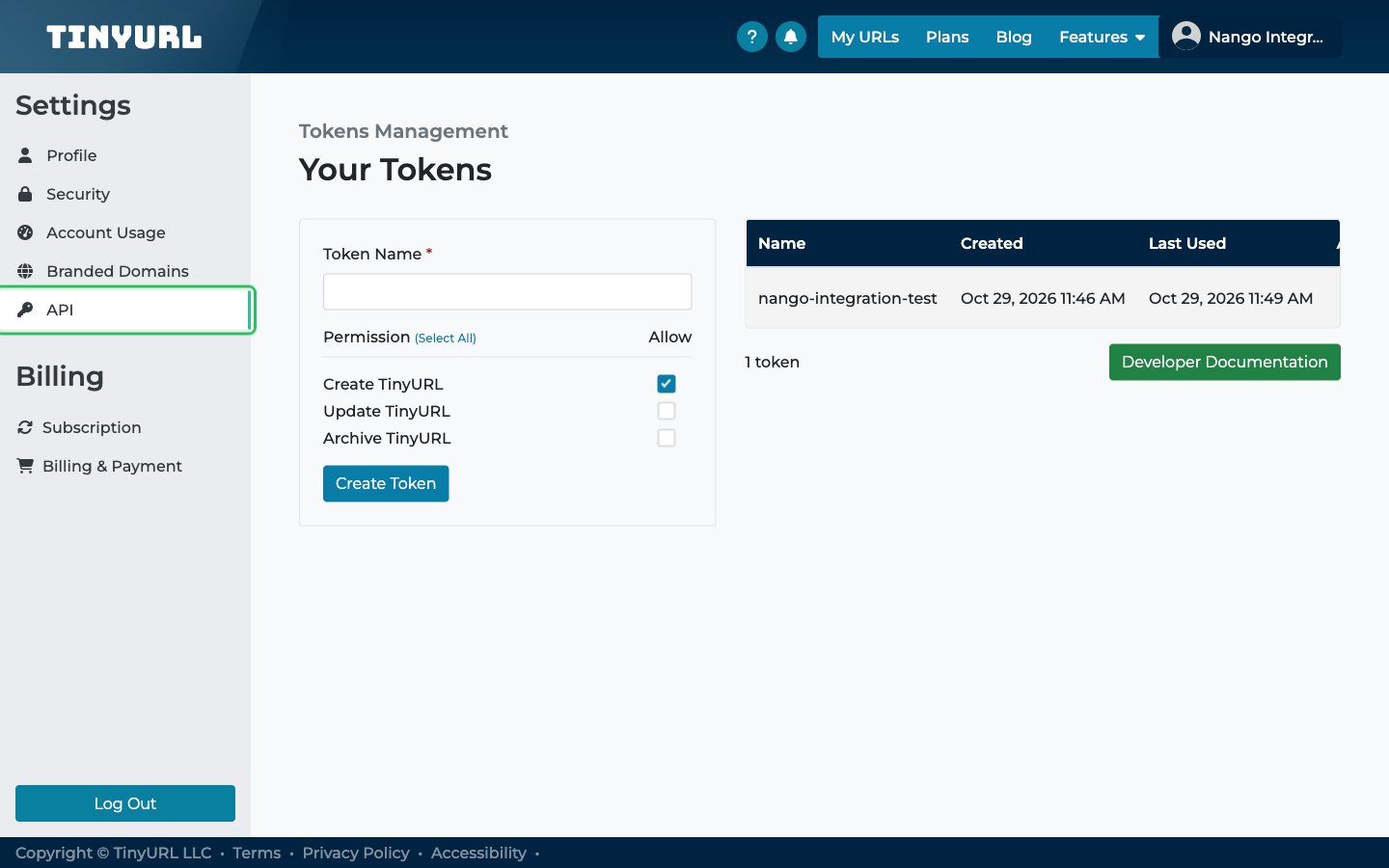
- Under Your Tokens, enter a Token Name.
- Tick only the permissions your integration needs.
- Click Create Token.
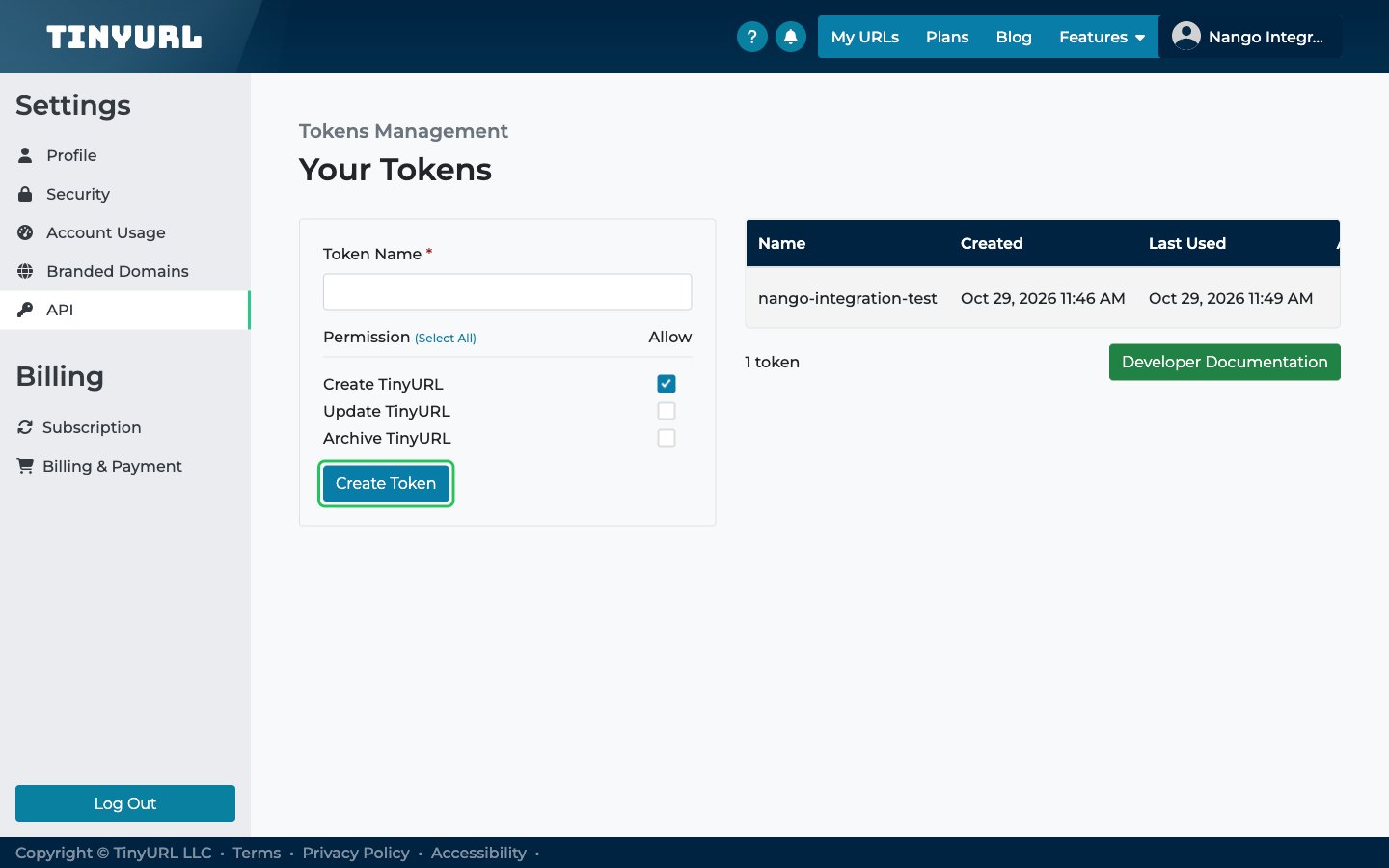
- In the API Token pop-up, click Copy To Clipboard and store the token somewhere safe.
Step 2: Enter your API token in the Connect UI
- Open the form where you need to authenticate with TinyURL.
- Enter your API Token in the designated field.
- Submit the form, and you should be successfully authenticated.