Overview
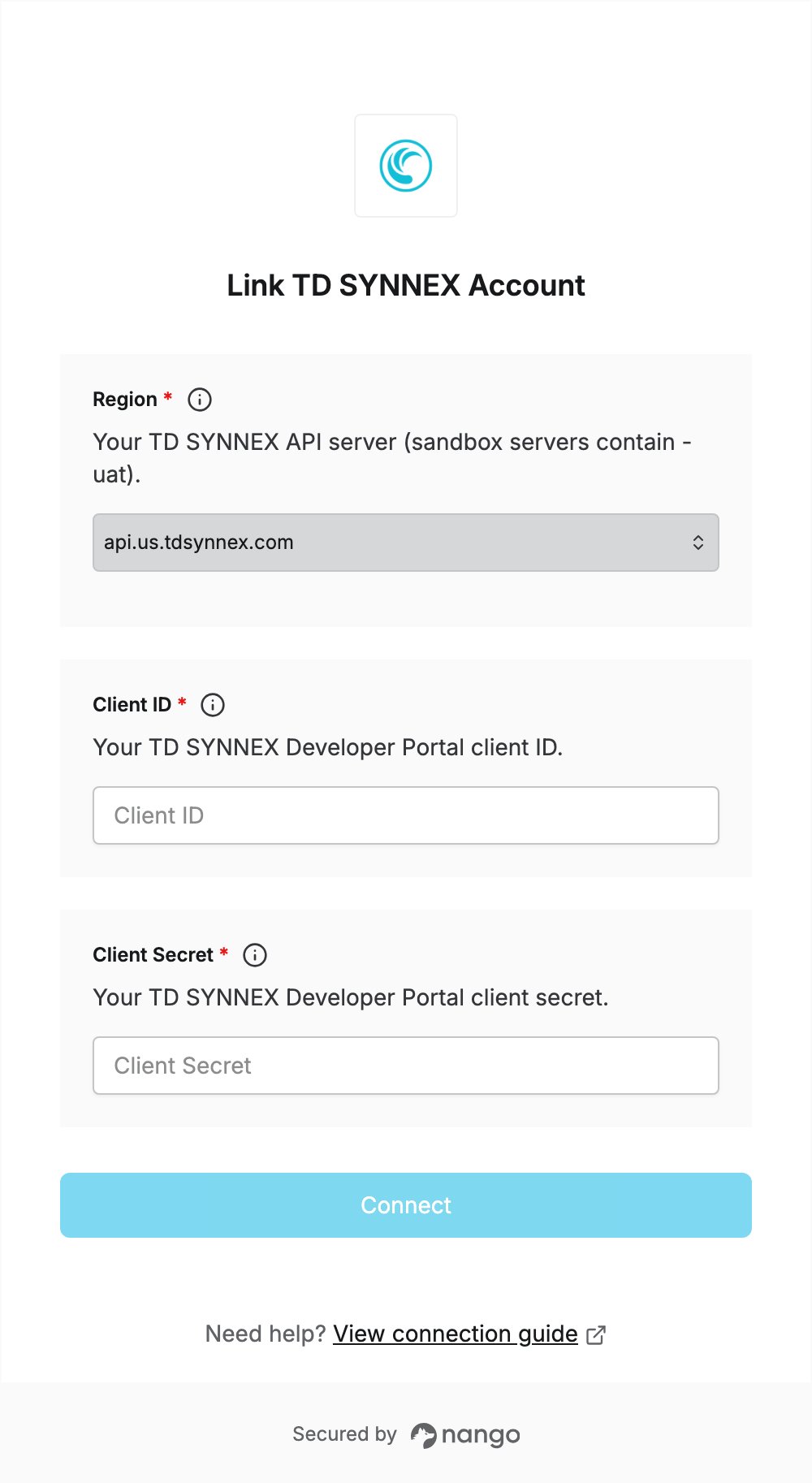
To authenticate with TD SYNNEX, you need:- Client ID and Client Secret — client credentials from the TD SYNNEX Developer Portal.
- Region — the TD SYNNEX API server for your region and environment.
Prerequisites
- You must be a TD SYNNEX customer with a PartnerFirst account to access the Developer Portal.
Step 1: Create client credentials
- Log in to PartnerFirst and go to Integrate → Developer Portal.
- In the Developer Portal, select Client Credentials from the left-hand menu.
- Press the + sign under PROD to show the Client Secret.
- Copy the Client ID and Client Secret and store them somewhere secure.
The Client Secret is only visible immediately after creation. Save it before leaving the page.
Step 2: Select your region
Select the API server for your TD SYNNEX region. Use a production server with production credentials, and a sandbox server (its host contains-uat) with sandbox credentials.
Step 3: Enter your credentials in the Connect UI
- Open the form where you need to authenticate with TD SYNNEX.
- Select your Region, then enter your Client ID and Client Secret.
- Submit the form. Nango requests an access token with your credentials and rejects the connection if they are wrong.