Overview
To authenticate with TD SYNNEX StreamOne Ion, you need:- Account ID - Your StreamOne Ion reseller account ID.
- Refresh Token - The OAuth refresh token generated for a StreamOne Ion user.
Prerequisites
- A StreamOne Ion partner account. Access is granted through TD SYNNEX partner onboarding; there is no self-service sign-up.
- Permission to edit users in the StreamOne Ion portal.
Instructions
Step 1: Find your account ID
- Log in to the StreamOne Ion portal.
- Go to Quick Access -> Account Information.
- Copy your Account ID, for example
10505.
Step 2: Generate a refresh token
TD SYNNEX recommends a dedicated API user for integrations.- In the StreamOne Ion portal, click the Settings icon in the top-right corner.
- Click Users.
- Select the user the integration should act as and click Edit.
- Under Oauth credentials, click Request New Credentials.
- Copy the Refresh Token.
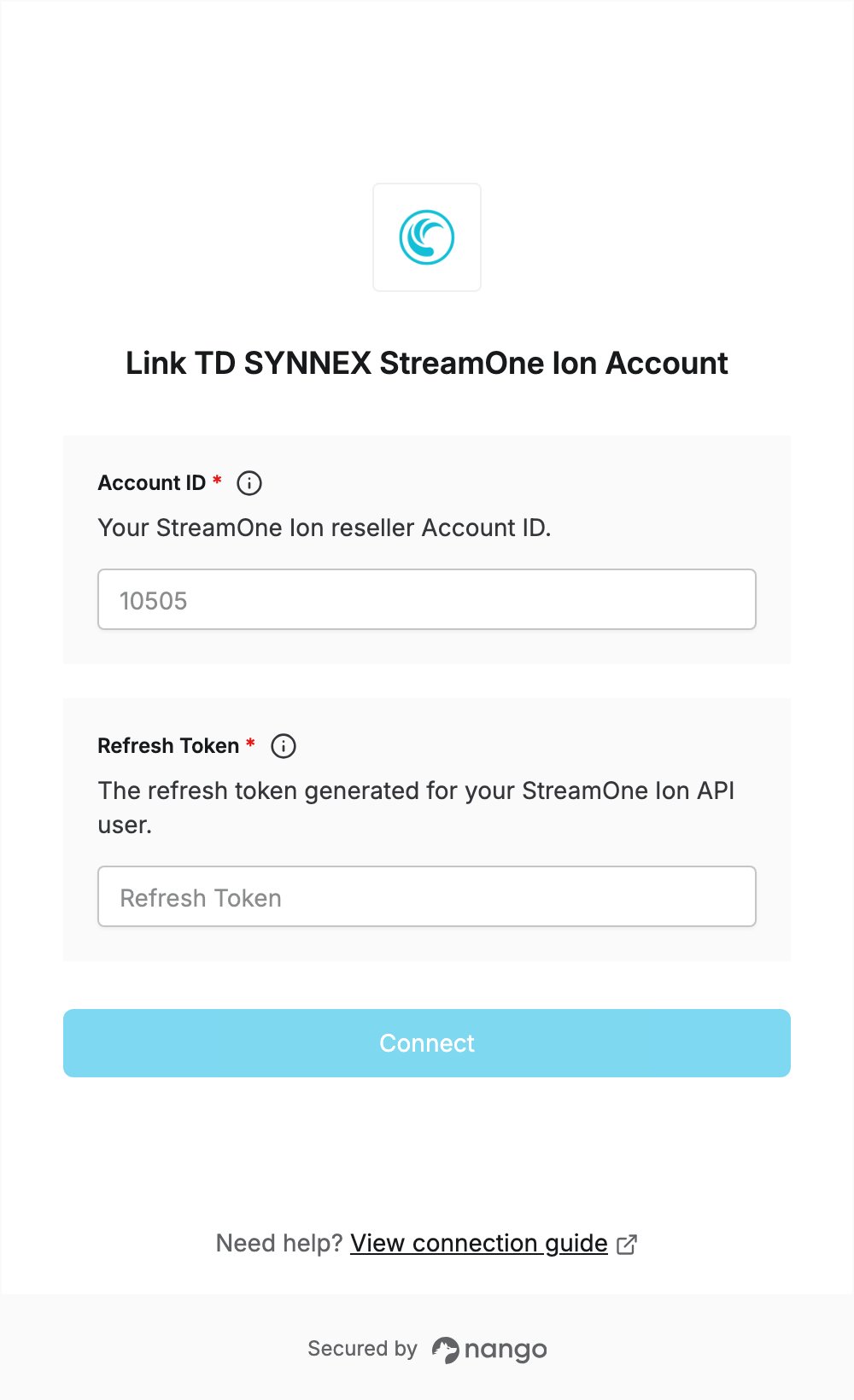
Step 3: Enter your credentials in the Connect UI
- Open the form where you need to authenticate with TD SYNNEX StreamOne Ion.
- Enter your Account ID and Refresh Token.
- Click Connect. Nango exchanges the refresh token for an access token, so a wrong or already used refresh token is rejected.