Overview
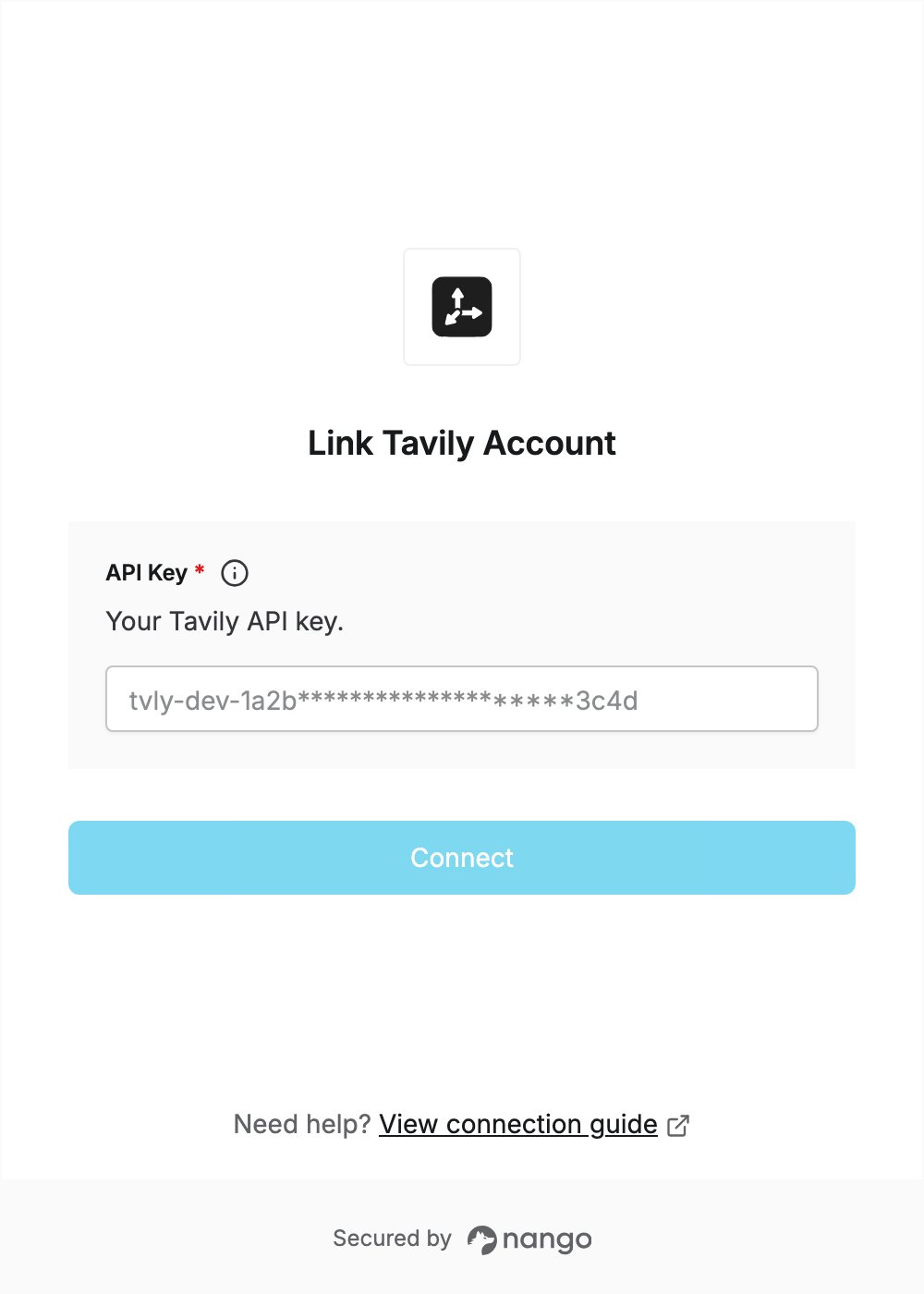
To authenticate with Tavily, you need:- API Key — a key from your Tavily dashboard.
Prerequisites
- A Tavily account. You can sign up for free at app.tavily.com.
Step 1: Create an API key
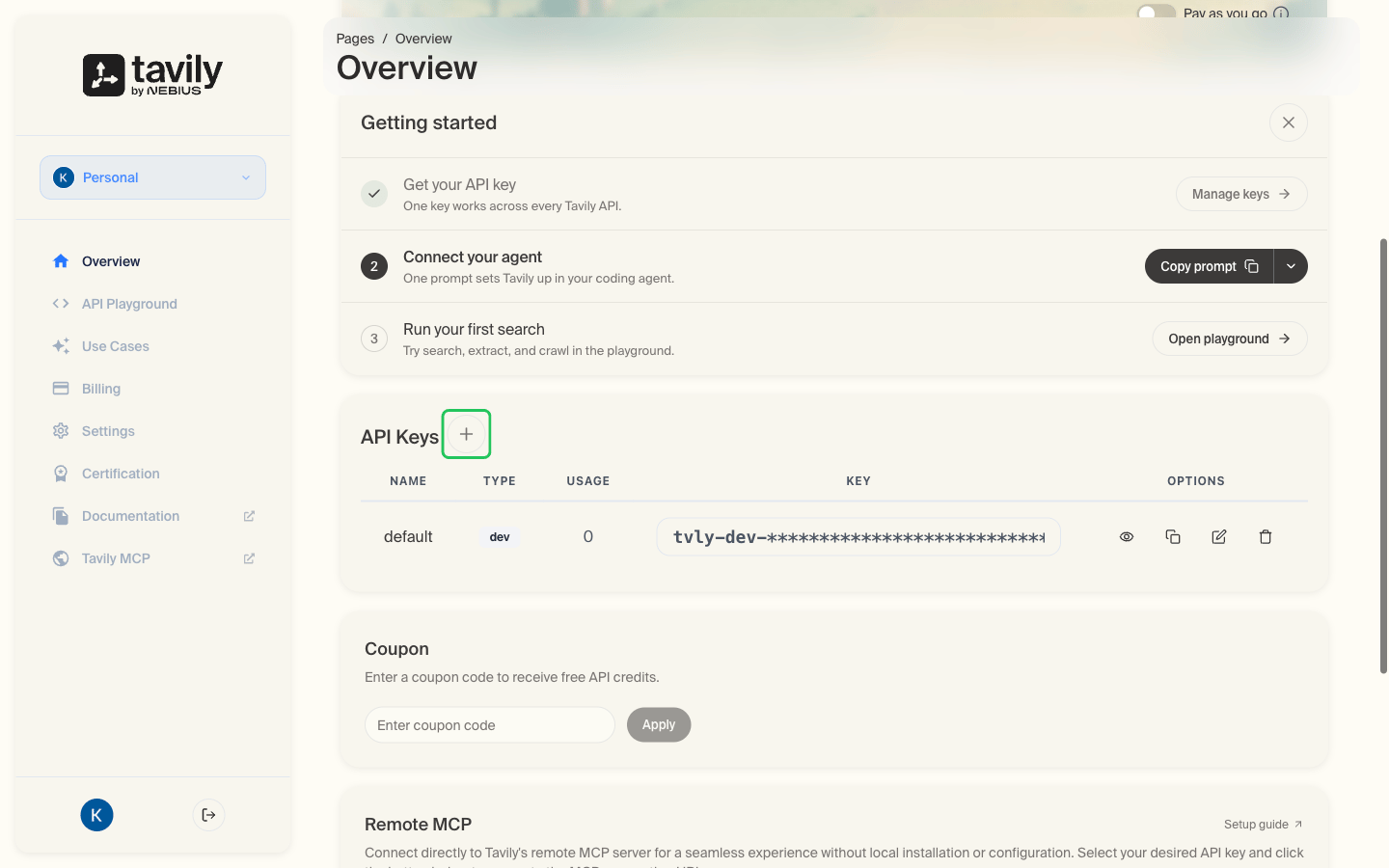
- Sign in to the Tavily Platform. New accounts land on the Overview page.
- Scroll to the API Keys card and click the + button next to the heading.
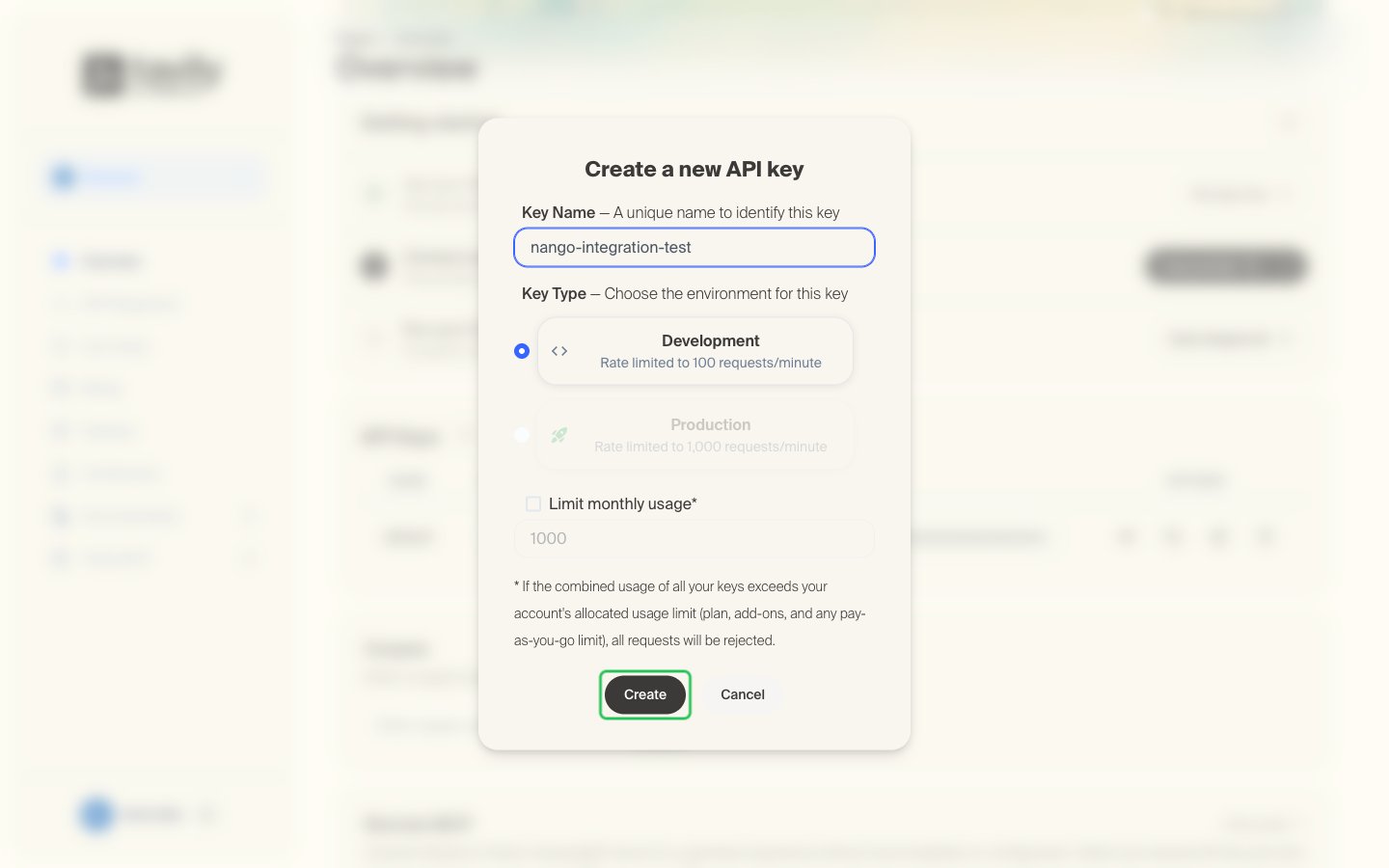
- Enter a Key Name, choose a Key Type, then click Create. On the free plan, Development is the only key type available.
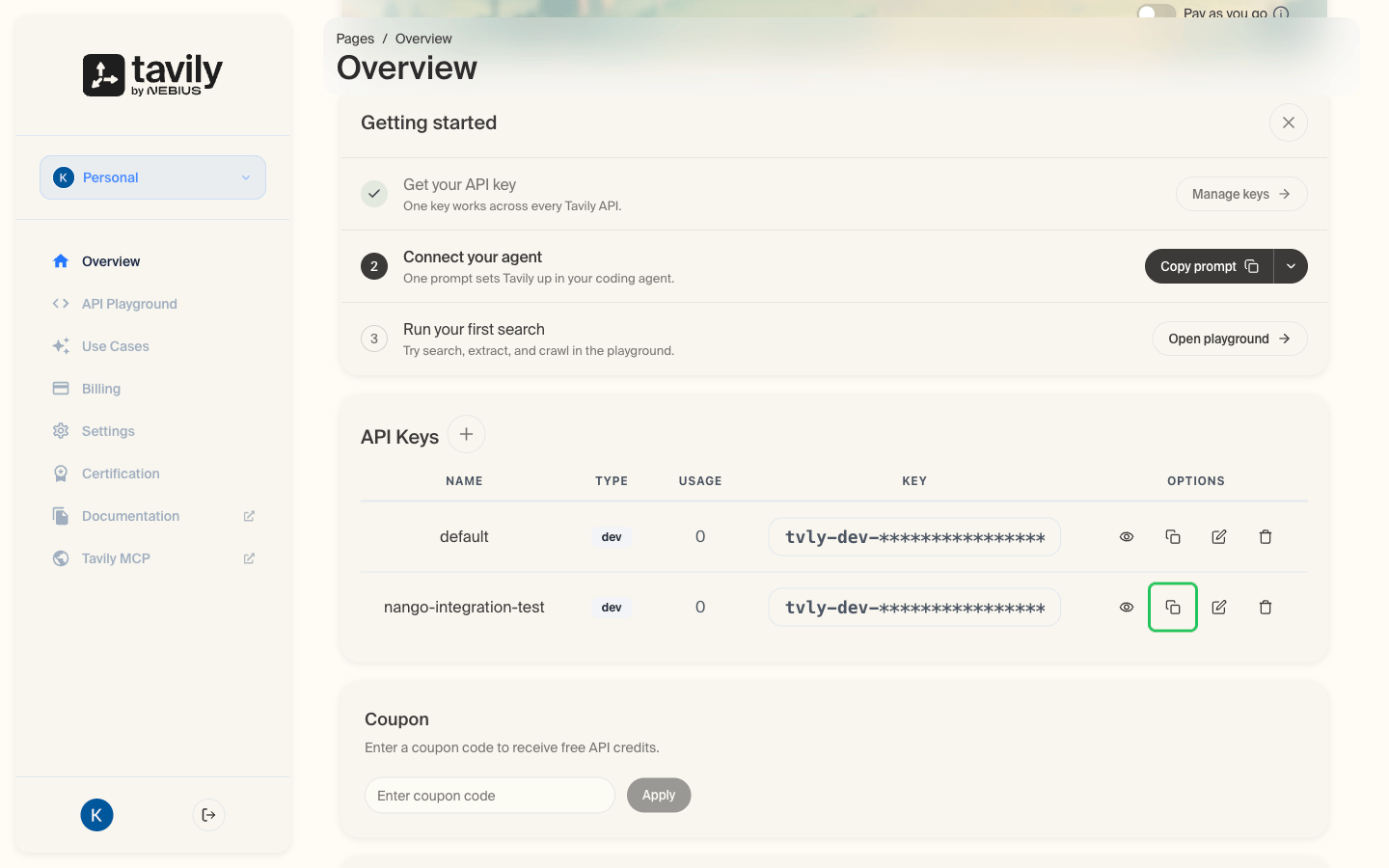
- The new key shows up in the API Keys table. Click the copy icon in its row to copy the key. Keys start with
tvly-.
Step 2: Enter your API key in the Connect UI
- Open the form where you need to authenticate with Tavily.
- Enter your API Key in the designated field.
- Submit the form, and you should be successfully authenticated.