Overview
To authenticate with Tally, you will need:- API Key — A key that grants secure access to the API and lets authorized applications interact with Tally resources and services.
Prerequisites
- An active Tally account
Instructions
Step 1: Create an API key
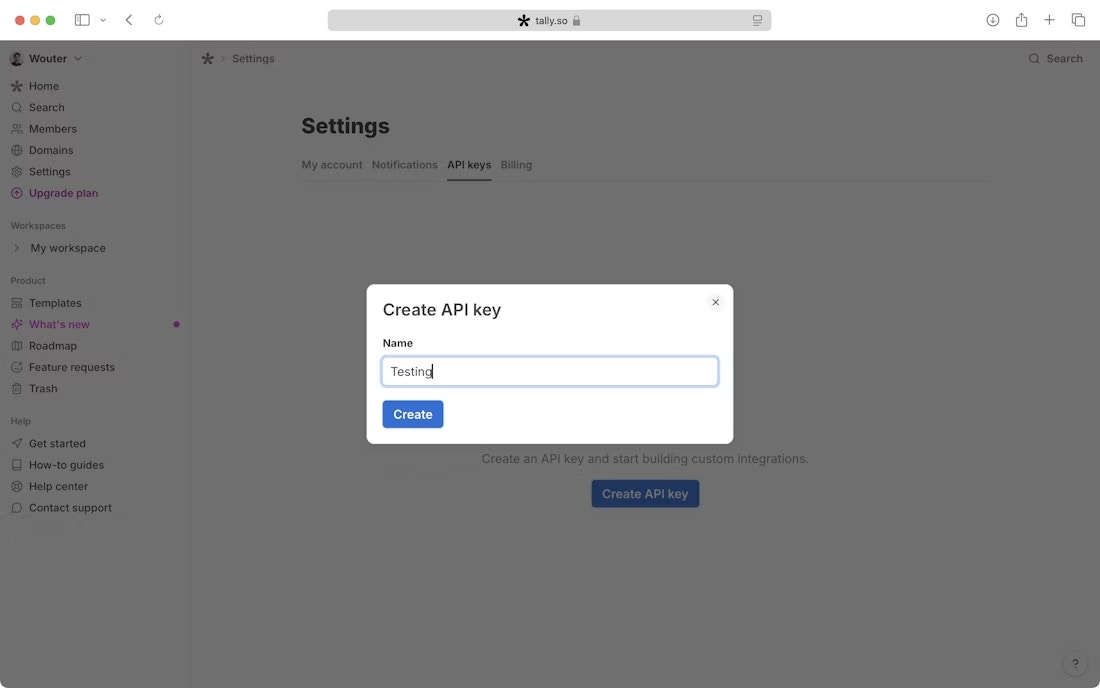
- Log in to your API keys page.

- Click Create API key.
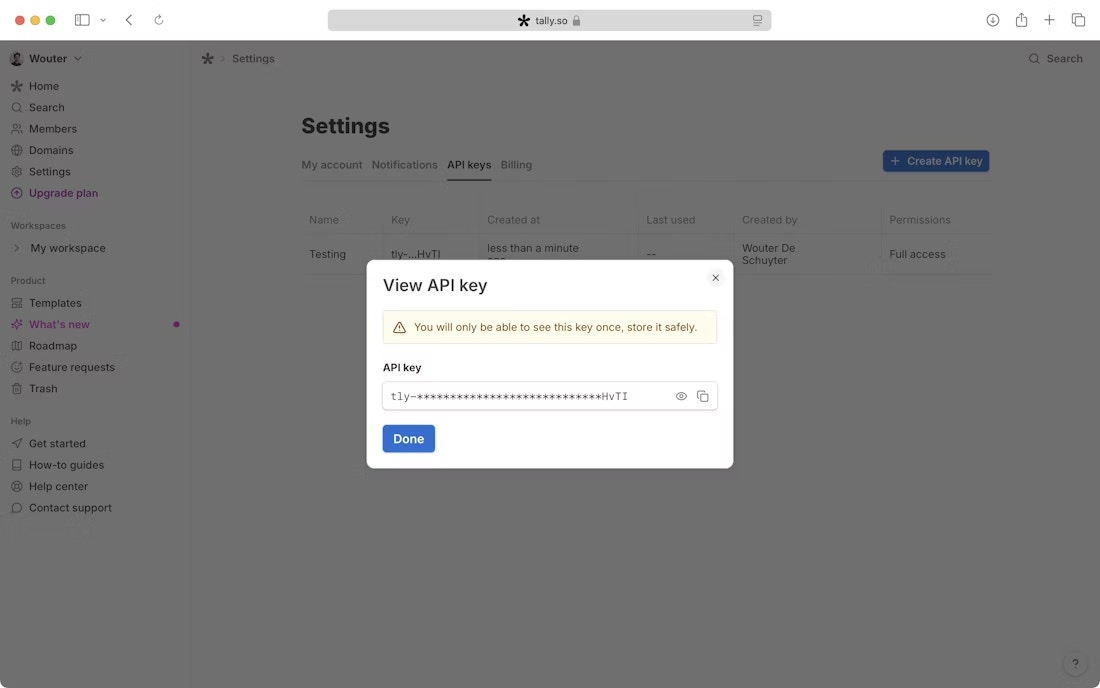
- Copy and store your API Key in a safe place. You will not be able to see it again after creation. If you lose it, create a new one.
Step 2: Enter credentials in the Connect UI
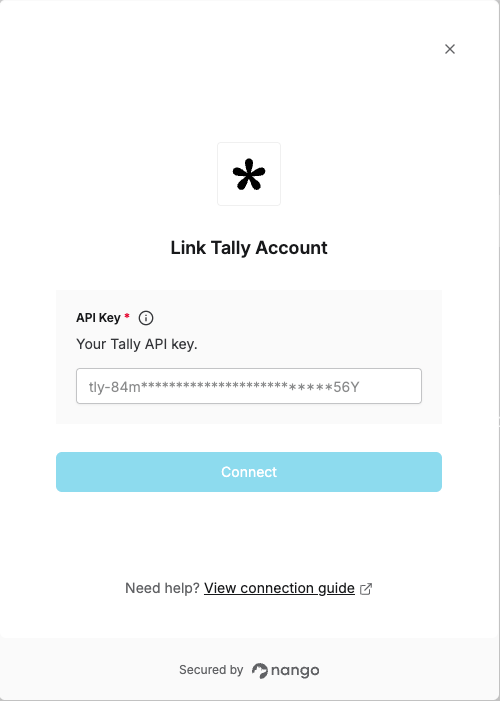
Once you have your API Key:- Open the form where you need to authenticate with Tally.
- Enter your API Key in the respective field.
- Submit the form; you should then be successfully authenticated.