Overview
To authenticate with SureContact, you need:
- API Key — A key that grants access to the SureContact API.
This guide walks you through creating your API key.
Prerequisites
- An active SureContact account
Instructions
Step 1: Create an API key
- Log in to your SureContact account.
- Click your Profile in the top bar and select API Keys.
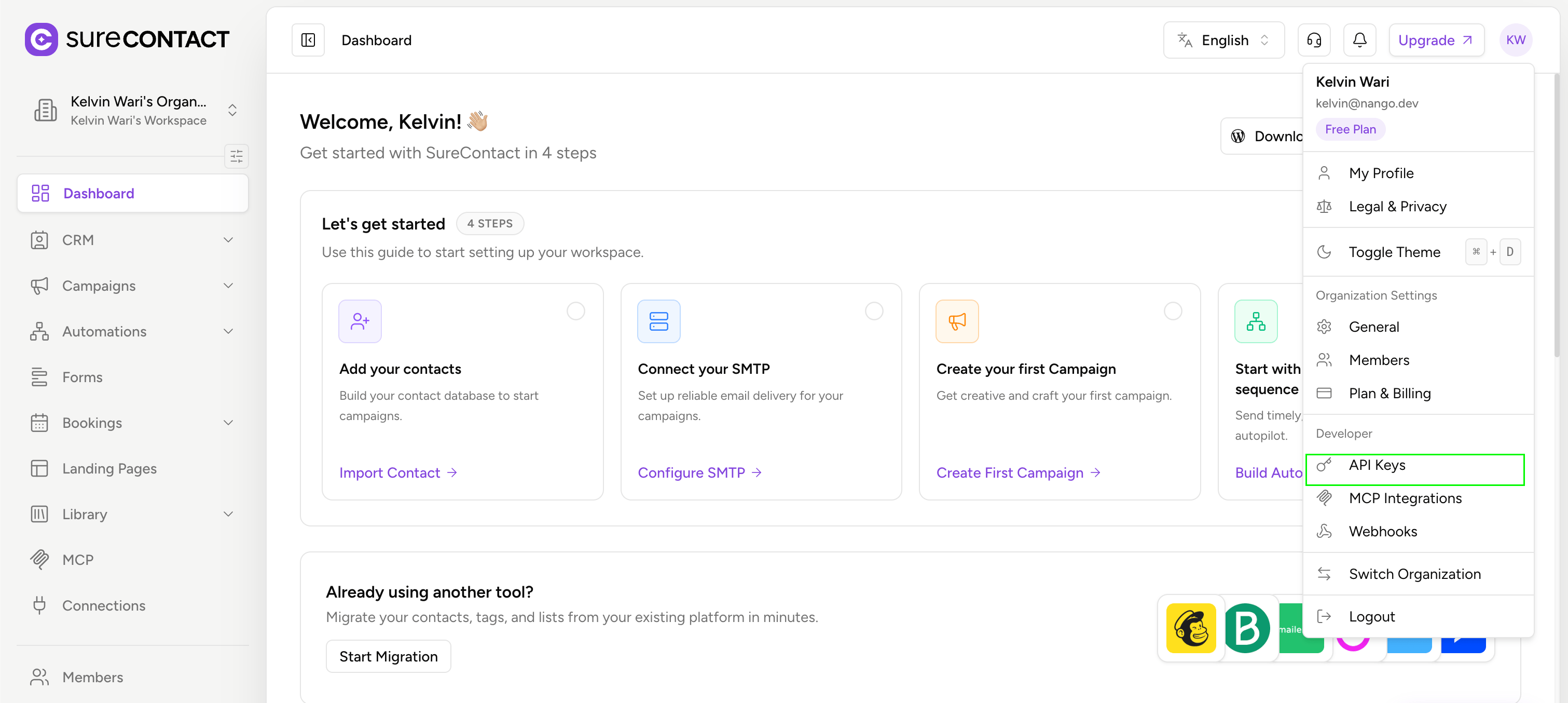
- Click Create API Key.

- Select the required abilities (read, write, delete) for your integration.
- Copy the key immediately — it won’t be shown again.
Store the API key securely. Never expose it in client-side code, logs, or URLs.
Step 2: Enter credentials in the Connect UI
Once you have your API key:
- Open the form where you need to authenticate with SureContact.
- Enter your API Key in the designated field.
- Submit the form.
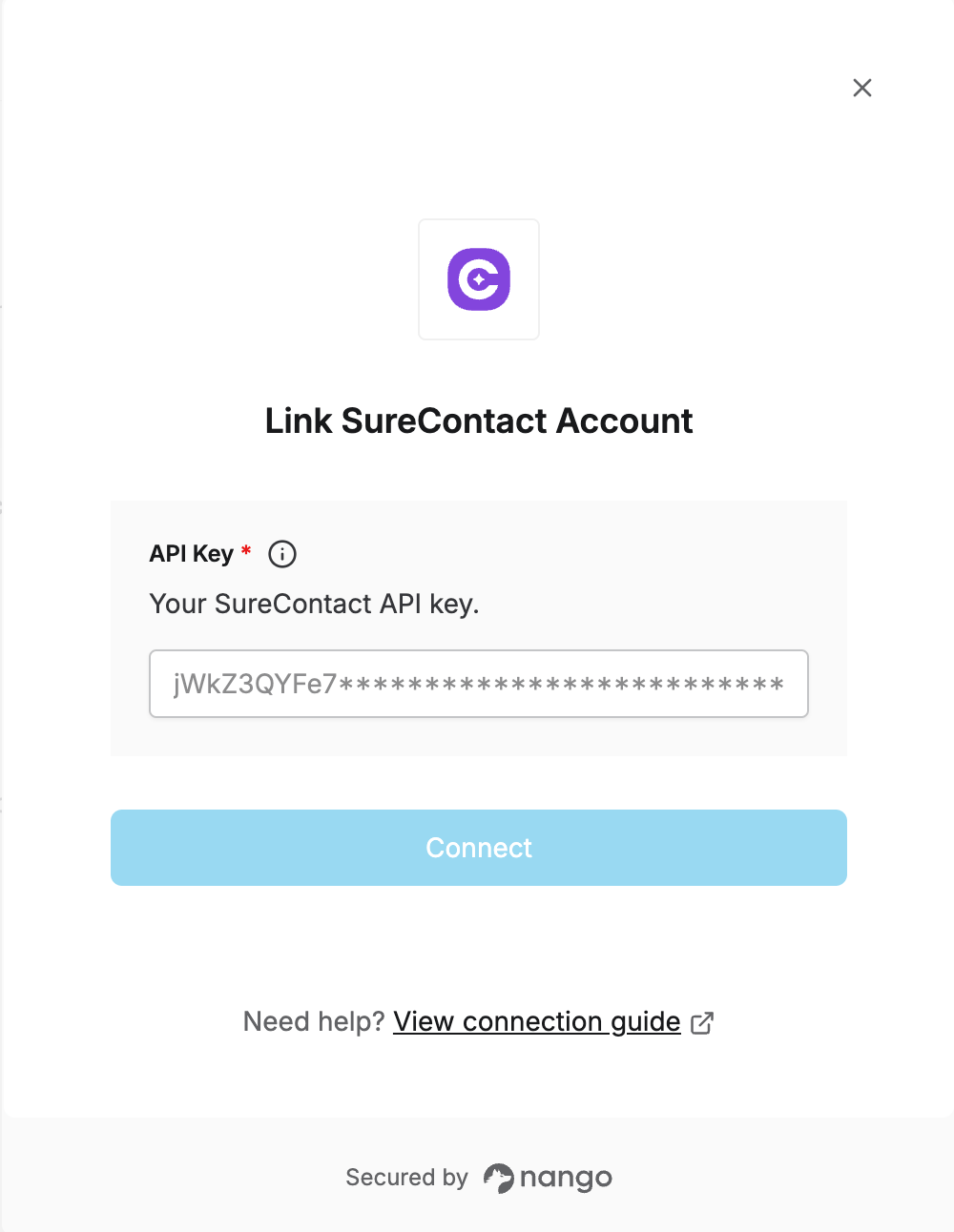 You are now connected to SureContact.

