Overview
To authenticate with Superfiliate, you need:- Client ID and Client Secret — a Superfiliate API key pair.
Prerequisites
- A Superfiliate account with access to Settings → Developers.
Step 1: Create an API key
- Log in to the Superfiliate app.
- Go to Settings → Developers.
- Create a new API key and choose the scopes your integration needs. A key’s scopes can’t be edited later, so choose every scope you need when you create it.
- Copy the Client ID (starts with
sfci1_) and the Client Secret (starts withsfcs1_).
Each key is scoped to one store and to the scopes you choose. A request to an endpoint whose scope the key doesn’t have returns
403 Forbidden.Step 2: Enter your credentials in the Connect UI
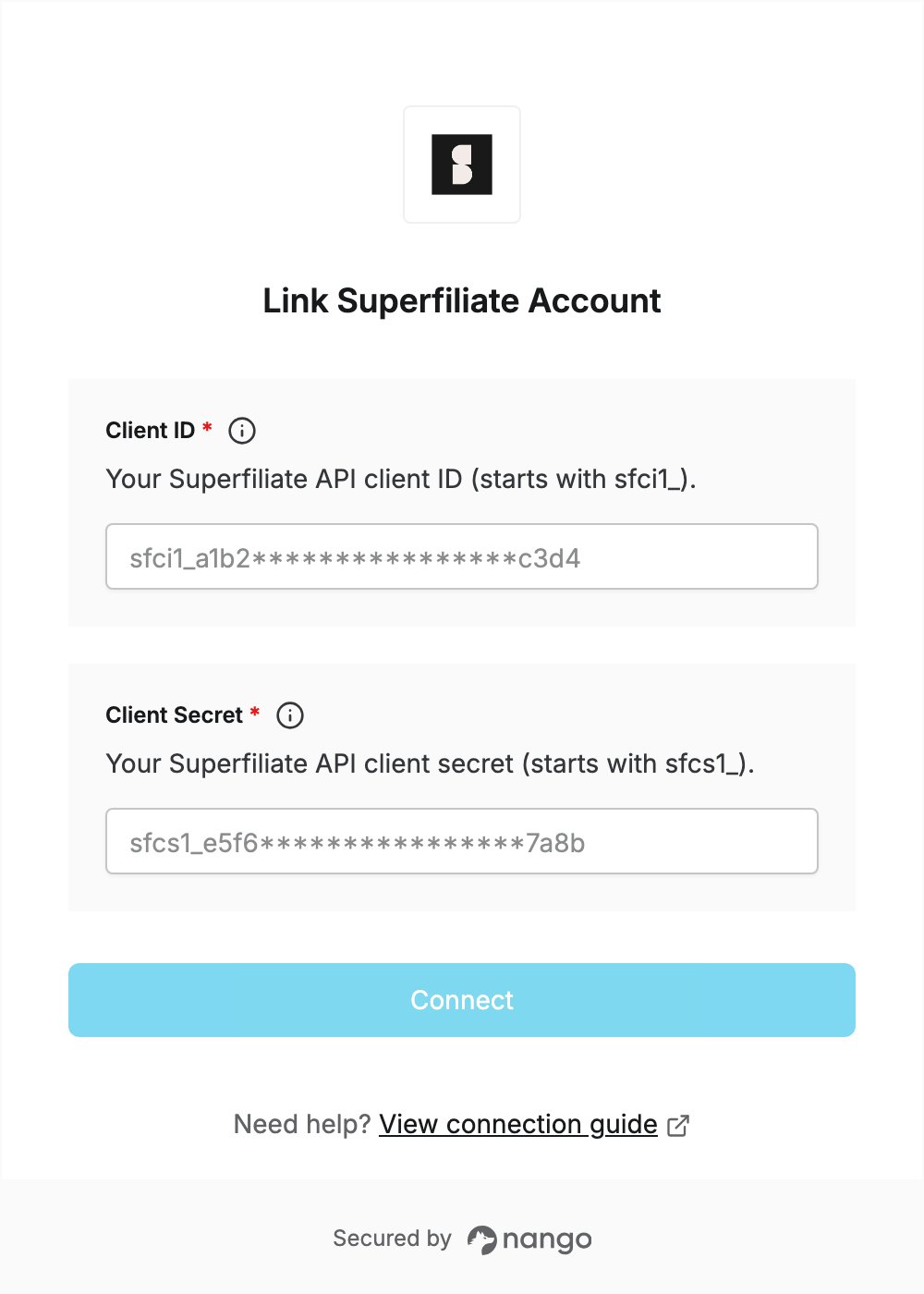
- Open the form where you need to authenticate with Superfiliate.
- Enter your Client ID and Client Secret in the designated fields.
- Submit the form. The connection is saved without checking the credentials: if the credentials are wrong, the first API request returns an authentication error.