Overview
To authenticate with Stedi, you need:- API Key — a key created in your Stedi account, scoped as either Test or Production.
Prerequisites
Step 1: Creating an API key
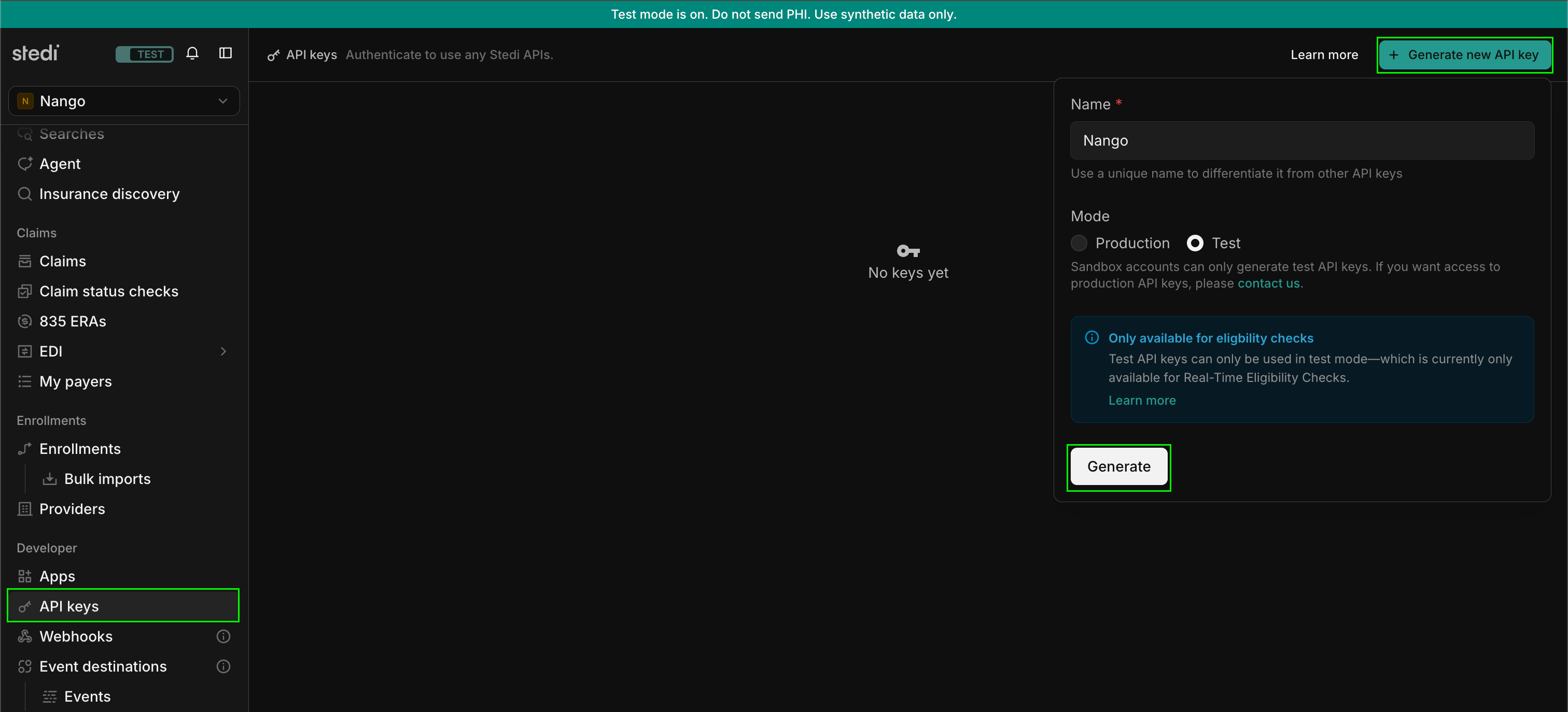
- Log in to your Stedi account.
- Click API keys in the side navigation.
- Click + Generate new API Key.
- Enter a descriptive name for the key.
- Choose Test or Production as the Mode. Test keys return mock responses for eligibility checks and most claims endpoints; Production keys send real transactions to payers.
- Click Generate, then copy the key immediately — Stedi won’t show it again once you close the dialog.
Step 2: Enter your API key in the Connect UI
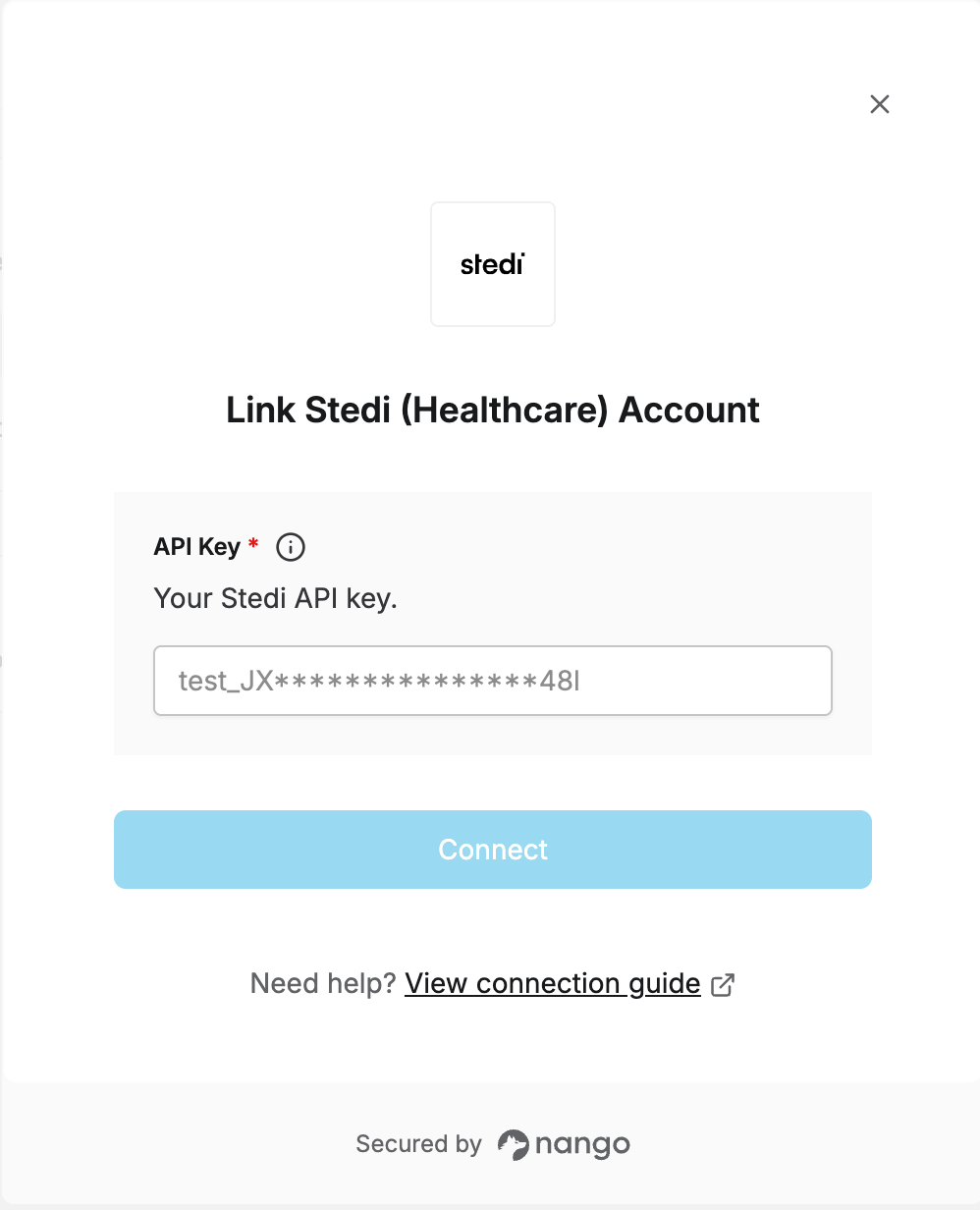
Once you have your API key:- Open the form where you need to authenticate with Stedi.
- Enter your API Key in the designated field.
- Submit the form, and you should be successfully authenticated.