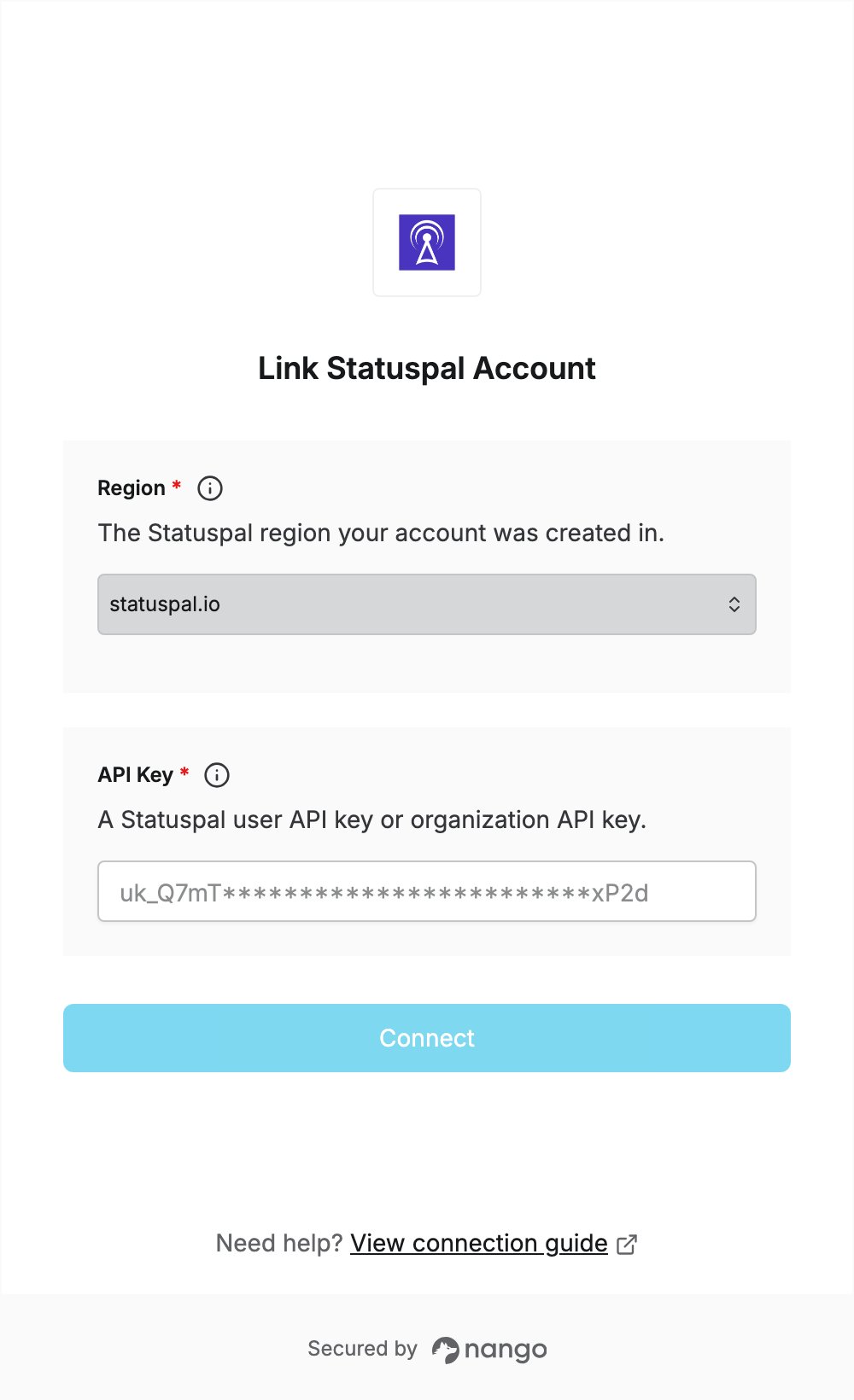
Overview
To authenticate with Statuspal, you need:- Region — the Statuspal region your account was created in.
- API Key — a Statuspal user API key or organization API key.
Prerequisites
- A Statuspal account.
Step 1: Find your region
Statuspal runs separate US and EU regions. Your region is the site you sign in to:Step 2: Get an API key
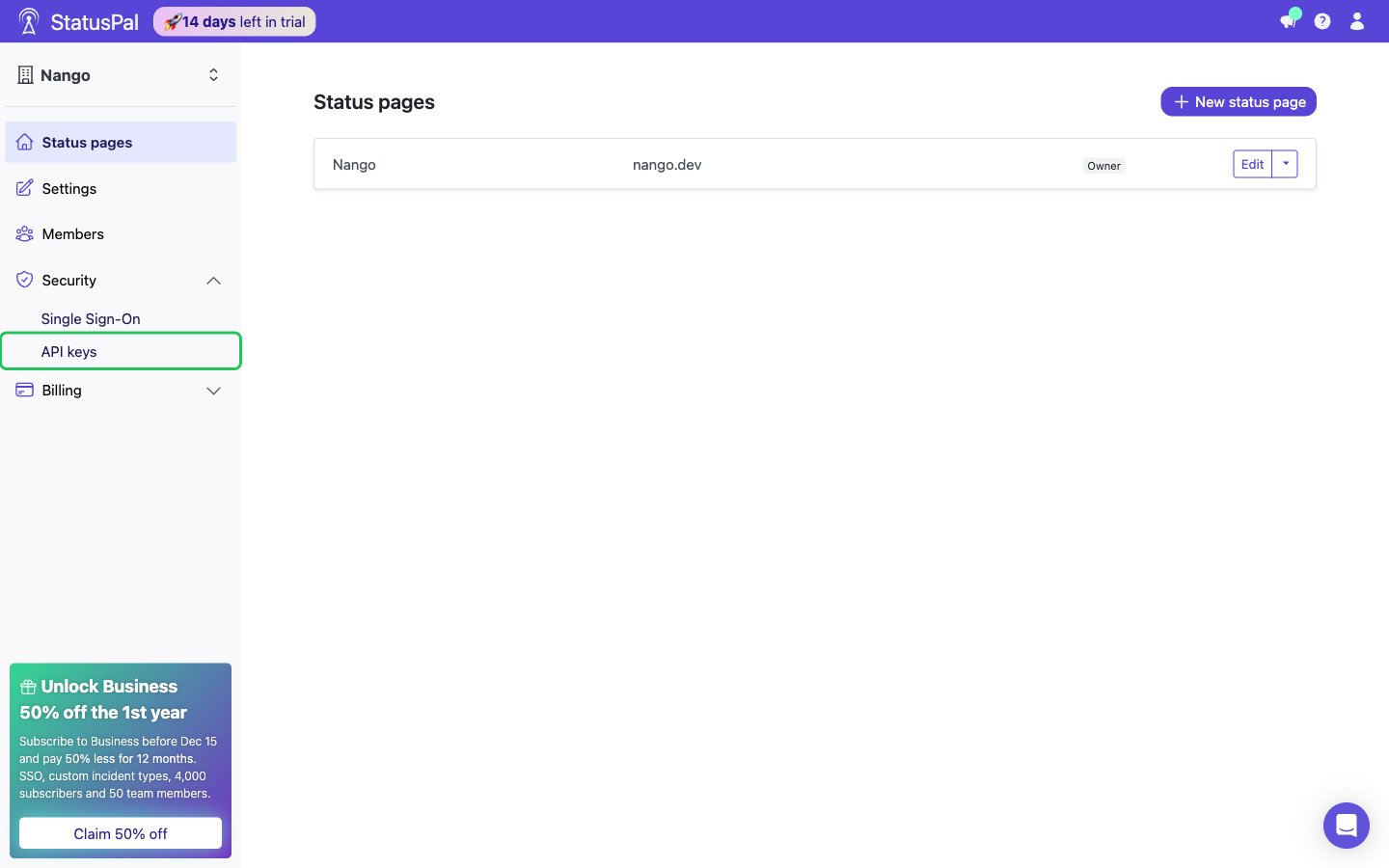
Statuspal accepts two kinds of API key. Use either one. Organization API key — read-only or read-and-write access to all status pages in your organization:- Sign in to Statuspal and open your organization by clicking its name in the left sidebar.
- Expand Security and click API keys.
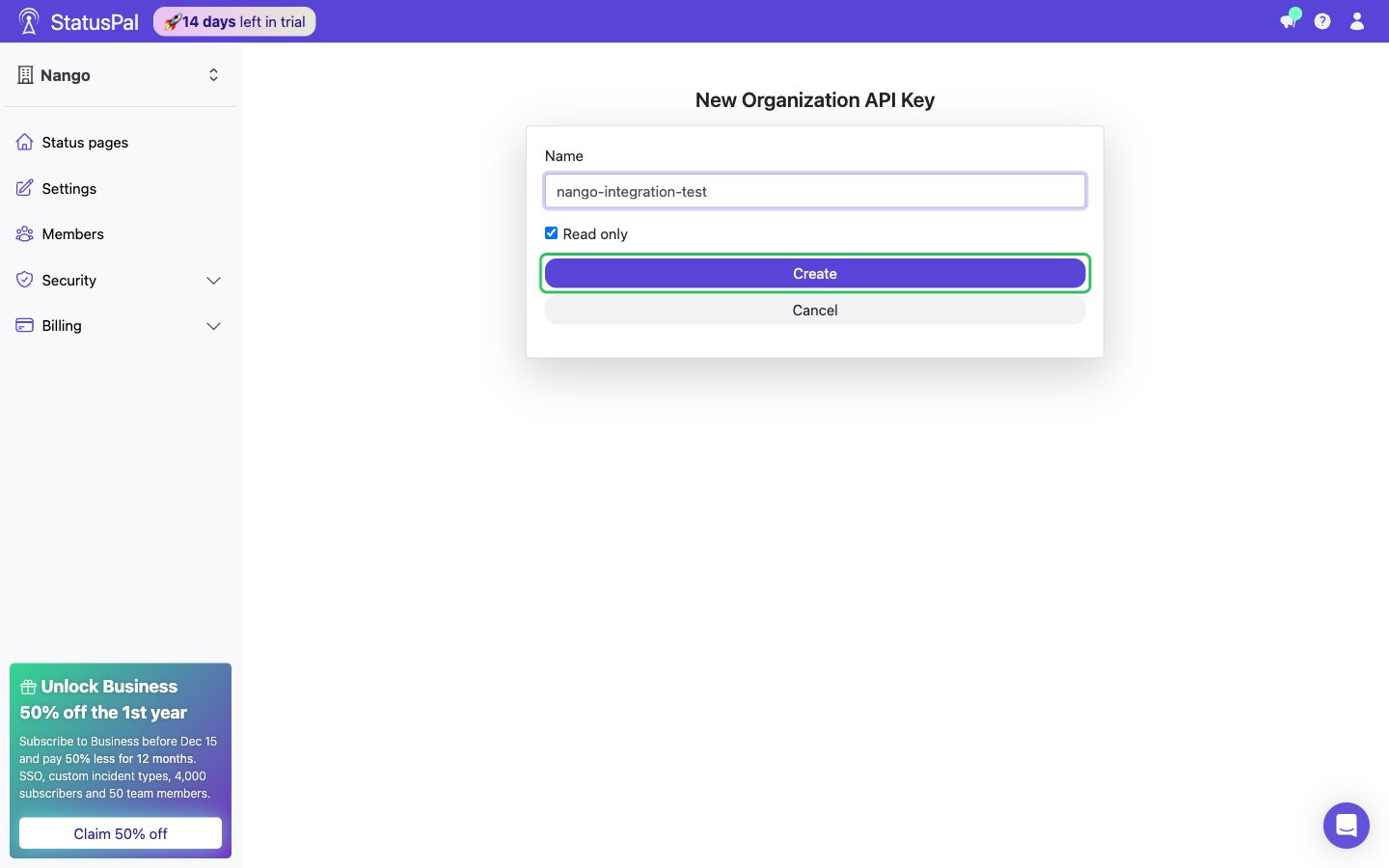
- Click Create API Key, enter a name, keep Read only checked if your integration only reads data, and click Create.
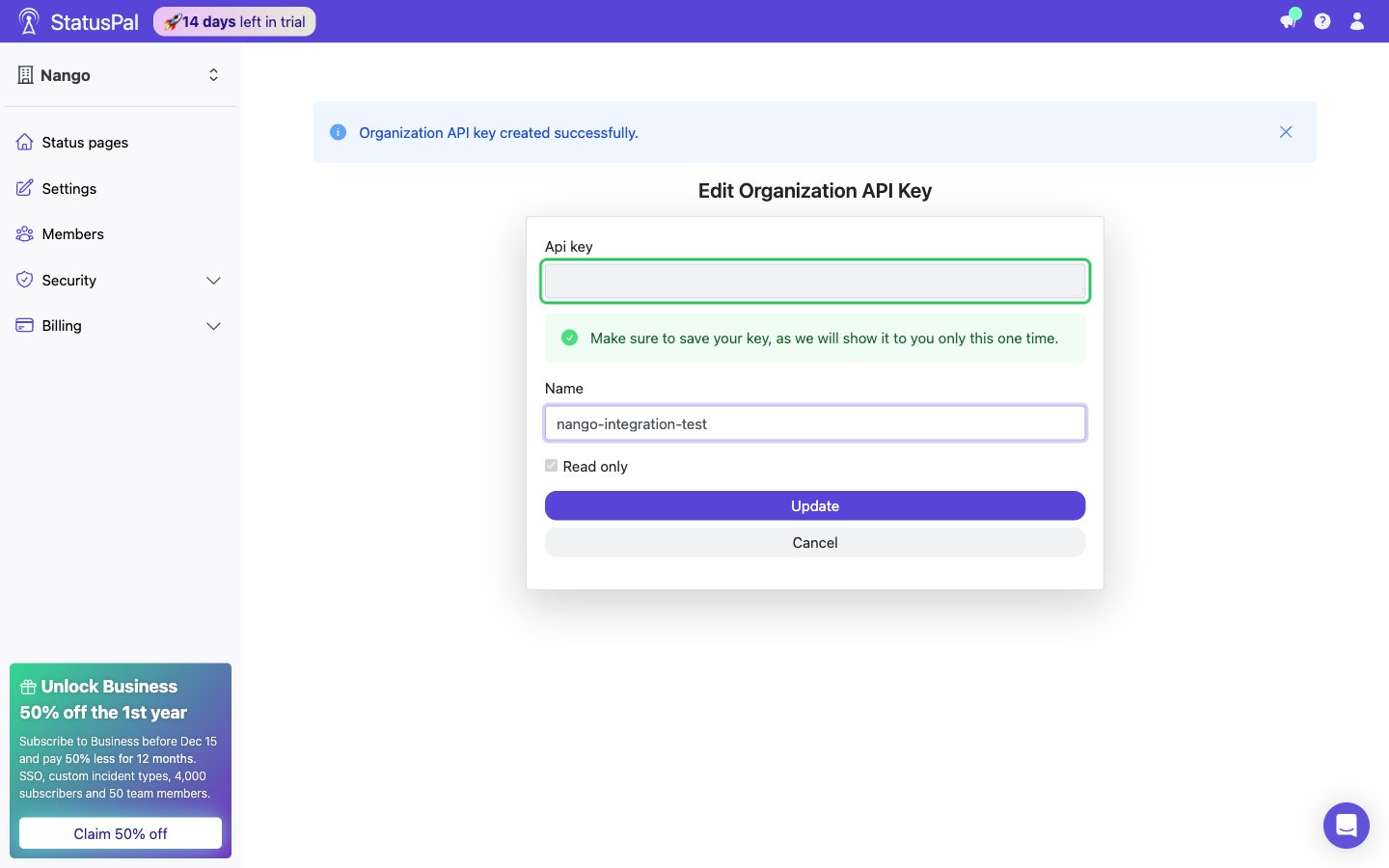
- Copy the API key. It starts with
ok_and is shown only once.
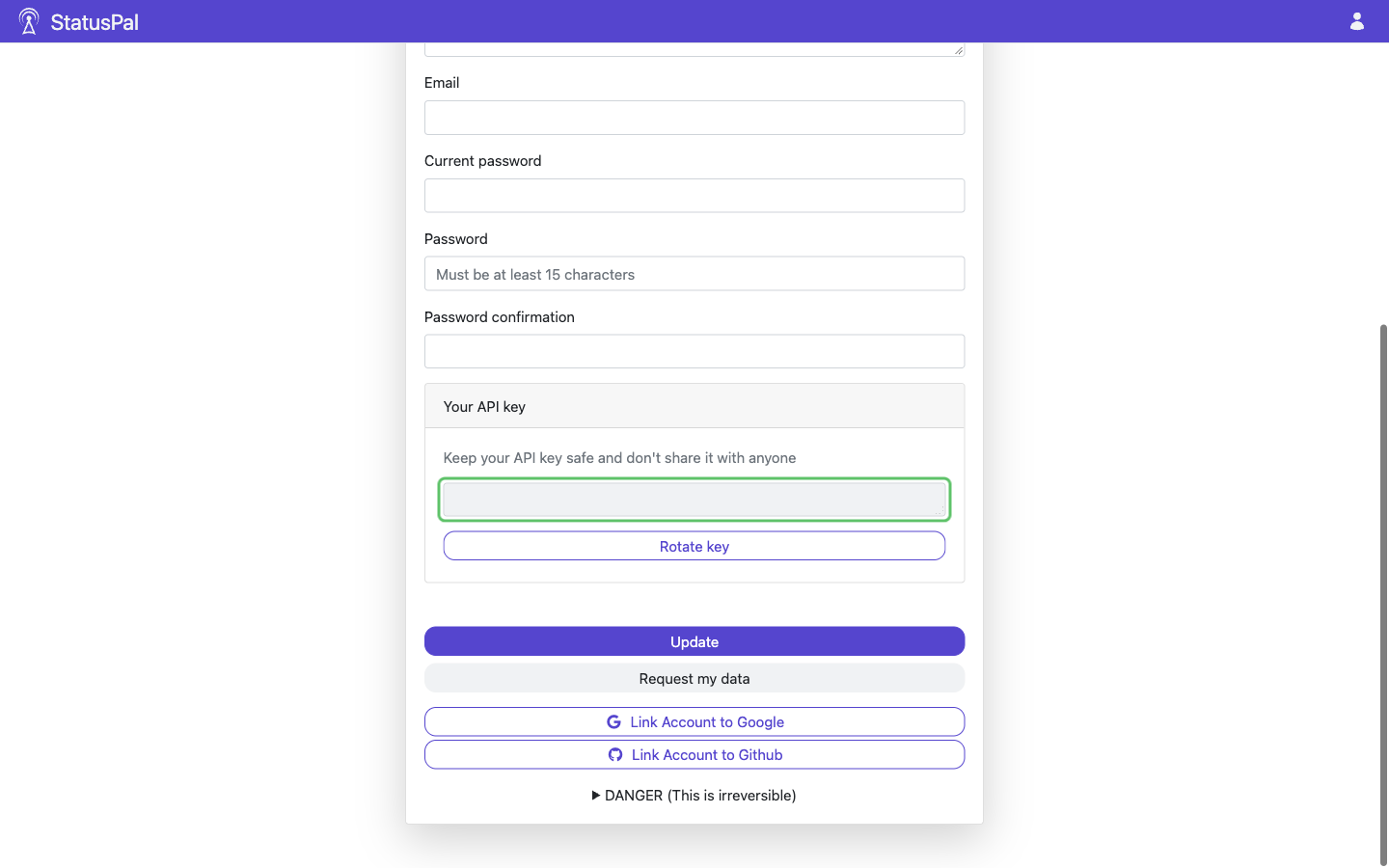
- Sign in to Statuspal, click the profile icon at the top right, then click My details.
- On the User Account page, copy the value under Your API key. It starts with
uk_.
Step 3: Enter your credentials in the Connect UI
- Open the form where you need to authenticate with Statuspal.
- Select your Region from Step 1 and enter your API Key from Step 2.
- Submit the form.