Overview
To authenticate with StatusCake, you need:- API Key — a StatusCake API key.
Prerequisites
- A StatusCake account. API keys are available on the free plan.
Step 1: Generate an API key
- Sign in to StatusCake.
- Open the Account menu (top right) and go to Account Settings.
- Scroll to the Developer section and click Manage API keys.
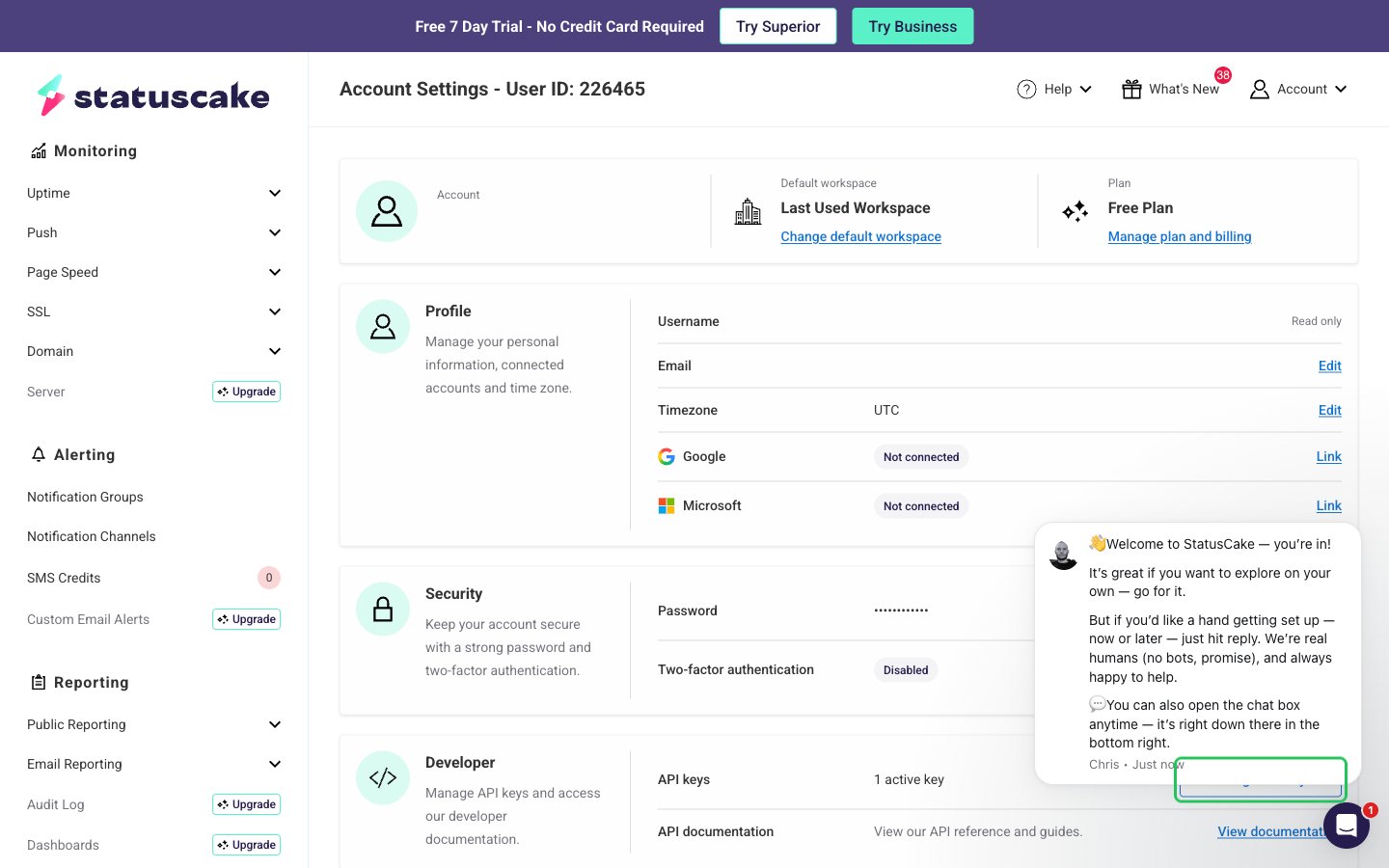
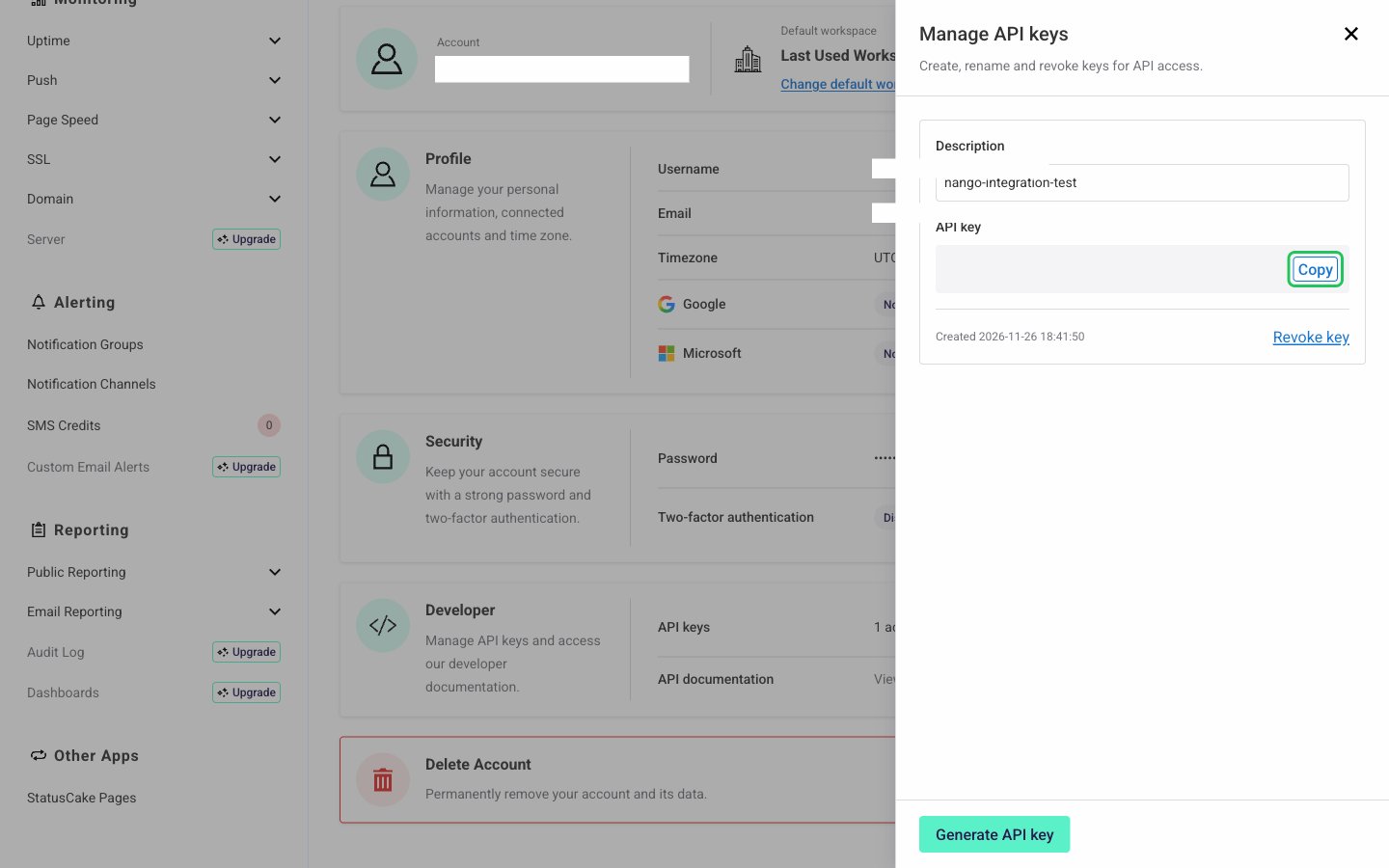
- In the Manage API keys panel, click Generate API key.
- Optionally, give the new key a Description so you can recognize it later.
- Click Copy next to the key and keep it somewhere safe.
Step 2: Enter your API key in the Connect UI
- Open the form where you need to authenticate with StatusCake.
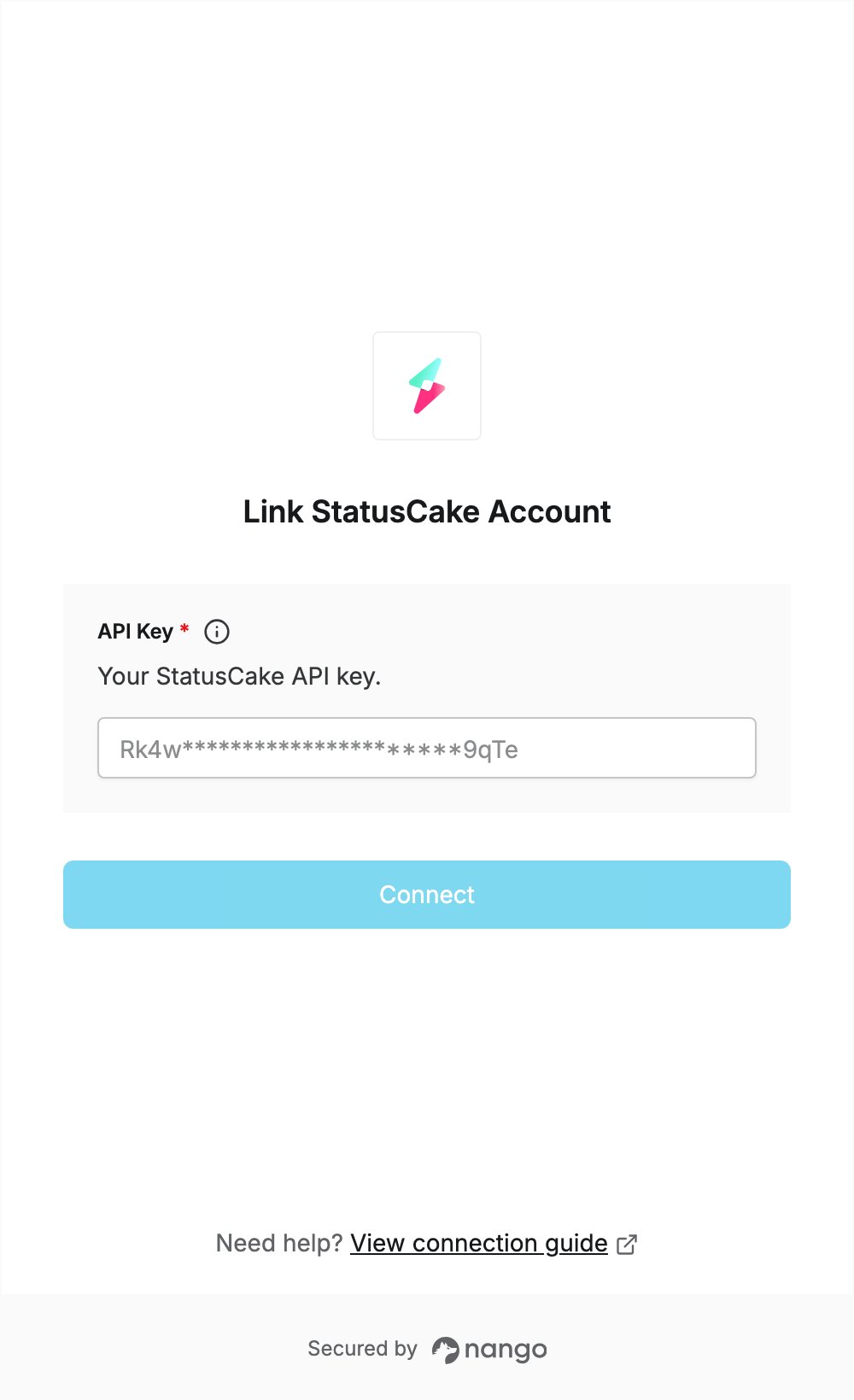
- Paste the key you copied in Step 1 into the API Key field.
- Submit the form. Nango checks the key with StatusCake before saving the connection.