Overview
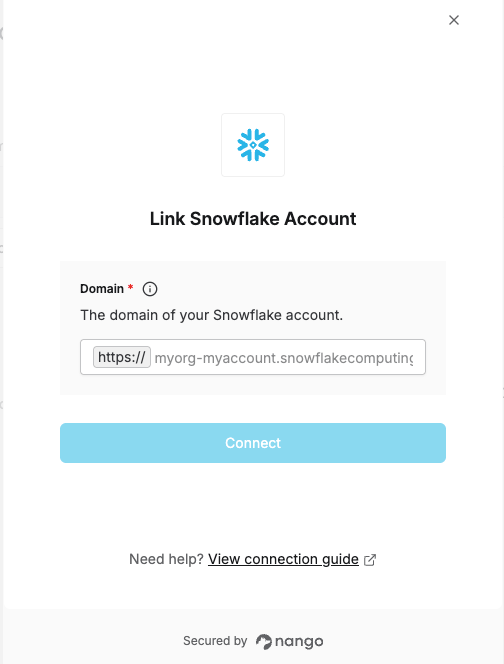
To authenticate with Snowflake, you will need:- Domain - Your Snowflake account domain (e.g.,
myorg-myaccount.snowflakecomputing.com)
Prerequisites:
- You must have a Snowflake account with access to the account you want to connect
Instructions:
Step 1: Find your Snowflake account domain
Your Snowflake account domain follows the format<account_identifier>.snowflakecomputing.com.
Option 1: From the Snowflake URL
When logged in to Snowflake, your browser URL contains the account identifier:
https:// and the first / — that is your domain (e.g., myorg-myaccount.snowflakecomputing.com).
Option 2: From Snowflake Admin
- Log into Snowflake with admin access.
- Navigate to Admin → Accounts.
- Find your account in the list and copy the Account URL (without the
https://prefix).
https:// prefix.
Step 2: Enter your domain in the Connect UI
- Open the form where you need to authenticate with Snowflake.
- Enter your domain in the Domain field (e.g.,
myorg-myaccount.snowflakecomputing.com). - Click Connect and log in to your Snowflake account.