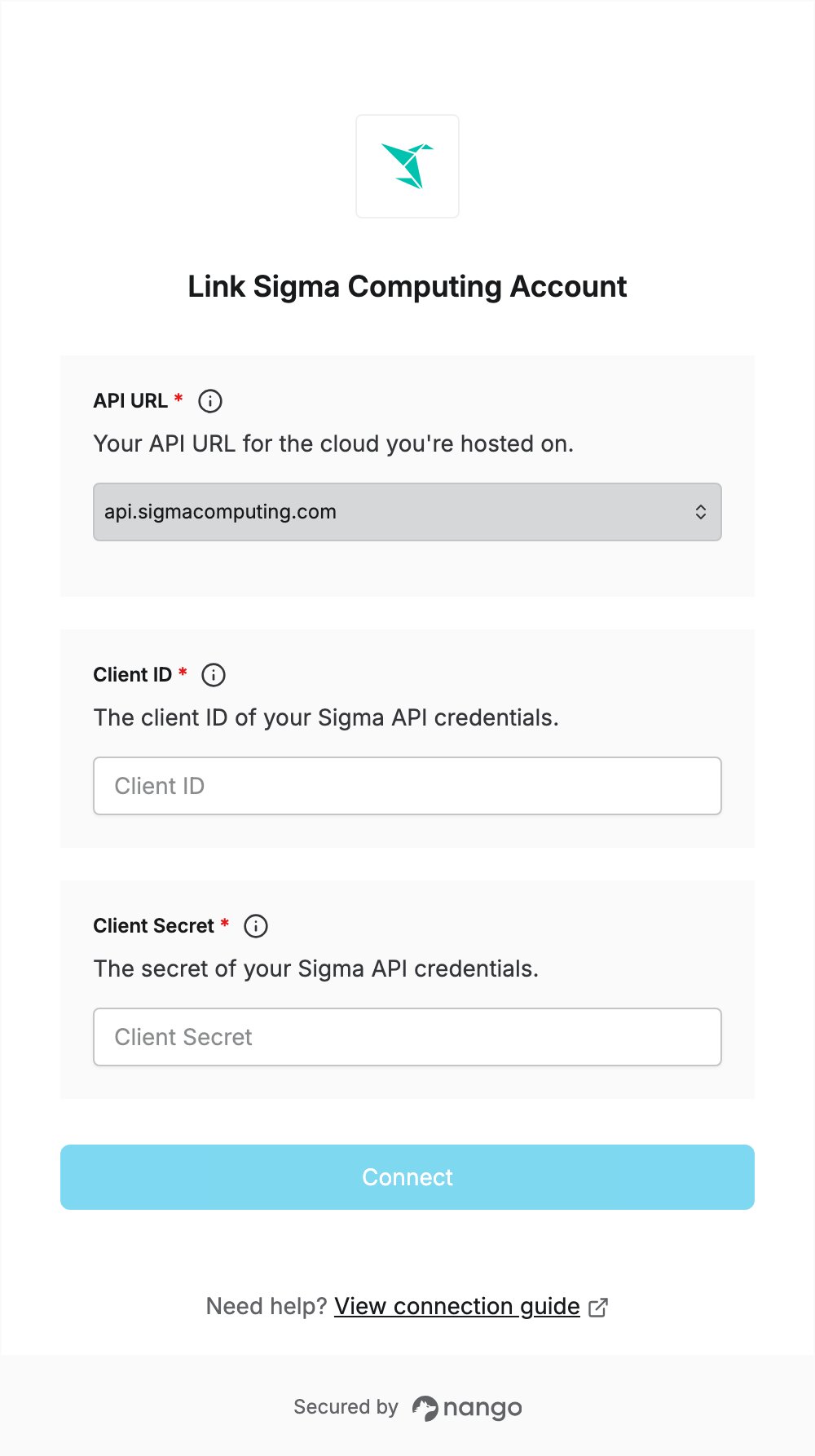
Overview
To authenticate with Sigma Computing, you need:- API URL — the Sigma API URL for the cloud your organization is hosted on.
- Client ID and Client Secret — API client credentials created in Sigma.
Prerequisites
- A Sigma organization on a paid plan. API credentials are not available on free trials.
- The Admin account type, or the Create API keys permission on your account type.
Step 1: Find your API URL
- In Sigma, select your user avatar and select Administration.
- In the side panel, select Developer access.
- Your API base URL is shown at the top of the page. You’ll pick it in the Connect UI.
Step 2: Create API credentials
- On the same Developer access page, click Create new.
- For Select scopes, select the REST API checkbox.
- Enter a Name for the credentials, and optionally a Description.
- If you are an admin, select the Owner of the credentials. API calls use the permissions of this user’s account type.
- Click Create, then copy the Client ID and Client Secret. Sigma does not show the secret again after you close the dialog.
Step 3: Enter your credentials in the Connect UI
- Open the form where you need to authenticate with Sigma Computing.
- Select your API URL, then enter your Client ID and Client Secret.
- Submit the form, and you should be connected.