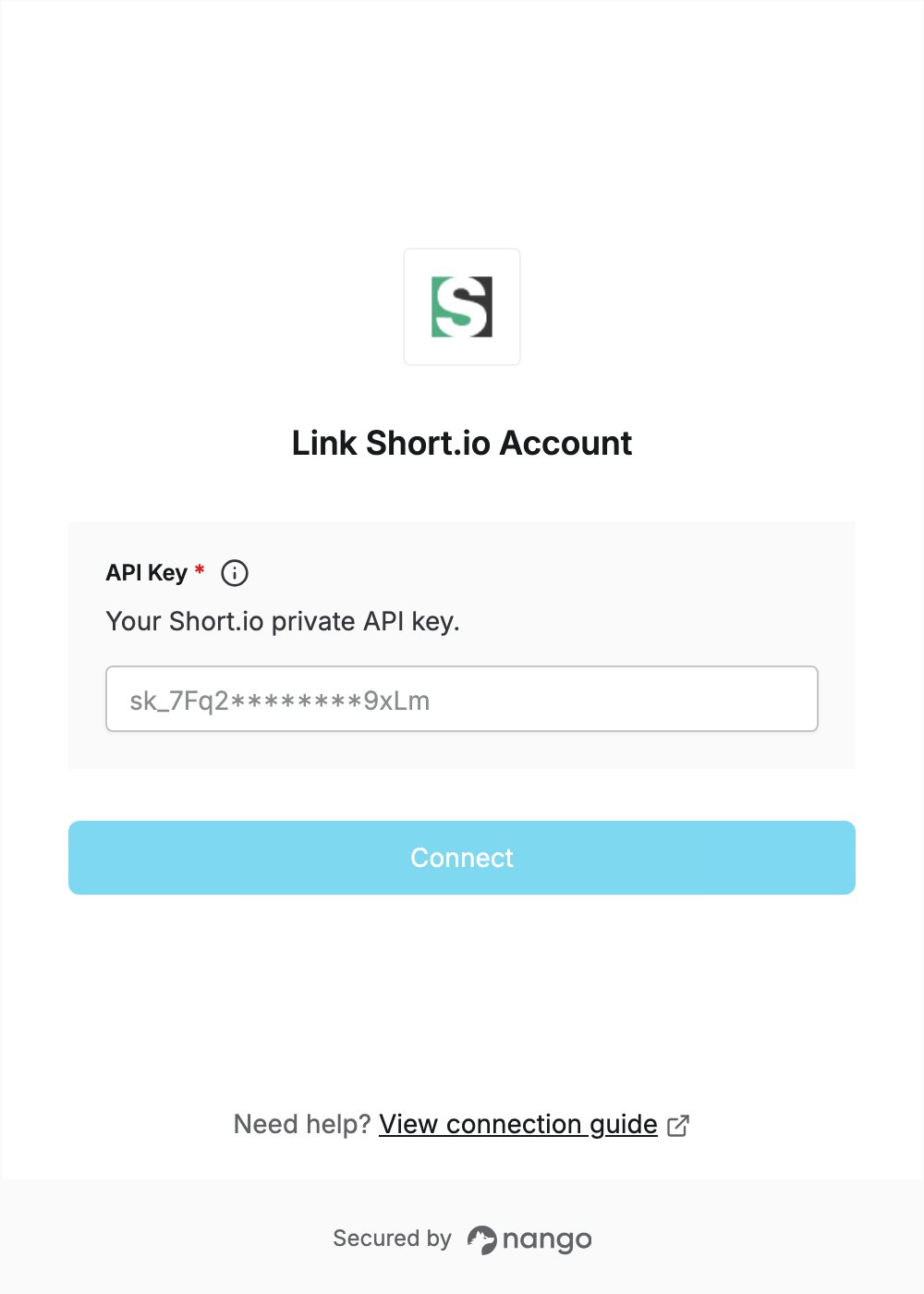
Overview
To authenticate with Short.io, you need:- API Key — a private API key from your Short.io account.
Prerequisites
- A Short.io account. The API is available on every plan, including Free: sign up.
Step 1: Create a private API key
- Sign in to Short.io.
- In the left sidebar, click Integrations & API, then open the API tab, or go straight to the API key page.
- Click Create API key.
- Under Key basics, leave Private key selected and enter a Key description. The expiration date is optional. Expired keys are rejected, so leave it empty unless you want the connection to stop working on that date.
- Under Access restriction, choose All domains (no restriction), Restrict for team or Restrict for domain.
- Click Create.
- In the Created key dialog, click Copy to clipboard. The key starts with
sk_and is shown only once, so store it somewhere safe.
Public keys can only create links. Use a private key so your integration can call the rest of the API.
Step 2: Enter your API key in the Connect UI
- Open the form where you need to authenticate with Short.io.
- Enter your API Key in the designated field.
- Submit the form, and you should be successfully authenticated.