Overview
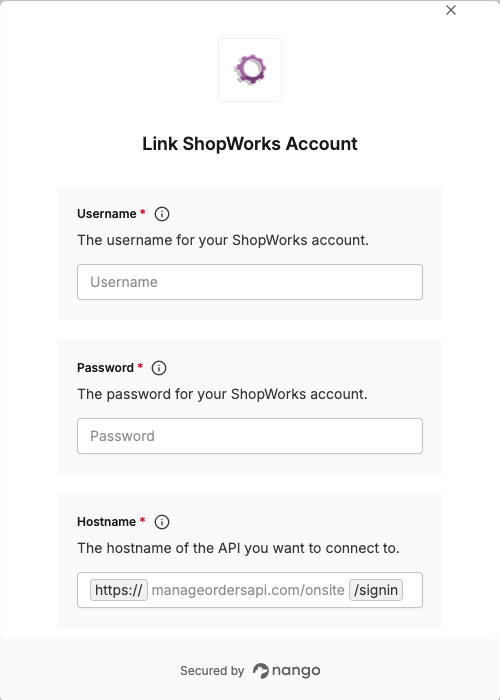
To authenticate with ShopWorks, you will need:- Hostname - The API hostname for the ShopWorks API you want to access.
- Username - The username for your ShopWorks account
- Password - The password for your ShopWorks account
Prerequisites:
- You must have a ShopWorks account.
- API access must be enabled by ShopWorks. Email support@shopworx.com to request it.
Instructions:
Step 1: Find Your Hostname
Your hostname depends on the API you want to access:manageordersapi.com/onsite— connects tohttps://manageordersapi.com/onsite/signinmanageordersapi.com/v1/manageorders— connects tohttps://manageordersapi.com/v1/manageorders/signin
Step 2: Find Your Credentials
Your ShopWorks credentials are the same username and password you use to log into your ShopWorks account.Step 3: Enter Your Credentials in the Connect UI
Once you have your Hostname, Username, and Password:- Open the form where you need to authenticate with ShopWorks.
- Enter the Hostname, Username, and Password in the corresponding fields.
- Submit the form to complete authentication.