Overview
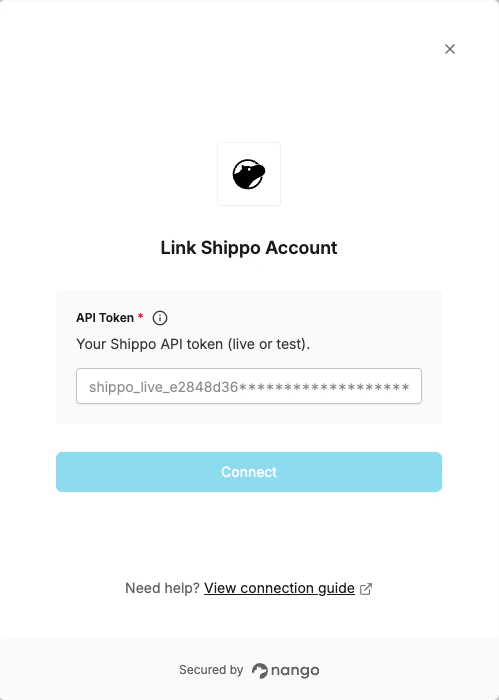
To authenticate with Shippo, you will need:- API Token - A Shippo API token (live or test) that grants Nango access to your account.
- Live tokens — prefix
shippo_live_, used for production. - Test tokens — prefix
shippo_test_, used for development and testing.
Prerequisites
- You must have a Shippo account. Sign up if you don’t have one.
Instructions
Step 1: Get your API token
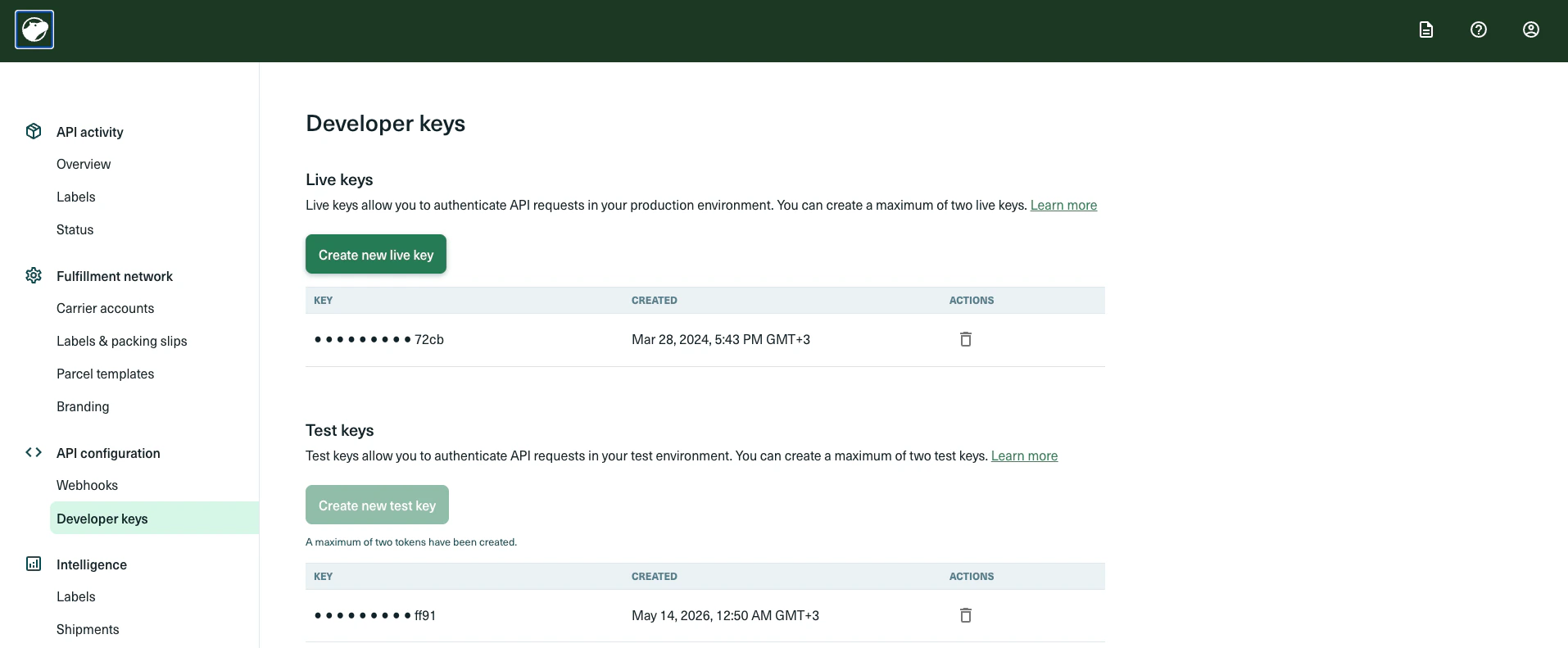
- Log in and go to the Shippo API config page.
- Generate the token type that matches your use case:
- Test token (
shippo_test_...) — for development and testing, no real shipments or charges. - Live token (
shippo_live_...) — for production, real shipments and billing apply.
- Test token (
- Copy the generated token and store it securely.
Step 2: Enter your API token in the Connect UI
- Open the form where you need to authenticate with Shippo.
- Paste your API token into the API Token field.
- Submit the form. You are now connected to Shippo.