Overview
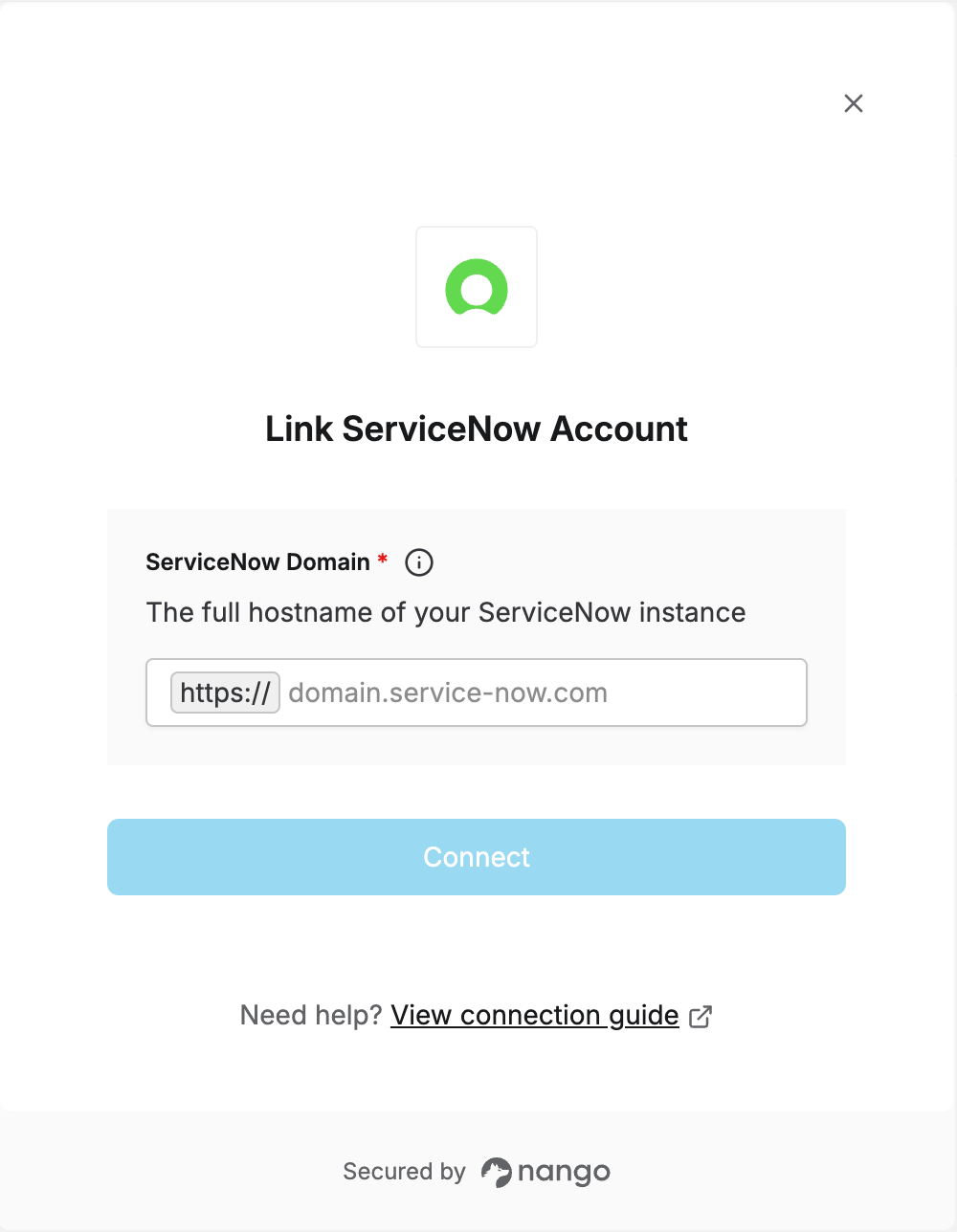
To authenticate with ServiceNow, you need your instance’s Domain - the full domain of your ServiceNow instance (e.g.your-instance.service-now.com).
This guide will walk you through finding your domain so you can connect your account.
Prerequisites:
- You must have a ServiceNow instance.
Instructions:
Step 1: Finding your Domain
- Your instance URL is the address you use to log in to ServiceNow, typically
https://<your-instance-name>.service-now.com/. - The Domain to enter in Nango is everything after
https://and before the trailing slash (no path).
Step 2: Enter your Domain in the Connect UI
- Open the form where you need to authenticate with ServiceNow.
- Enter your Domain.
- Submit the form.