Overview
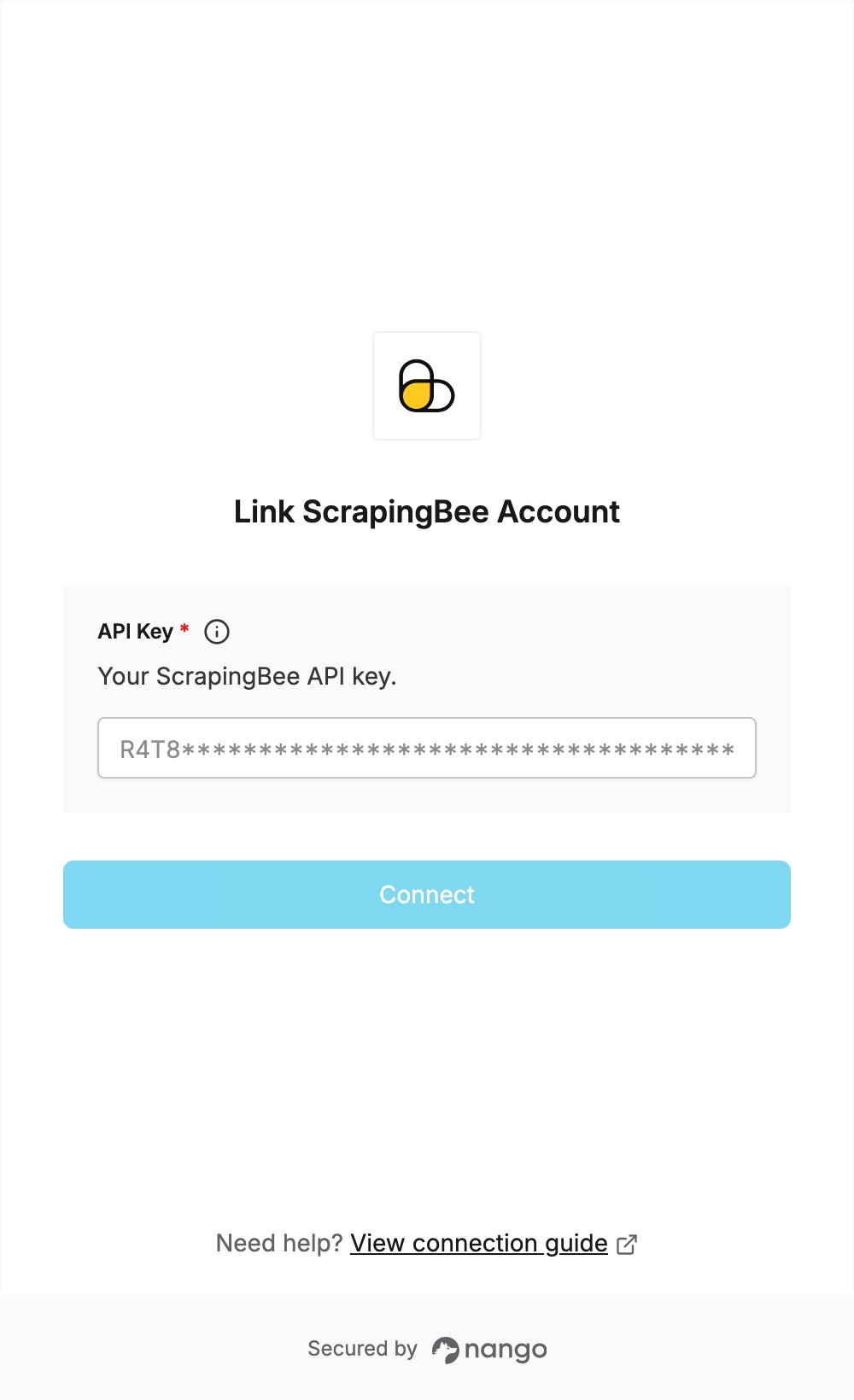
To authenticate with ScrapingBee, you need:- API Key - The API key of your ScrapingBee account.
Prerequisites
- A ScrapingBee account. New accounts get 1,000 free API credits with no credit card required: sign up, then confirm your email address.
Step 1: Copy your API key
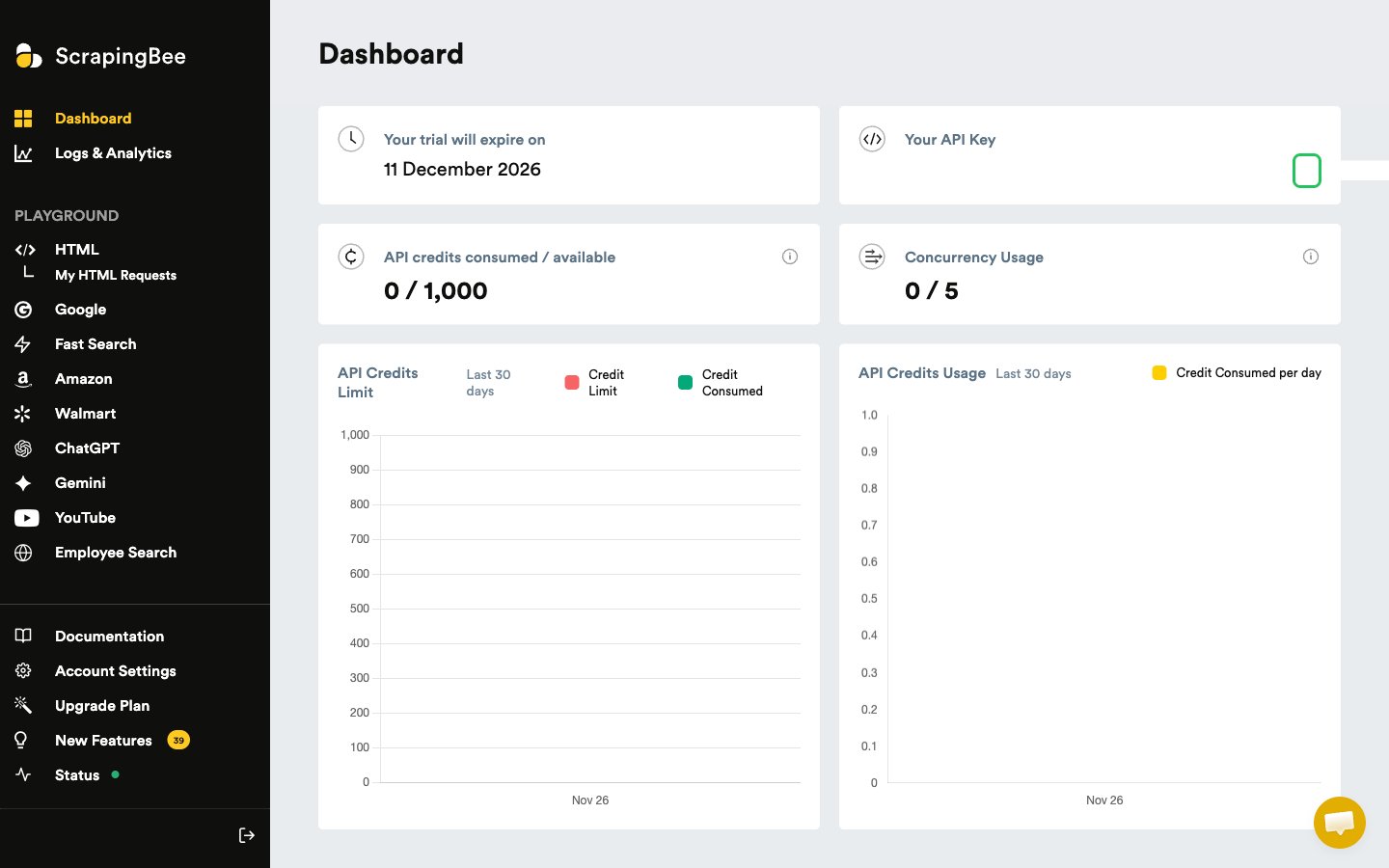
- Sign in to the ScrapingBee dashboard.
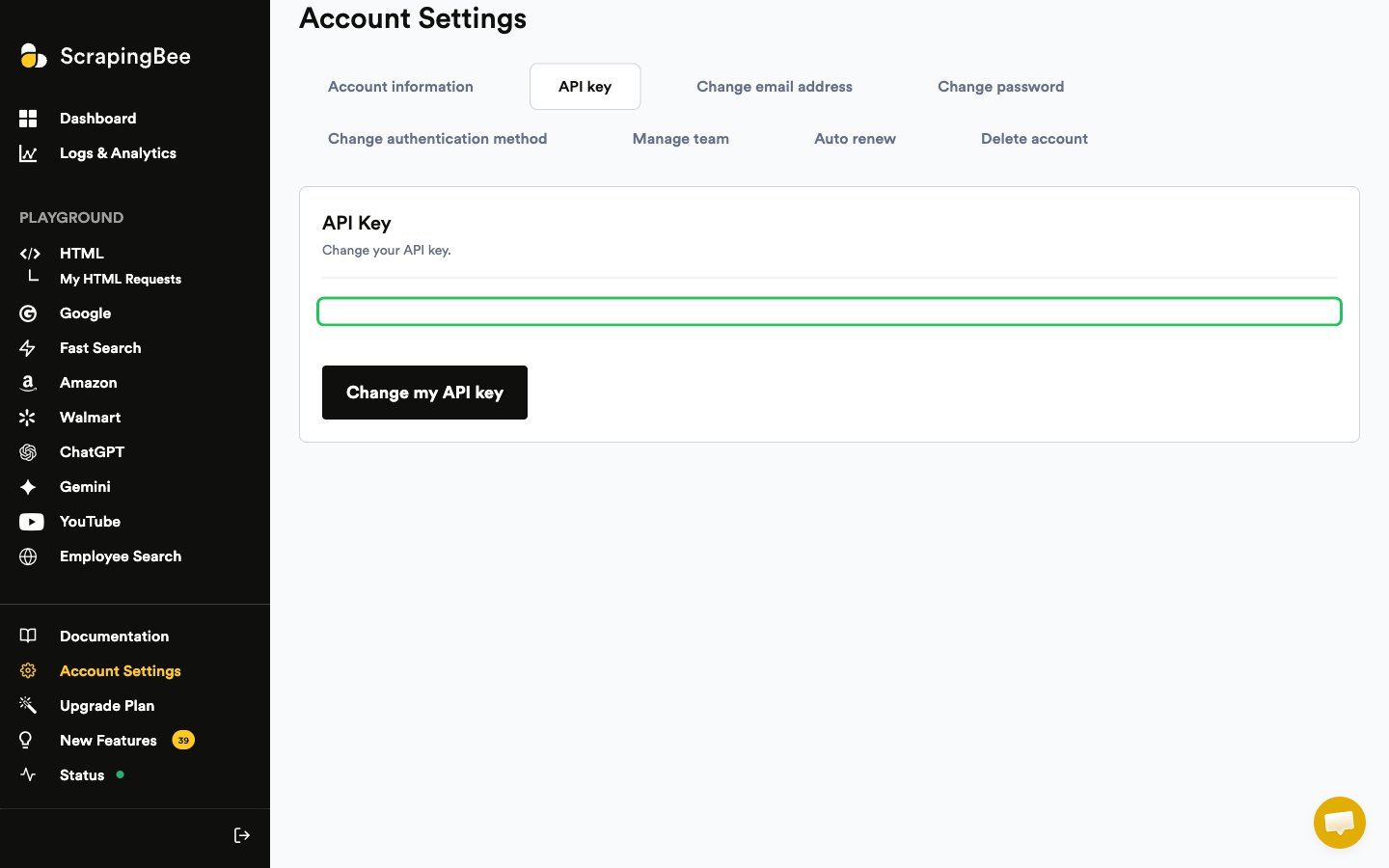
- In the sidebar, click Account Settings and open the API key tab.
- Copy the key shown under Your API key.
Step 2: Enter your API key in the Connect UI
- Open the form where you need to authenticate with ScrapingBee.
- Enter your API Key in the designated field.
- Submit the form, and you should be successfully authenticated.