Overview
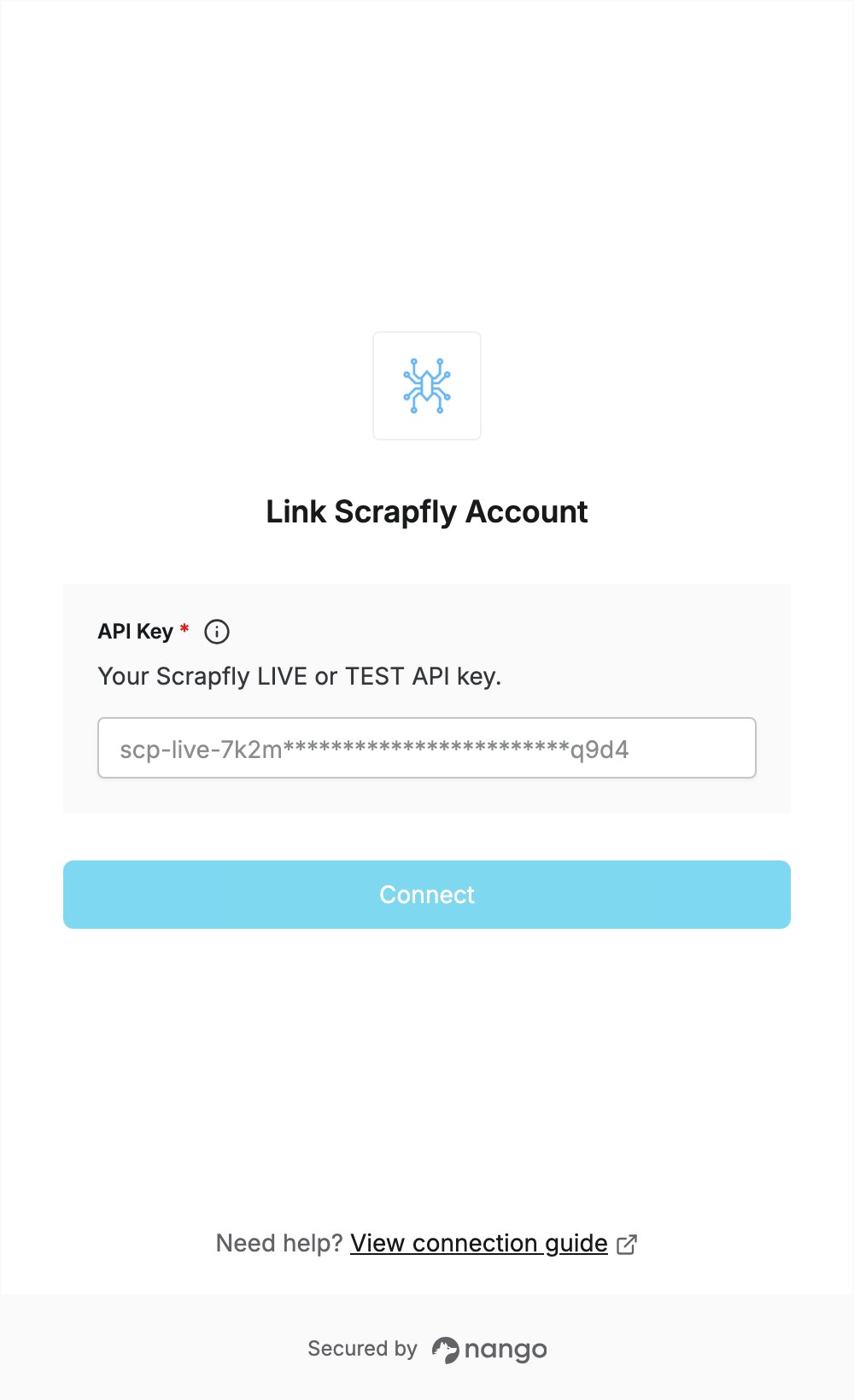
To authenticate with Scrapfly, you need:- API Key — the LIVE or TEST API key of your Scrapfly project.
Prerequisites
- A Scrapfly account. You can sign up for free, no credit card required.
Step 1: Copy your API key
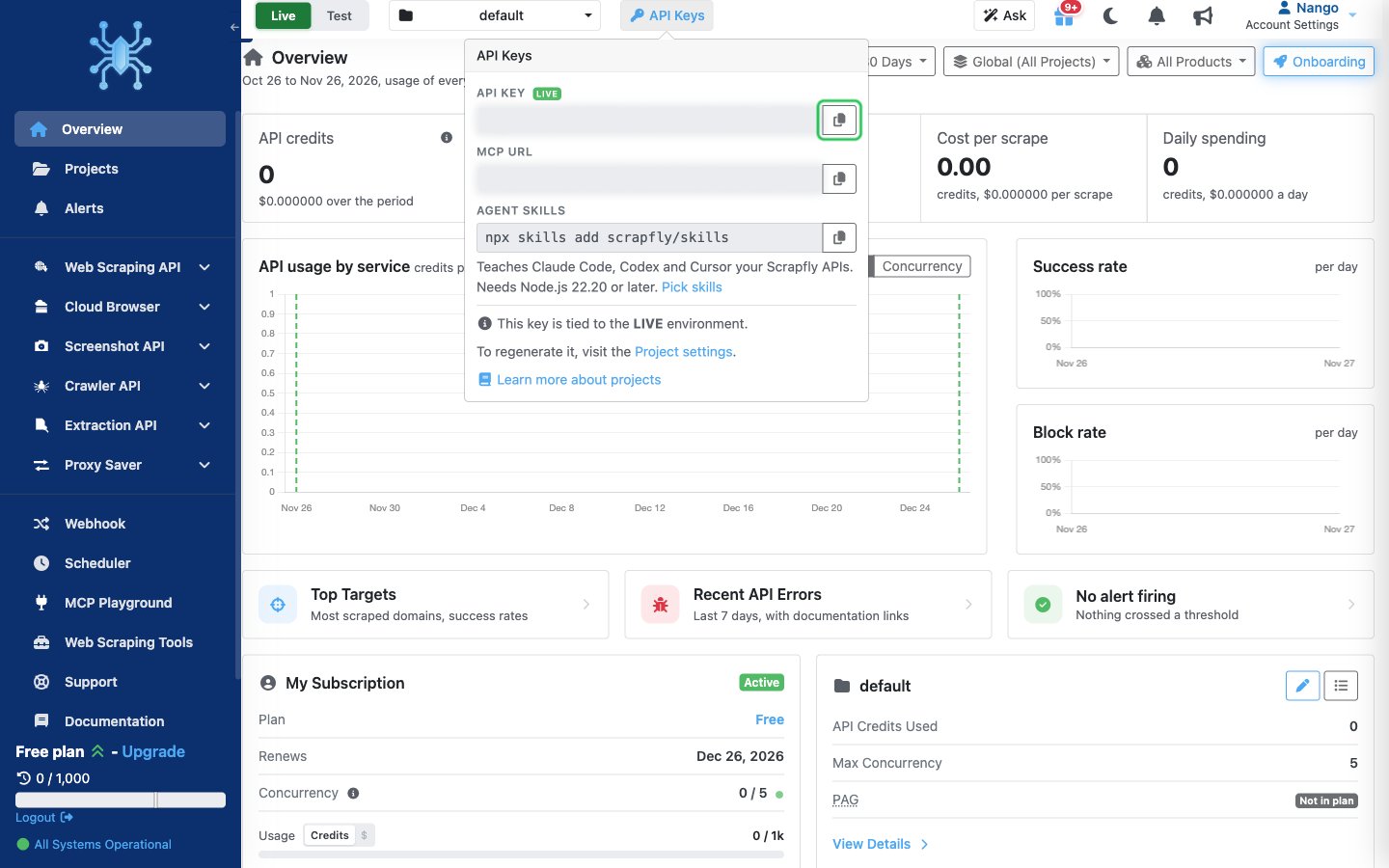
Each Scrapfly project has a LIVE key for live traffic and a TEST key for its test environment. Both work with Nango.- Sign in to Scrapfly and open the dashboard.
- With Live selected in the toggle at the top, click API Keys in the top bar and copy the key marked LIVE. It starts with
scp-live-.
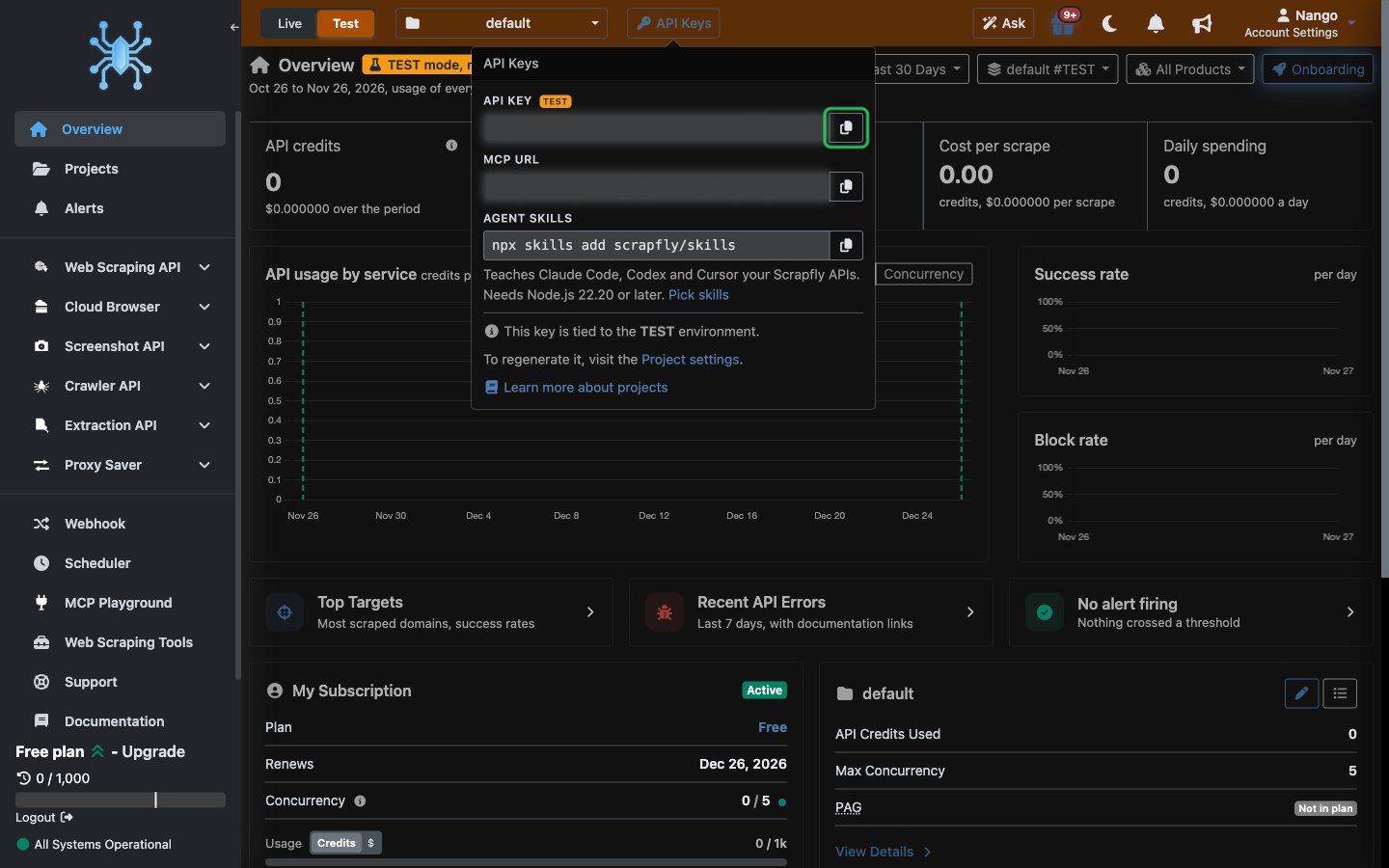
- To use the TEST key instead, switch the toggle at the top to Test, click API Keys again and copy the key marked TEST. It starts with
scp-test-.
Step 2: Enter your API key in the Connect UI
- Open the form where you need to authenticate with Scrapfly.
- Enter your API Key in the designated field.
- Submit the form, and you should be successfully authenticated.