Overview
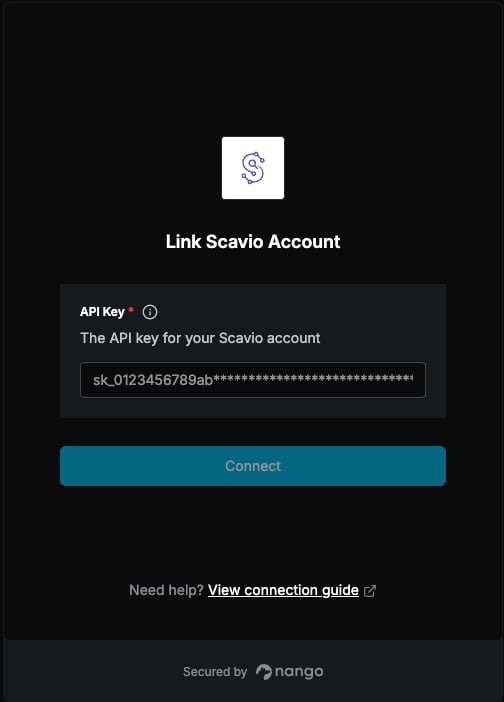
To authenticate with Scavio, you need:- API Key — A key that grants Nango permission to call Scavio’s API on your behalf.
Prerequisites
- An account with Scavio. Signing up is free and does not require a credit card.
Step 1: Finding your API key
- Log in to the Scavio dashboard, or create an account if you do not have one yet.
- Open the API Keys section from the sidebar.
- Copy the key shown there, or click Create key to generate a new one.
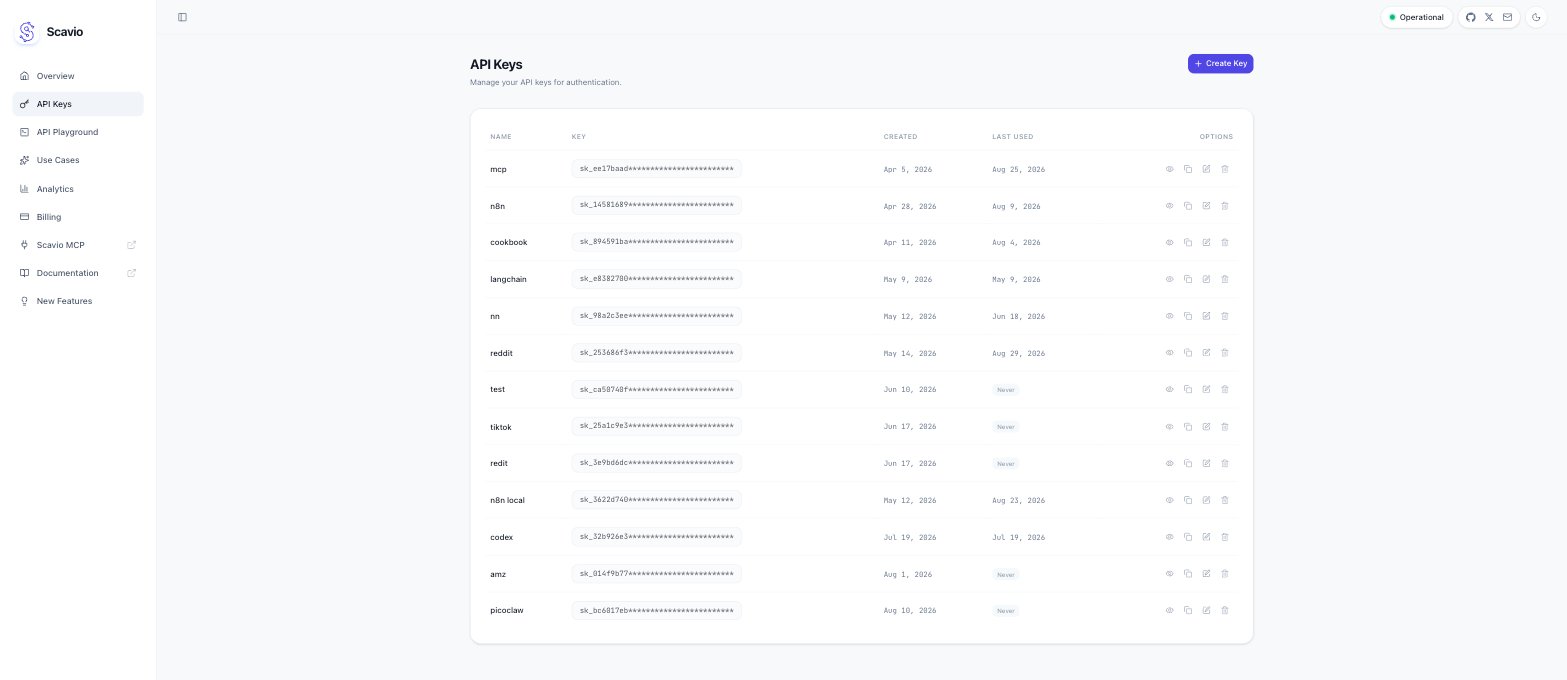
sk_ followed by 64 hexadecimal characters. Treat it like a password:
it carries your full account credit balance, and Scavio only displays a newly created key once.
Step 2: Enter credentials in the Connect UI
Once you have your API Key:- Open the form where you need to authenticate with Scavio.
- Enter your API Key in its respective field.
- Submit the form, and you should be successfully authenticated.