Prerequisites
- You must have a Revivn account. Sign up if you don’t have one.
Instructions
Step 1: Get your OAuth2 credentials
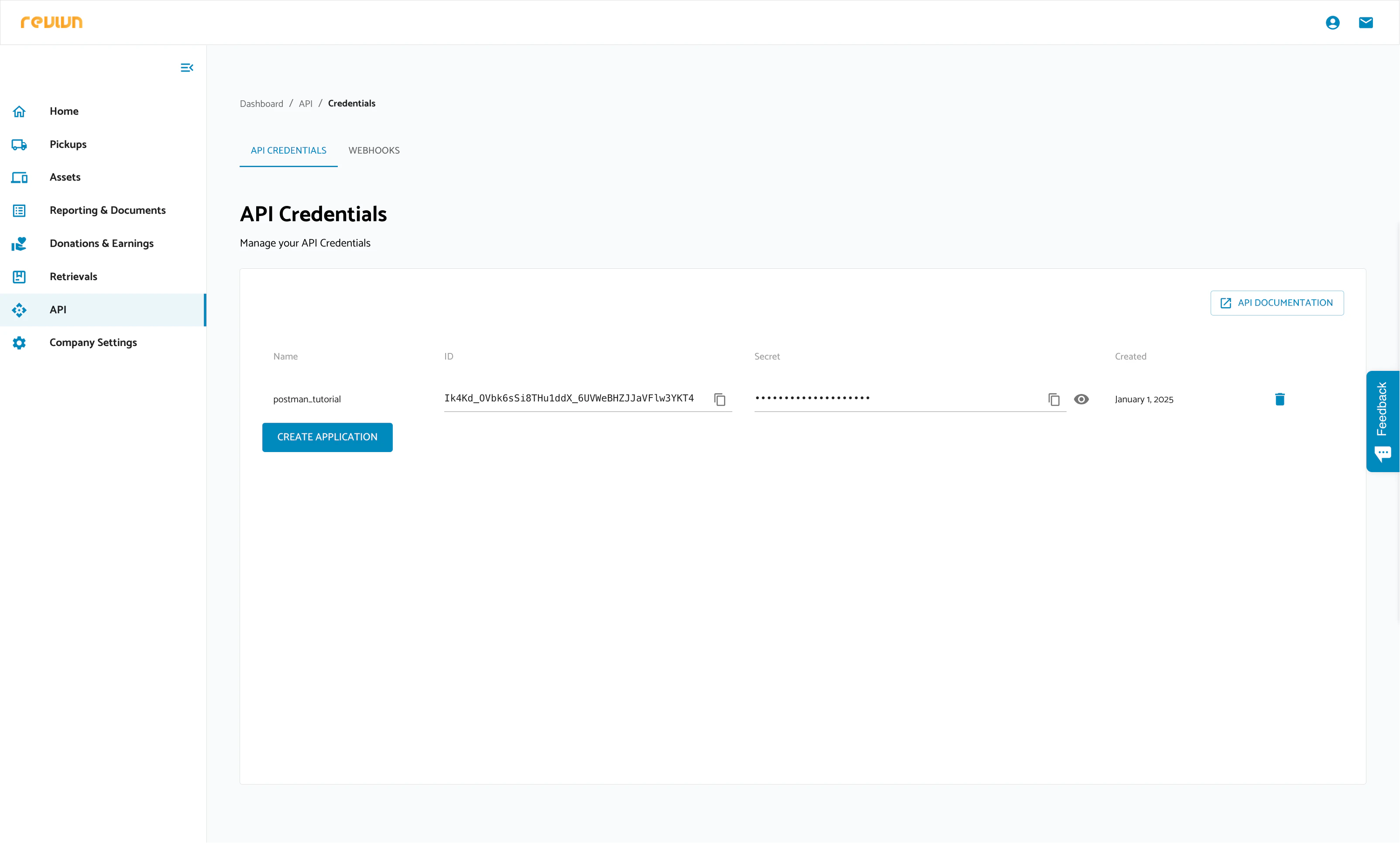
- Log in to the Revivn App.
- Navigate to API -> API Credentials -> Create Application.
- Fill in the application name and submit. Your Client ID and Client Secret will be generated — copy both.
Step 2: Enter your credentials in the Connect UI
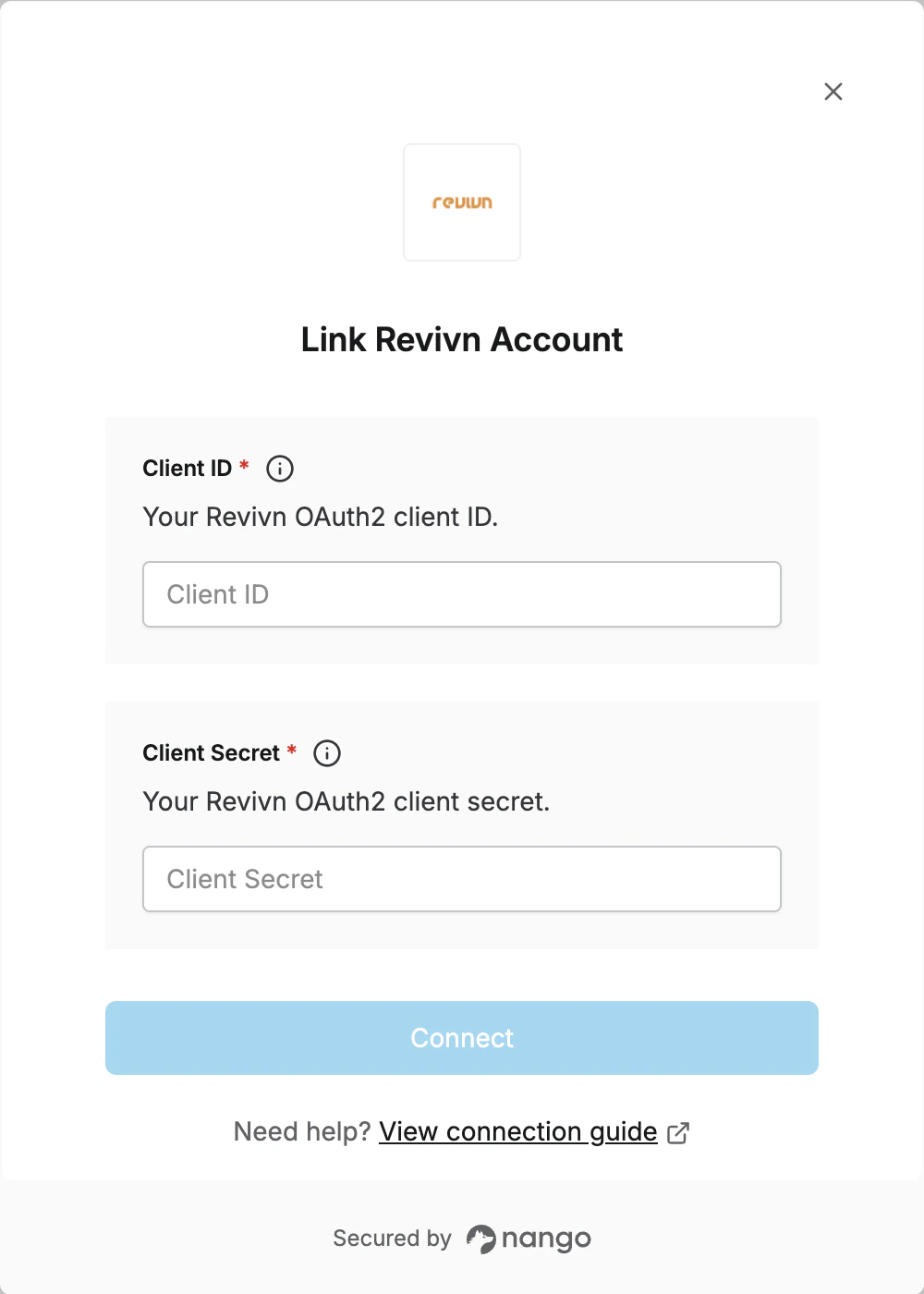
- Open the form where you need to authenticate with Revivn.
- Enter your Client ID and Client Secret.
- Submit the form, and you should be connected.