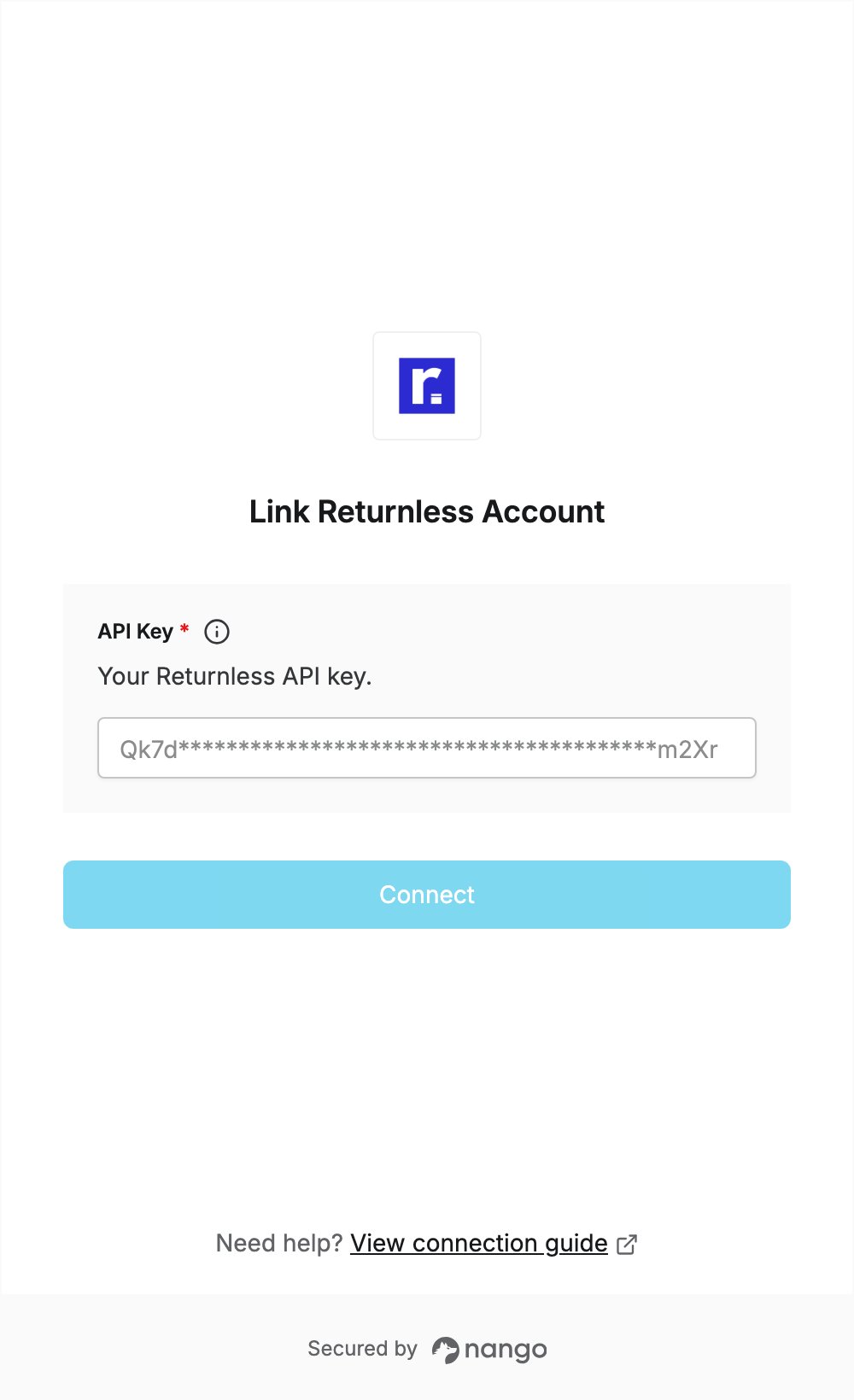
Overview
To authenticate with Returnless, you need:- API Key — an API key from your Returnless panel.
Prerequisites
- A Returnless account. You can sign up for free; a free account runs in test mode.
Step 1: Create an API key
- Sign in to the Returnless panel.
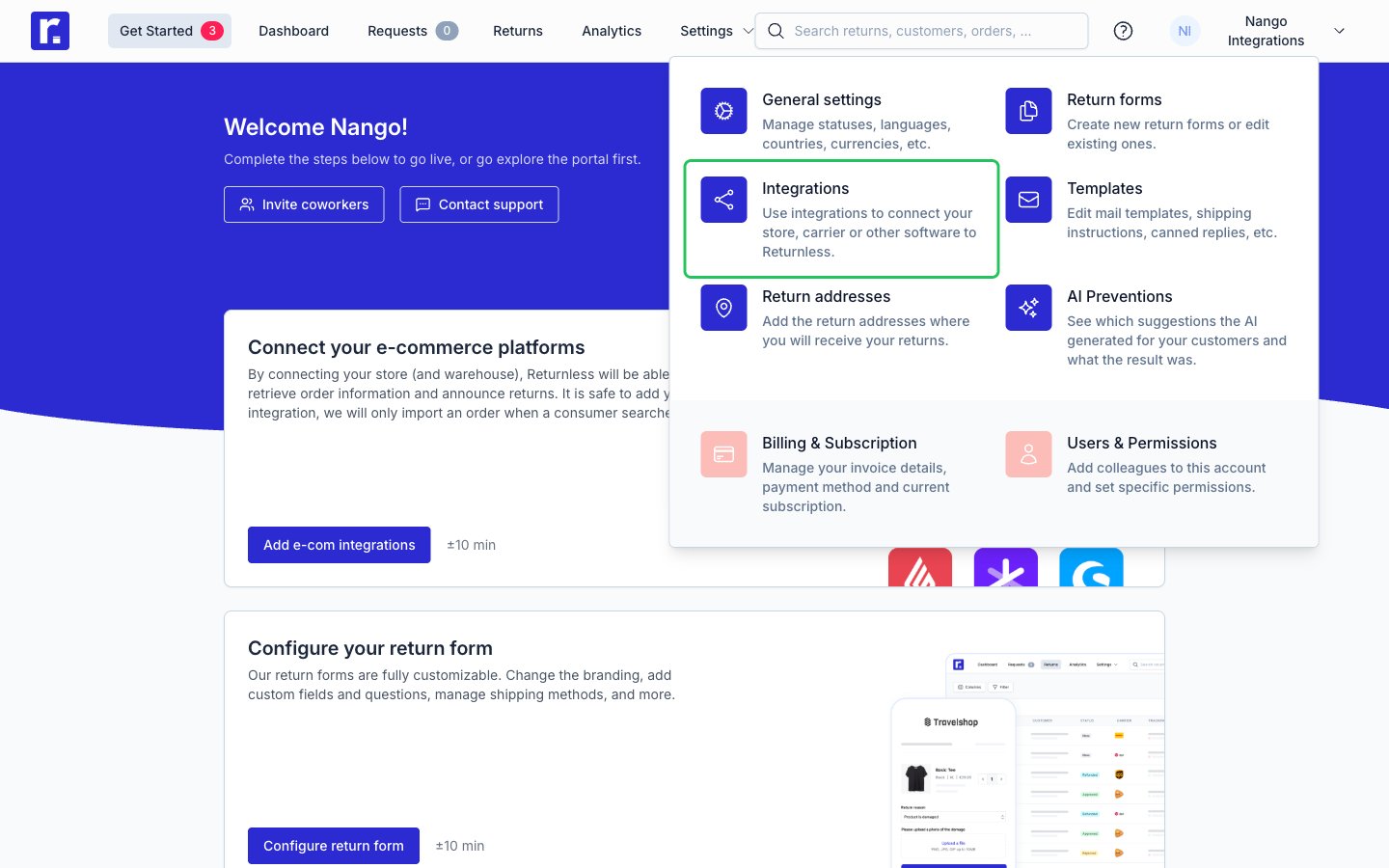
- Click Settings in the top menu and choose Integrations.
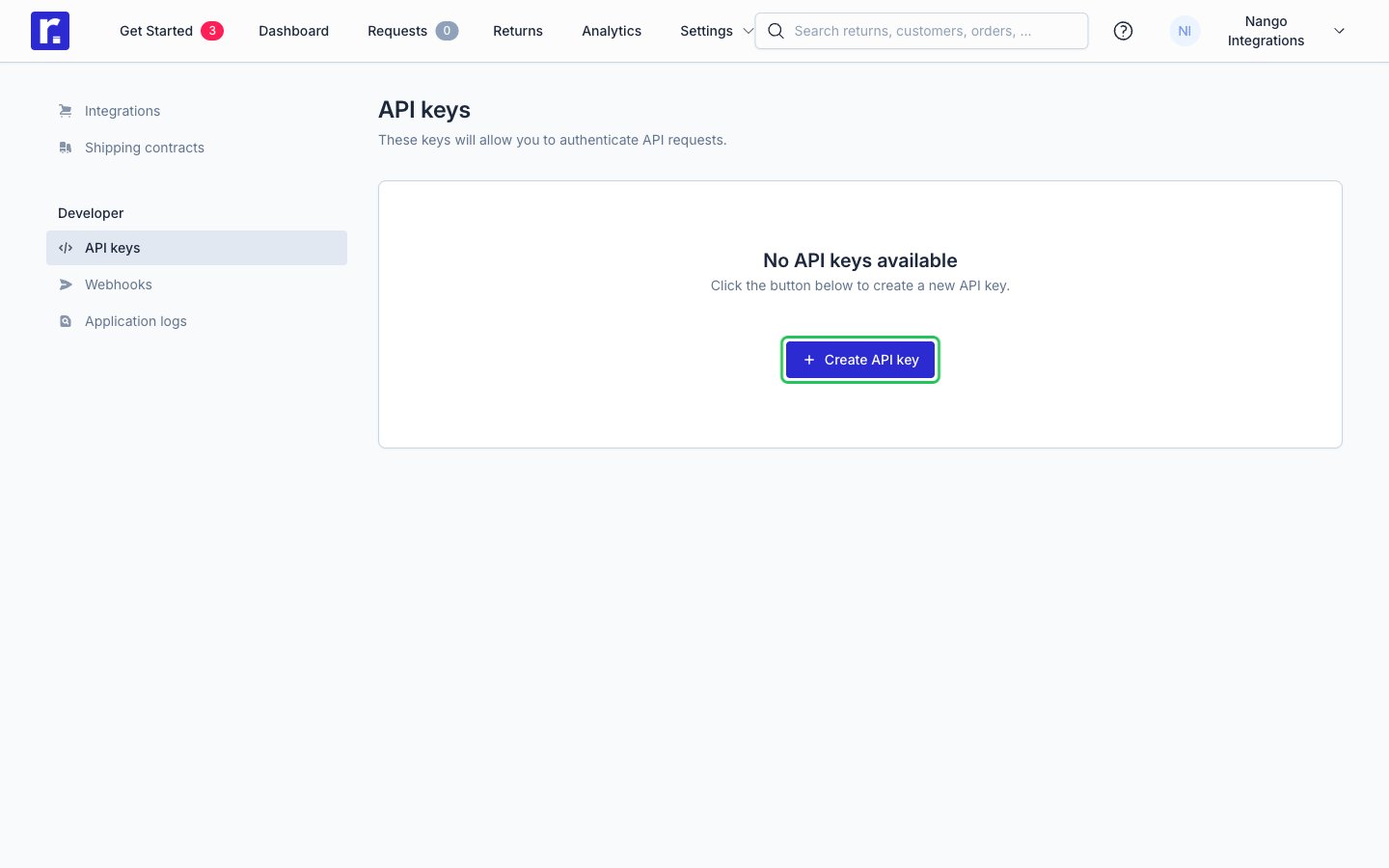
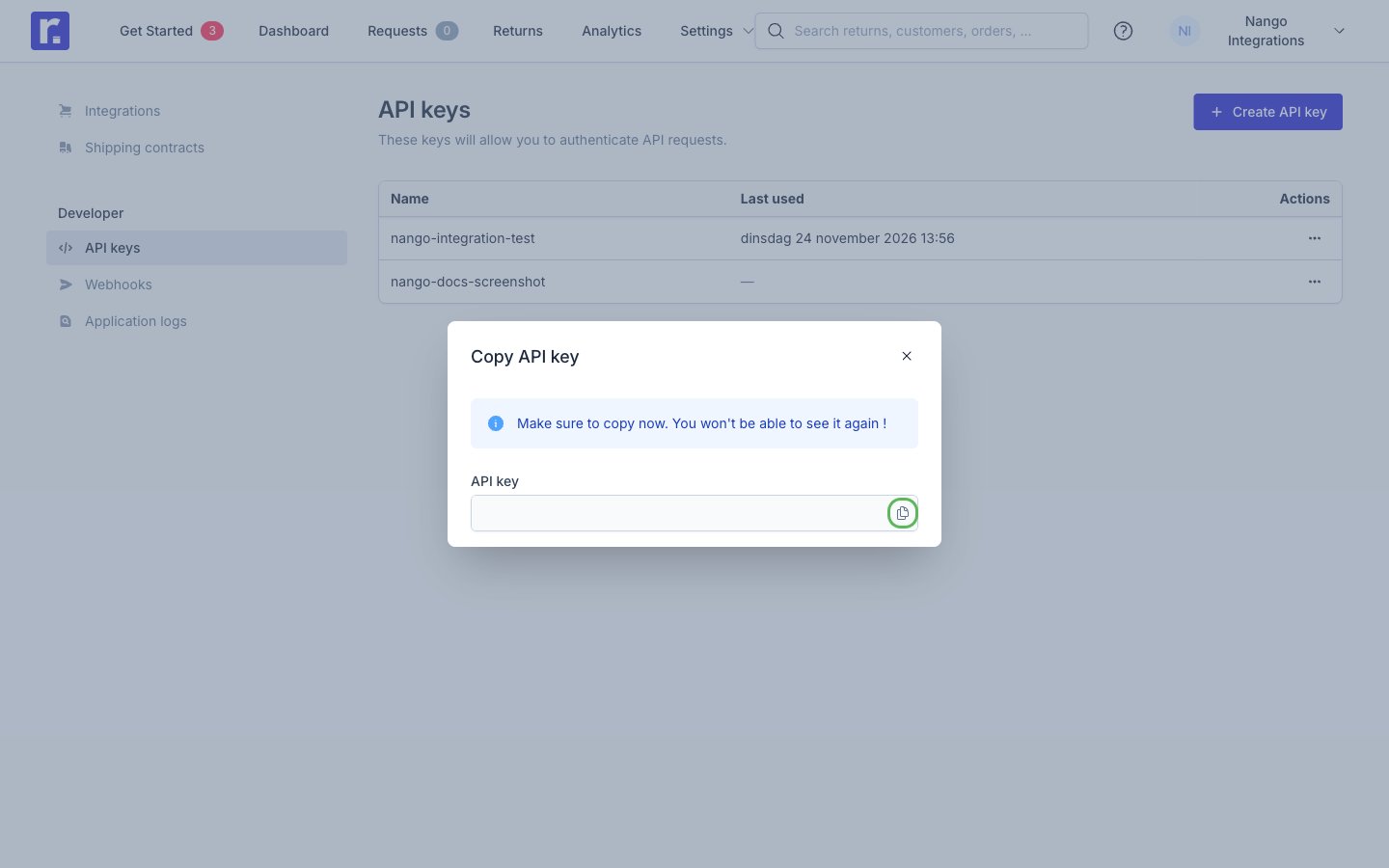
- In the left sidebar, under Developer, click API keys, then click Create API key.
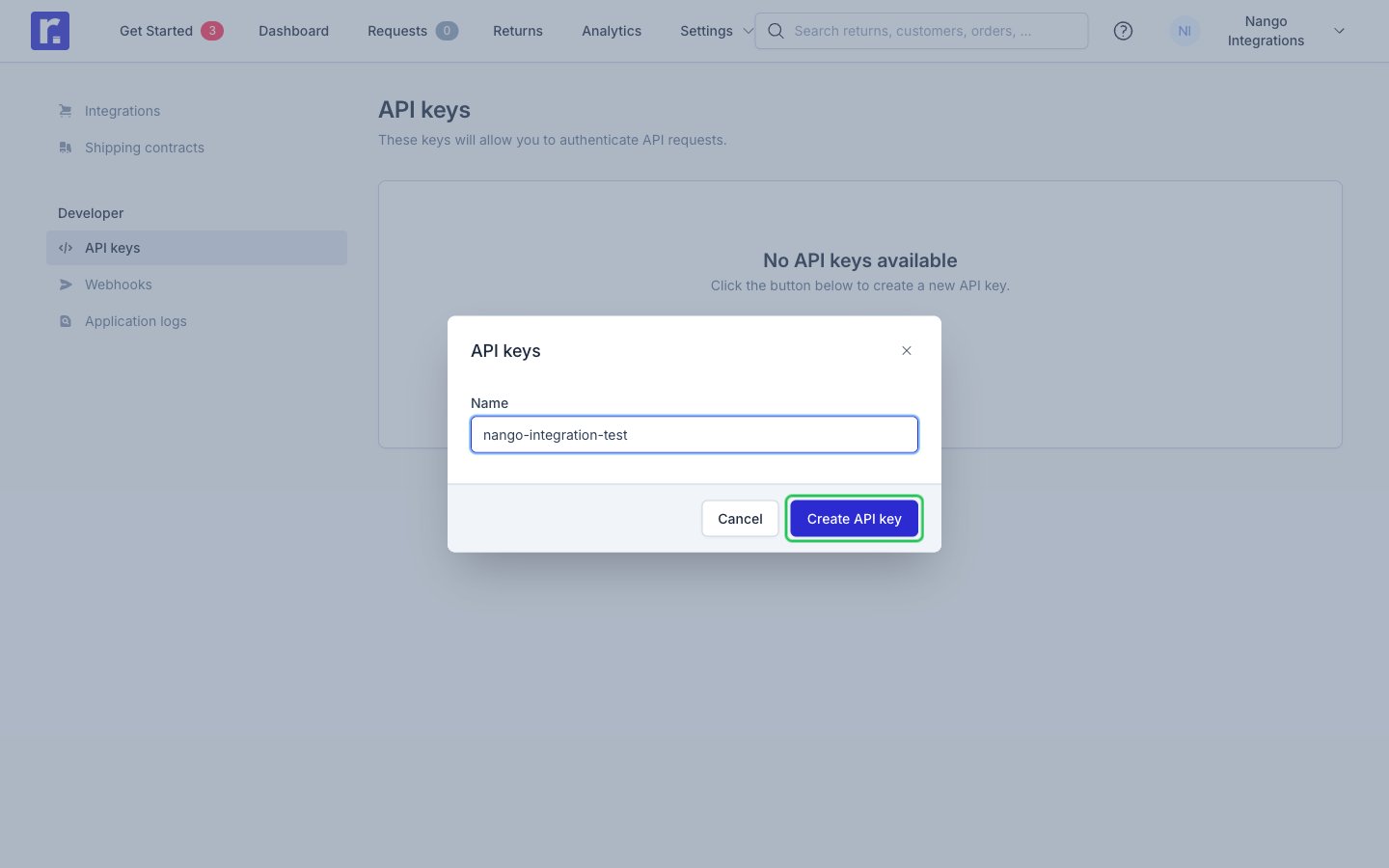
- Enter a name for the key, for example the name of your app, and click Create API key.
- Copy the API key from the Copy API key dialog. It is shown only once.
Step 2: Enter your API key in the Connect UI
- Open the form where you need to authenticate with Returnless.
- Enter your API key in the API Key field.
- Submit the form. Nango checks the key with Returnless before saving the connection.