Overview
To authenticate with Resend, you will need:- API Key – A key that grants secure access to the Resend API, enabling authorized applications to send email and manage Resend resources.
Prerequisites
- An active Resend account
Instructions
Step 1: Getting your API key
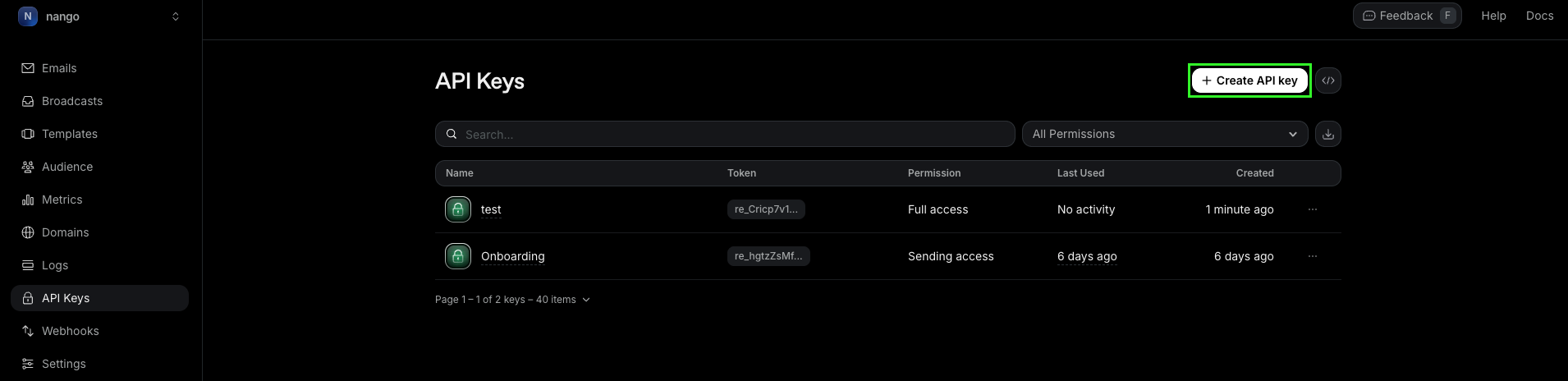
- Log in to your Resend account and go to the API Keys page.
- Click + Create API Key.
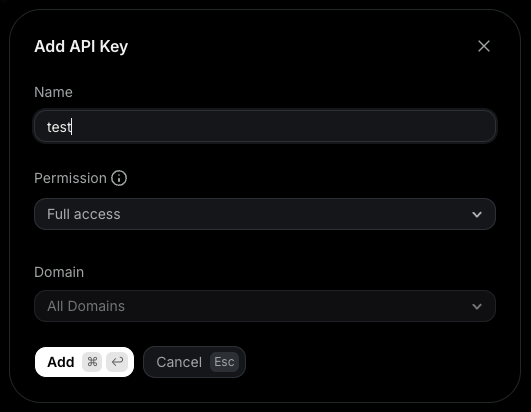
- Enter a name, select the permissions and domain the key has access to, then click Add to submit the form.
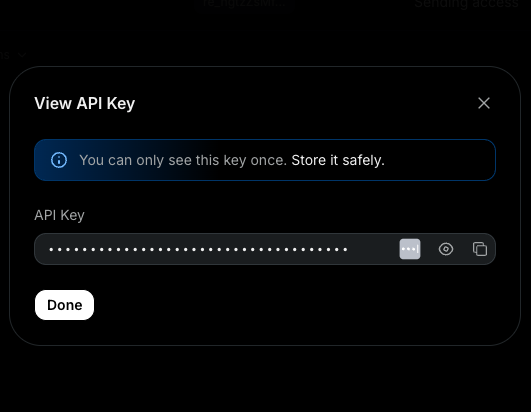
- Your API key will be generated. Store it securely—it is only displayed once.
Step 2: Enter credentials in the Connect UI
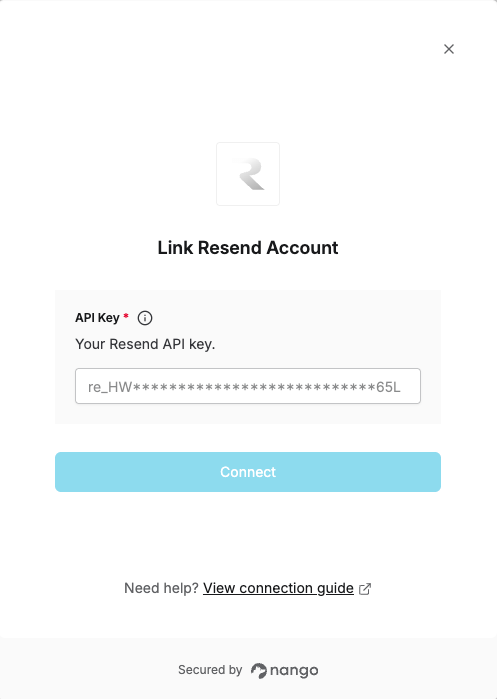
Once you have your API Key:- Open the form where you need to authenticate with Resend.
- Enter your API Key in the API Key field.
- Submit the form to complete authentication.