Overview
To authenticate with remove.bg, you need:- API Key - a remove.bg API key.
Prerequisites
- A remove.bg account. You can sign up for free, including with Google. Your first 50 API calls per month are free.
Starting December 1, 2026, background removal moves from remove.bg to Leonardo.Ai. remove.bg credentials don’t carry over: Leonardo.Ai needs a new account and API key.
Step 1: Create an API key
- Sign in to remove.bg.
- Click your initials in the top-right of the menu bar and choose My Account.
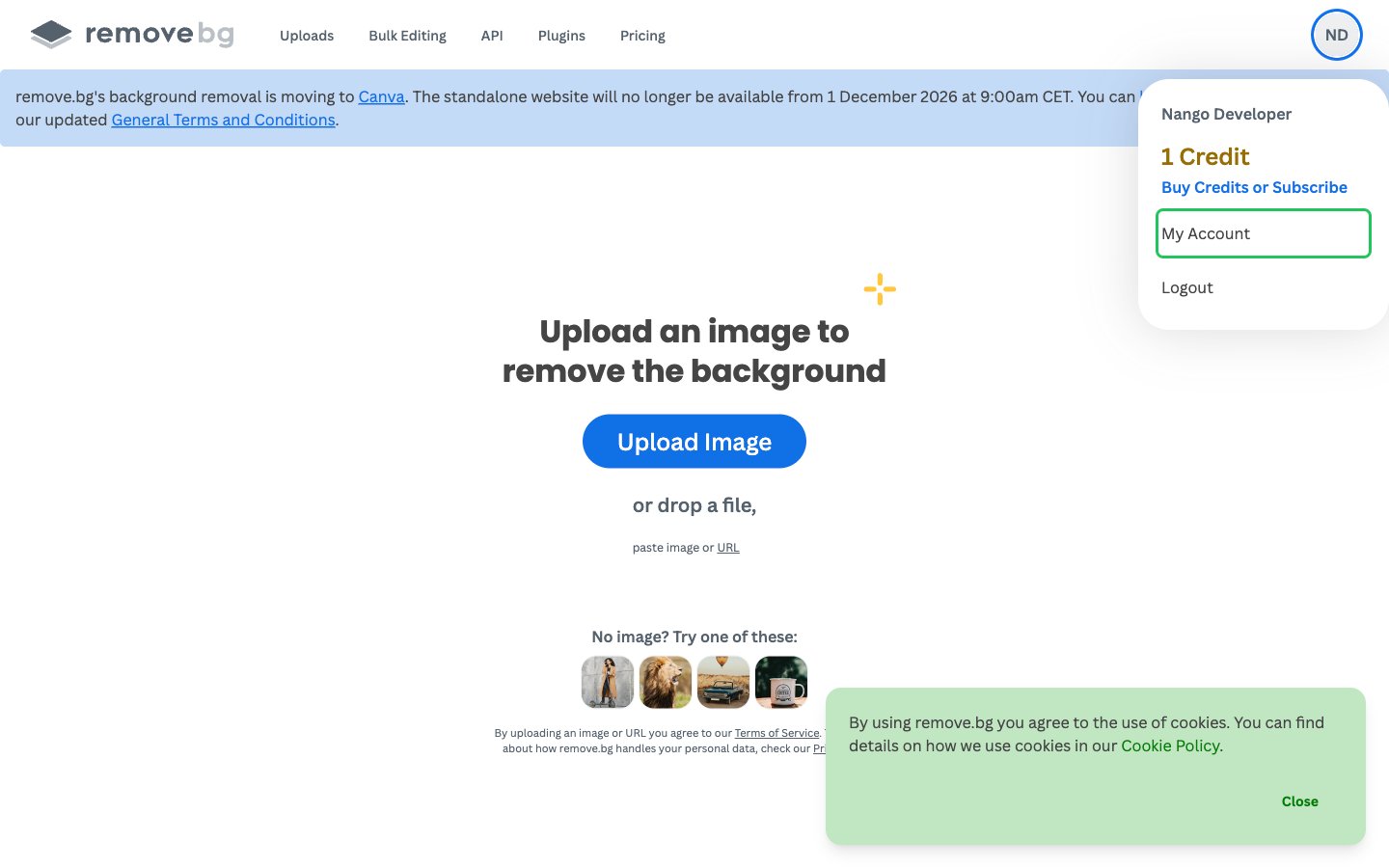
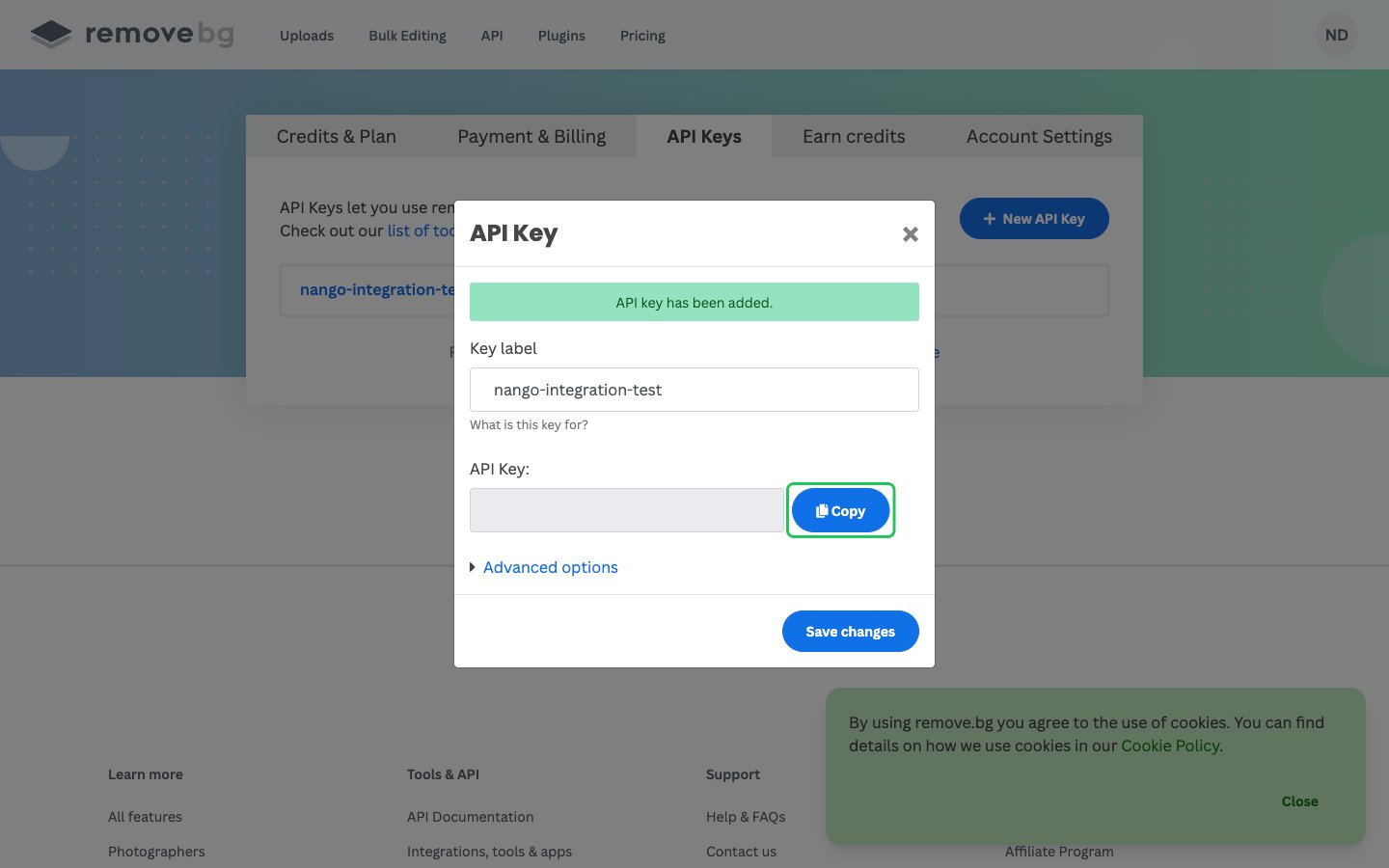
- Open the API Keys tab and click + New API Key. You can create up to 10 API keys.
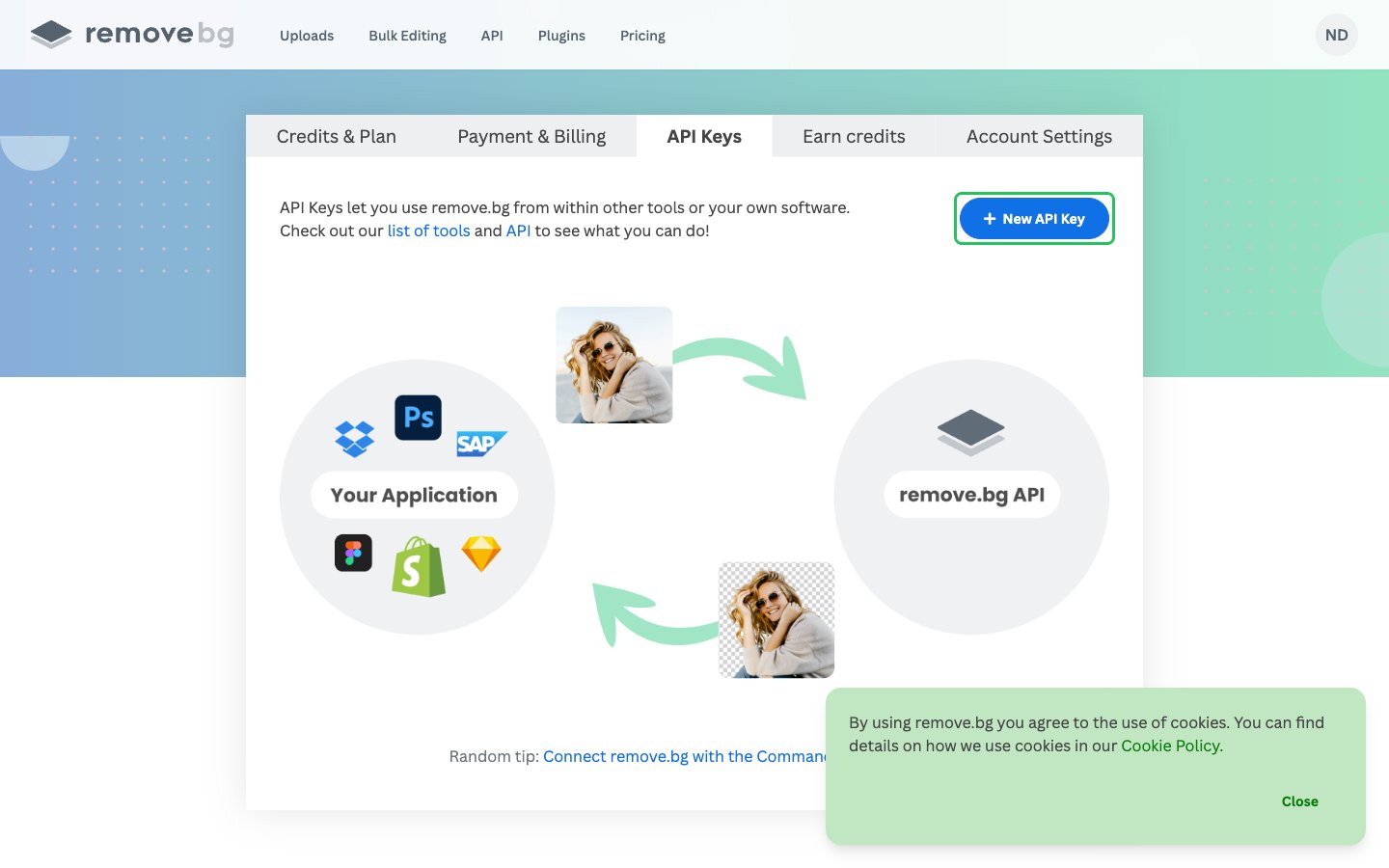
- Enter a Key label, for example
Nango, and click Create API Key.
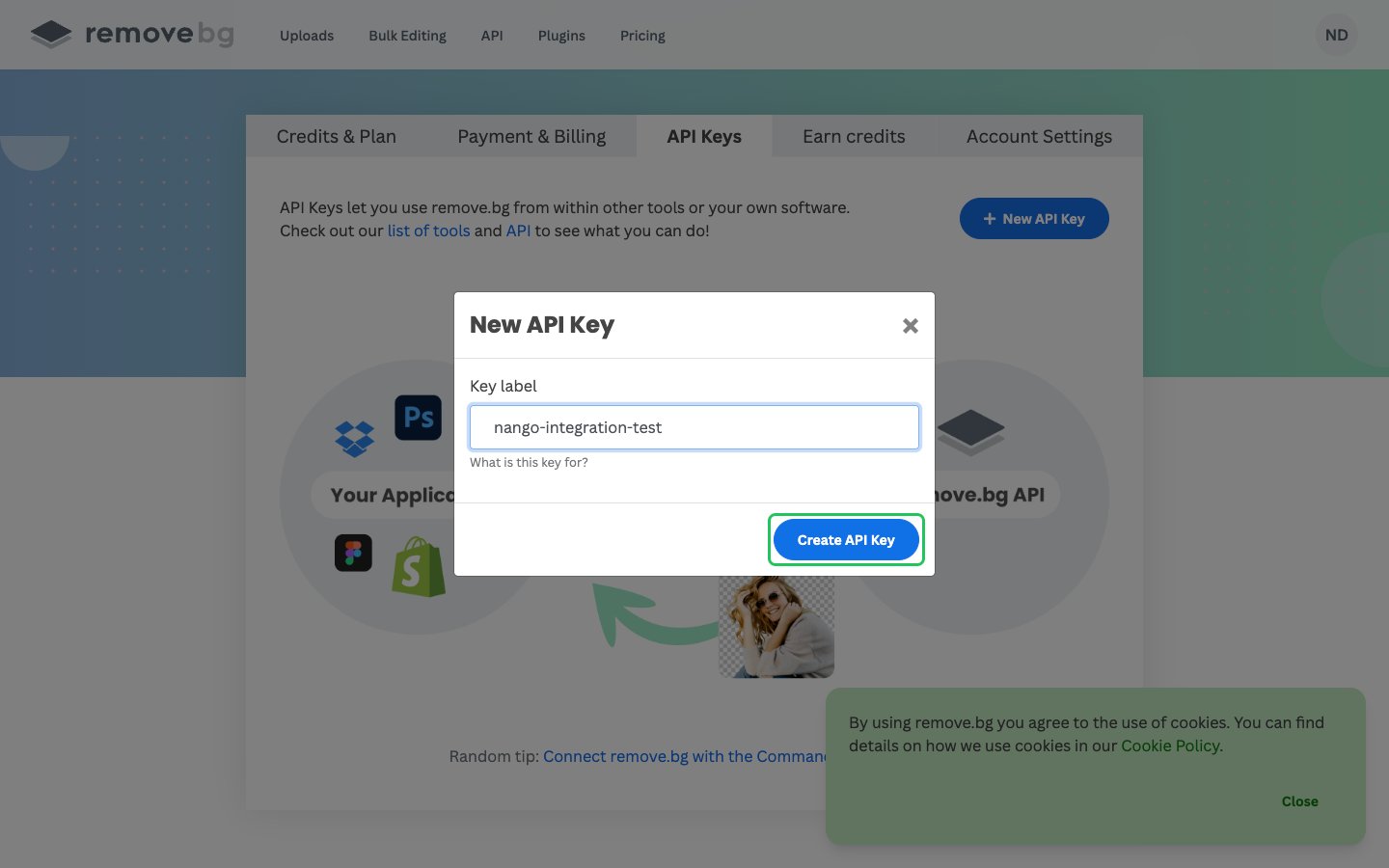
- Click Copy next to the API key and store it safely.
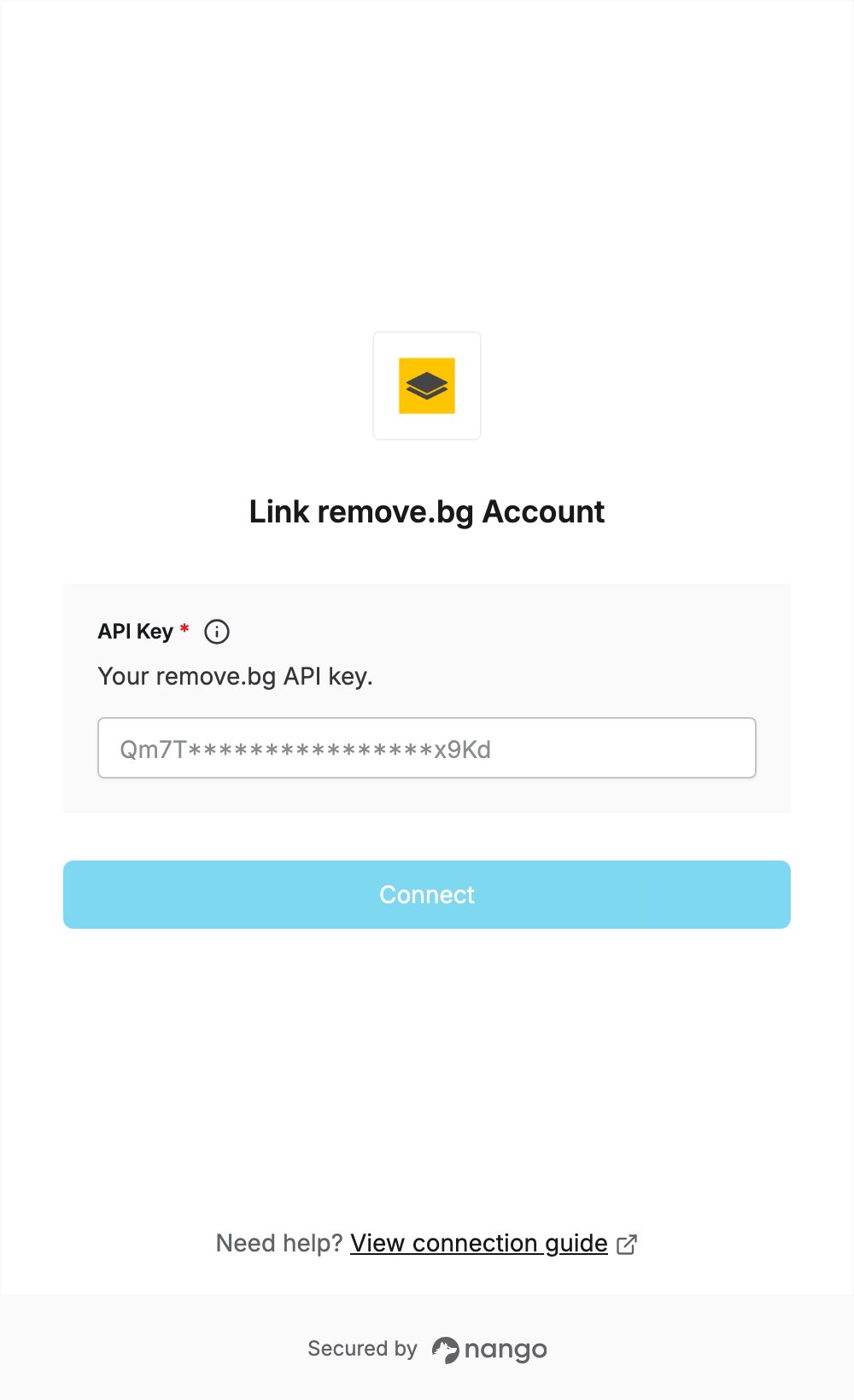
Step 2: Enter your API key in the Connect UI
- Open the form where you need to authenticate with remove.bg.
- Enter your API Key in the designated field.
- Click Connect. Nango checks the key with remove.bg and rejects it if it is wrong.