Overview
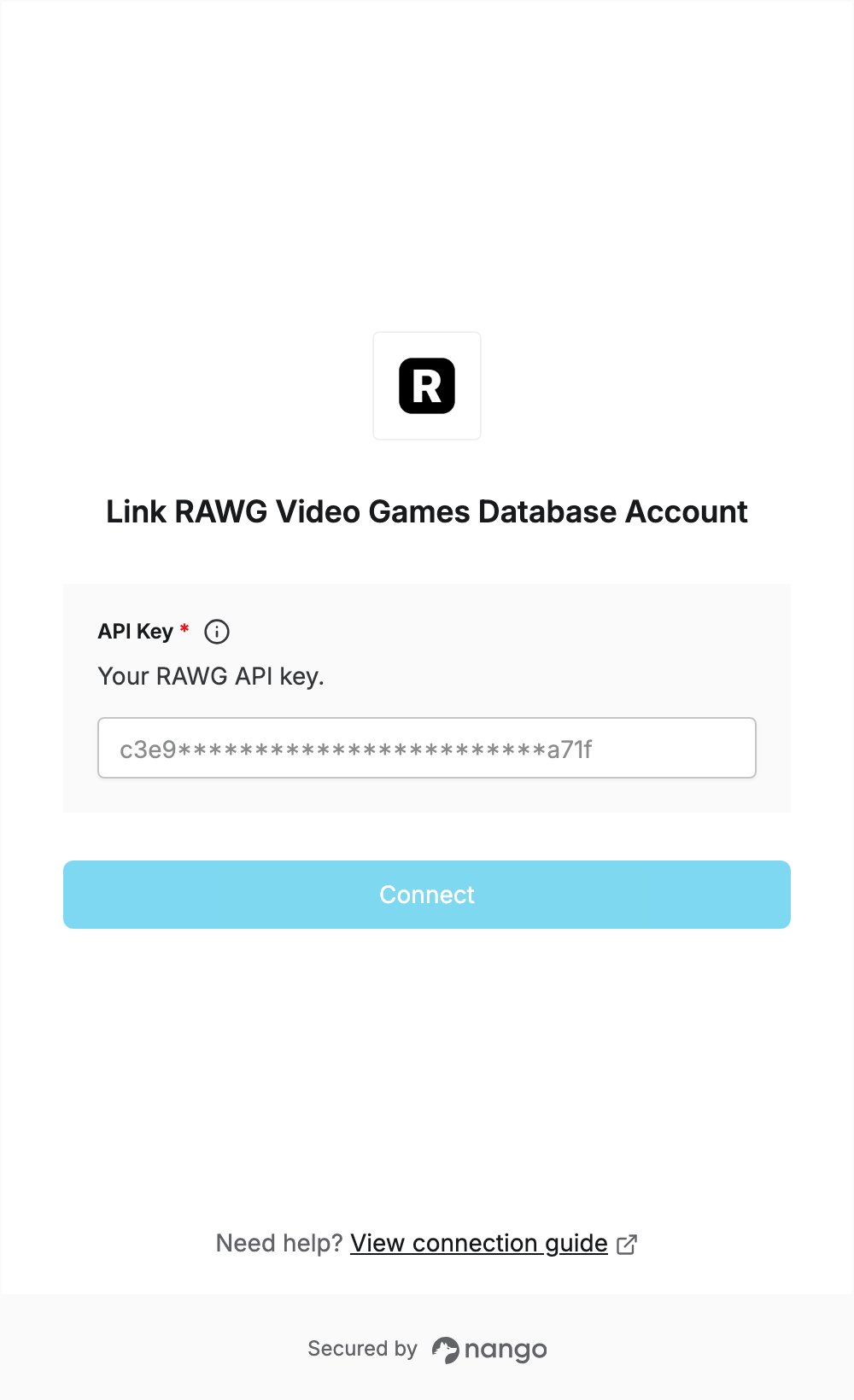
To authenticate with RAWG Video Games Database, you need:- API Key — the key from your RAWG developer info page.
Prerequisites
- A RAWG account. The free plan includes up to 20,000 requests per month for non-commercial projects only, and requires a backlink to RAWG on every page that shows its data; commercial use needs a paid plan. See RAWG API.
Step 1: Create your RAWG account
- Sign up for RAWG with your email, a username and a password.
- If you already have an account, log in instead.
Step 2: Get your API key
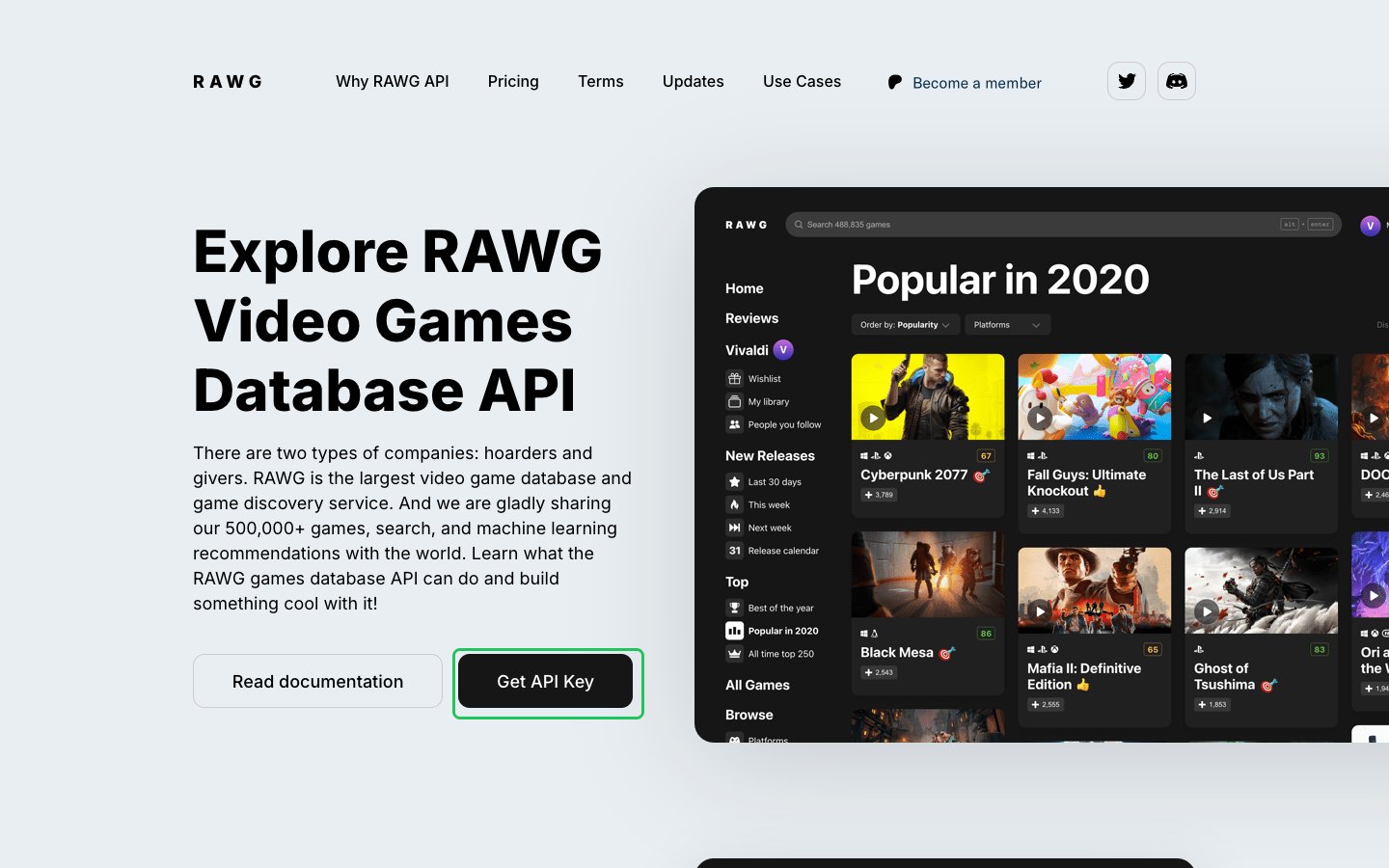
- Open the RAWG API page and click Get API Key.
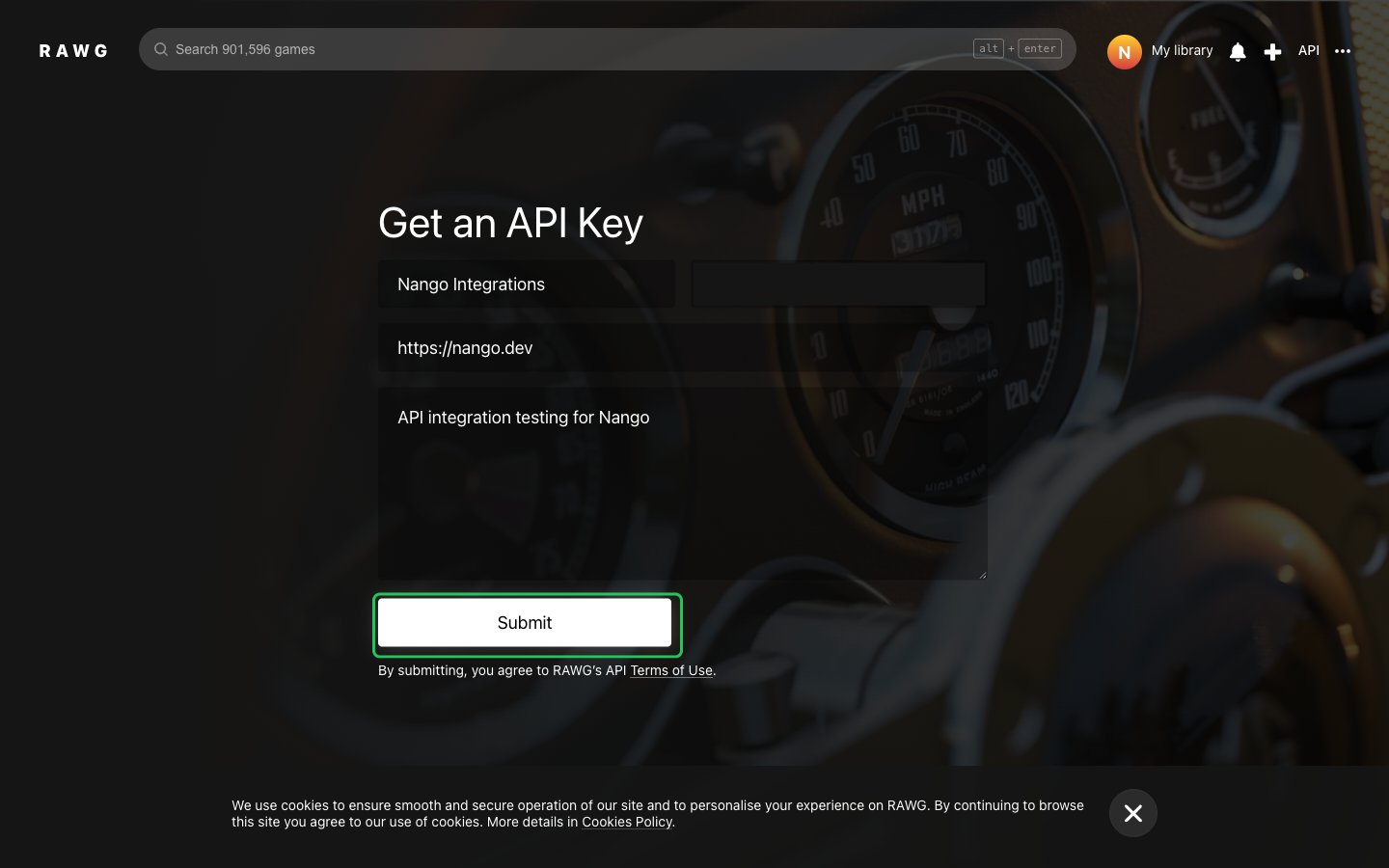
- Fill in the developer info form: your full name, contact email, site or app URL, and a short description of how you will use the API. Then click Submit.
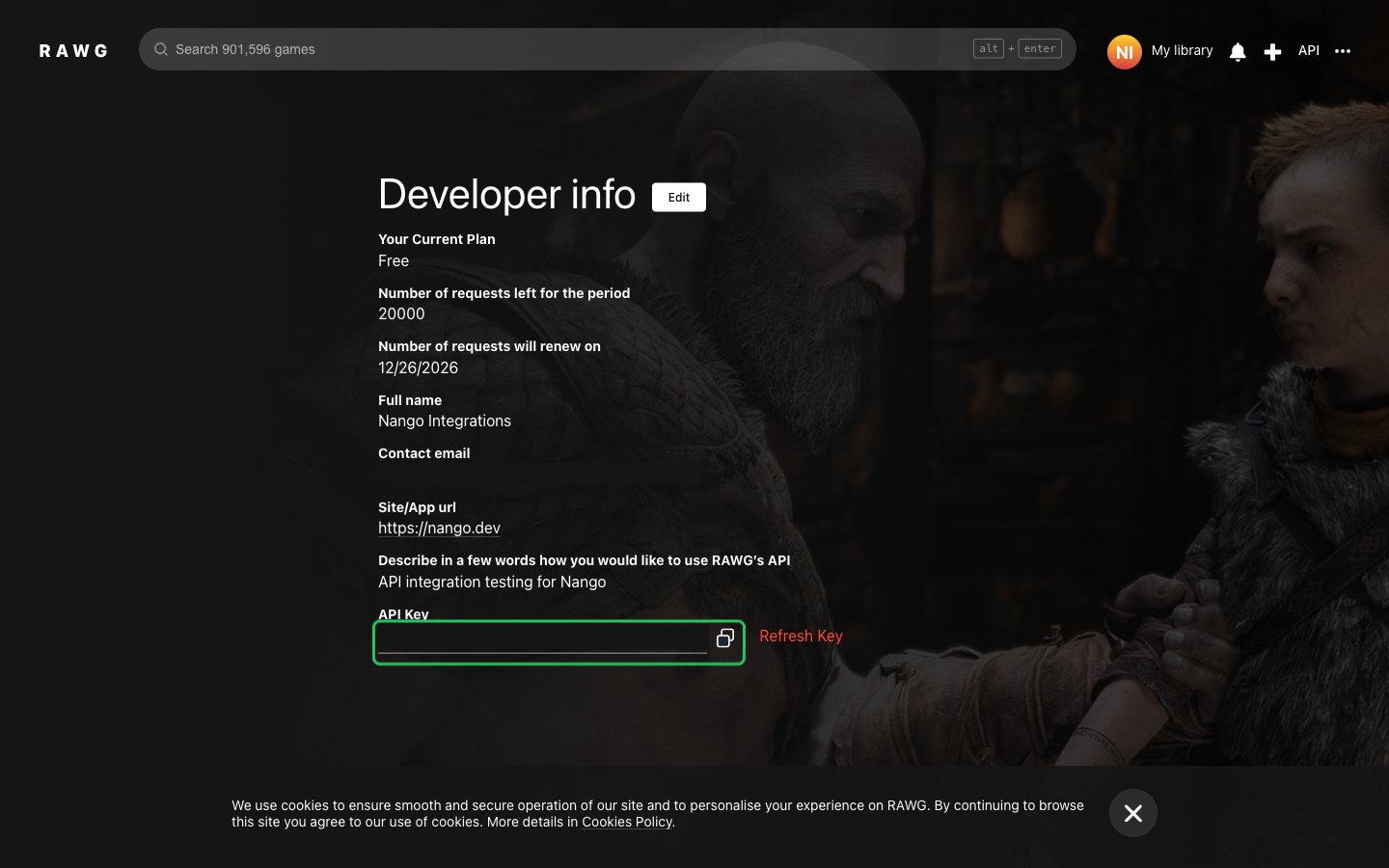
- Your API key is shown under API Key at the bottom of the developer info page. Click the copy icon to copy it.
Step 3: Enter your API key in the Connect UI
- Open the form where you need to authenticate with RAWG Video Games Database.
- Paste the key you copied in Step 2 into the API Key field.
- Submit the form.