Overview
To authenticate with Radar, you need:- API Key - A Secret or Publishable key from your Radar dashboard.
Prerequisites
- A Radar account. Radar does not offer a free tier, and every plan starts with a quote: contact Radar to get access.
Step 1: Copy your API key
- Log in to the Radar dashboard.
- Open the Settings page.
- Copy the key you need. Use a Live key for production and a Test key for testing and non-production environments:
- Live Secret or Test Secret key (starts with
prj_live_sk_orprj_test_sk_). Endpoints with theSecretauthentication level, such as listing users, are only safe to call server-side with a Secret key. - Live Publishable or Test Publishable key (starts with
prj_live_pk_orprj_test_pk_). Use it for endpoints with thePublishableauthentication level.
- Live Secret or Test Secret key (starts with
Step 2: Enter your API key in the Connect UI
- Open the form where you need to authenticate with Radar.
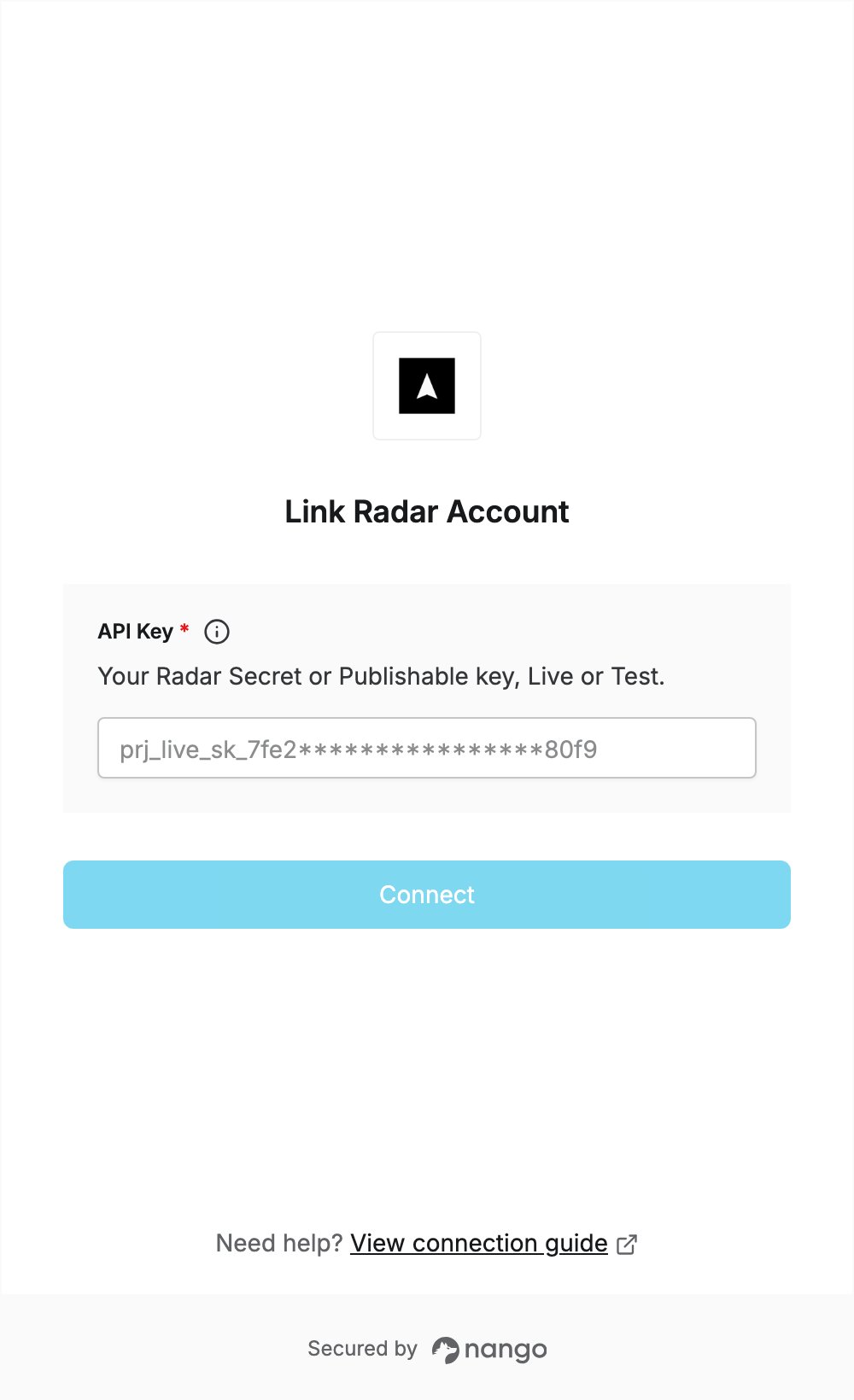
- Paste your key in the API Key field.
- Submit the form, and you should be successfully authenticated.