Overview
To authenticate with Quipteams, you will need:- API Key – A key that grants Nango permission to interact with Quipteams’ API resources and services.
Prerequisites
- An active Quipteams account.
Instructions
Step 1: Finding your API key
- Log in to your Quipteams platform.
- Navigate to Company Settings or the Integrations section.
- Locate the API key management area and generate a new key.
- Copy the key immediately — it is shown once at creation and cannot be retrieved later.
Step 2: Enter credentials in the Connect UI
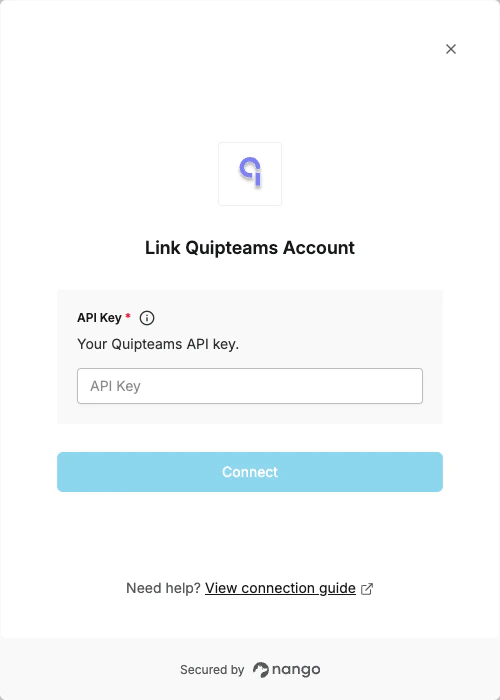
Once you have your API Key:- Open the form where you need to authenticate with Quipteams.
- Enter your API Key in the API Key field.
- Submit the form to complete authentication.