Overview
To authenticate with pVerify, you will need:- Client ID - Your pVerify API Client ID (UUID format).
- Client Secret - Your pVerify API Client Secret.
- API Host - The pVerify API hostname (
api.pverify.comfor production ortestapi.pverify.comfor the test environment).
Prerequisites:
- You must have a pVerify account with API access.
Instructions:
Step 1: Getting your credentials
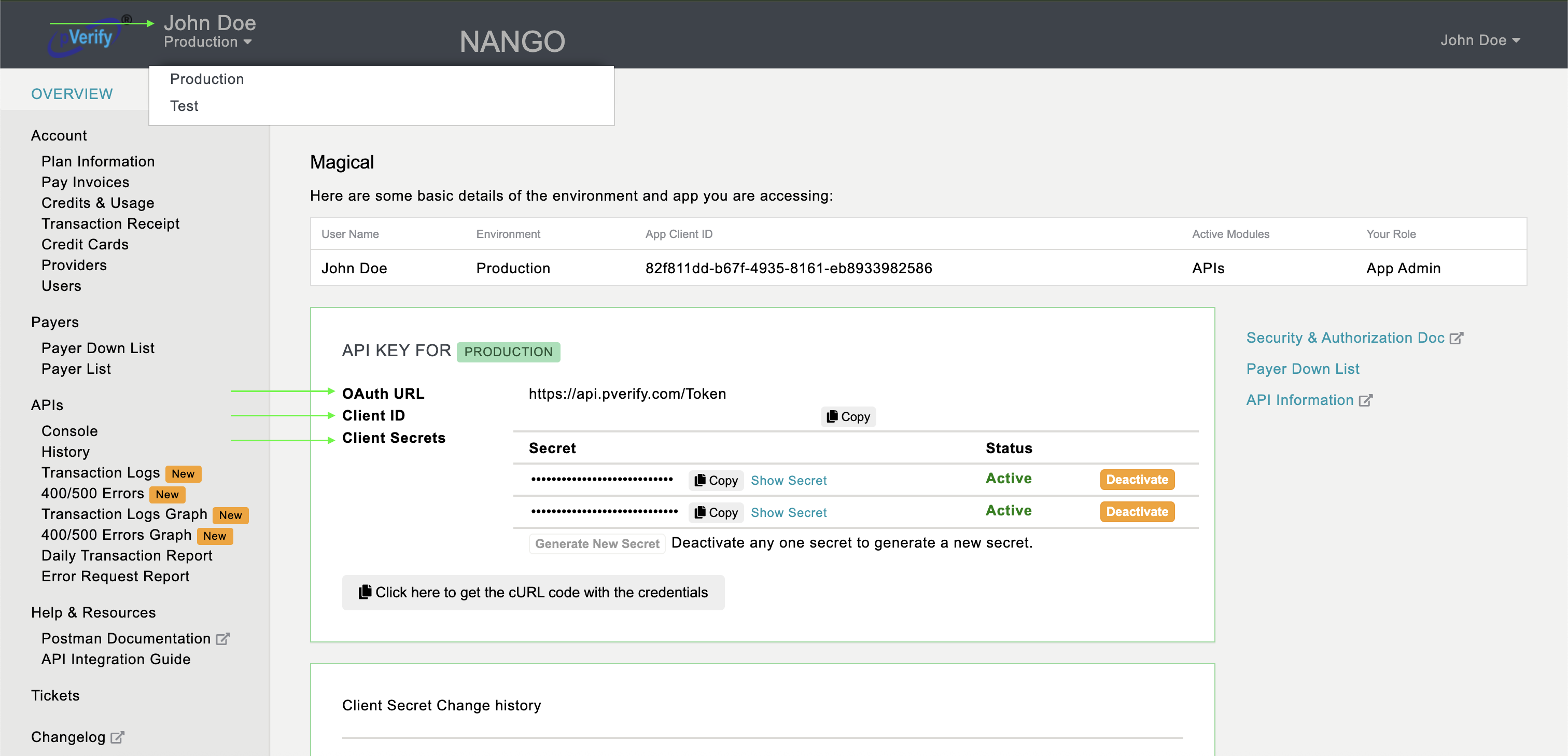
- Navigate to https://apimgmt.pverify.com and sign in with your pVerify account.
- Click your profile name in the top-right corner and toggle between Test and Production to select your environment.
- Use Test for development — API calls go to
testapi.pverify.com. - Use Production when going live — API calls go to
api.pverify.com.
- Use Test for development — API calls go to
- Your Client ID and Client Secret are displayed on the dashboard. Copy both values. The API Host is the hostname matching your chosen environment (e.g.
api.pverify.com).
Step 2: Enter credentials in the Connect UI
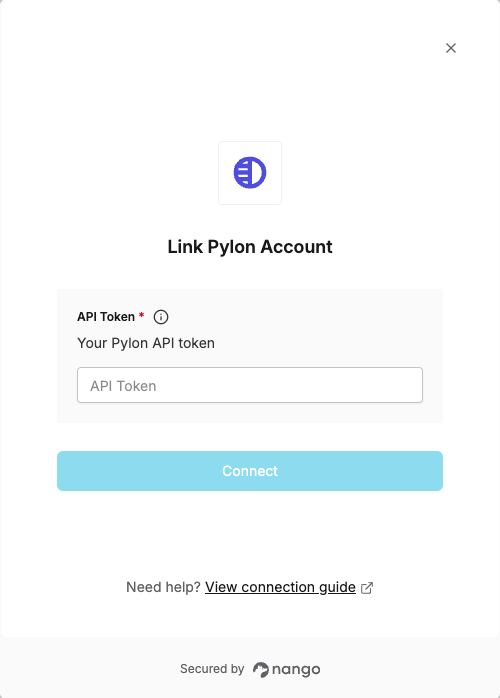
- Open the form where you need to authenticate with pVerify.
- Enter your Client ID, Client Secret, and API Host in their designated fields.
- Submit the form, and you should be successfully authenticated.