Overview
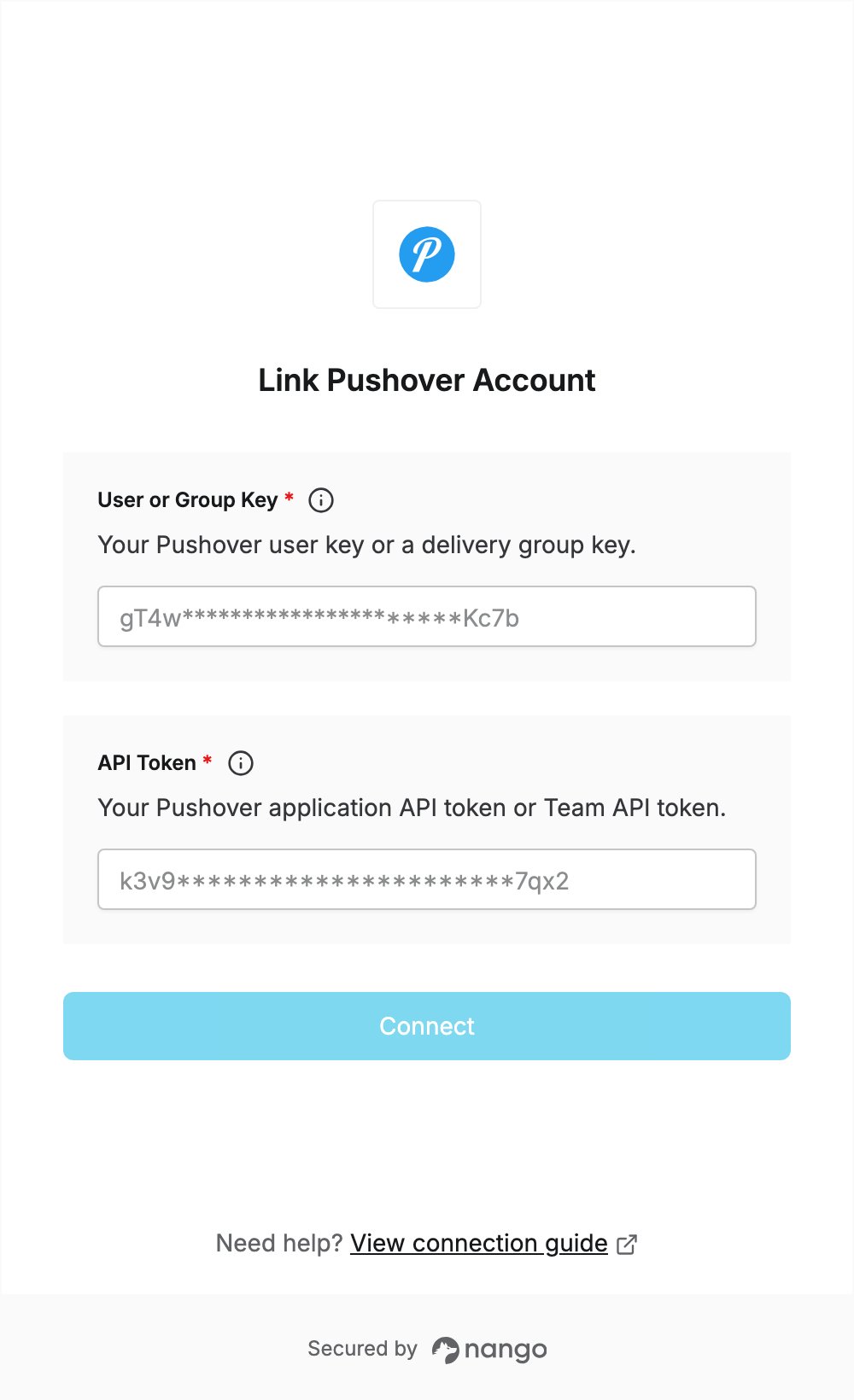
To authenticate with Pushover, you need:- API Token — the API token of a Pushover application you register, or a Team API token.
- User or Group Key — your Pushover user key, or the key of a delivery group.
Prerequisites
- A Pushover account. Sign up if you don’t have one.
Step 1: Create an application
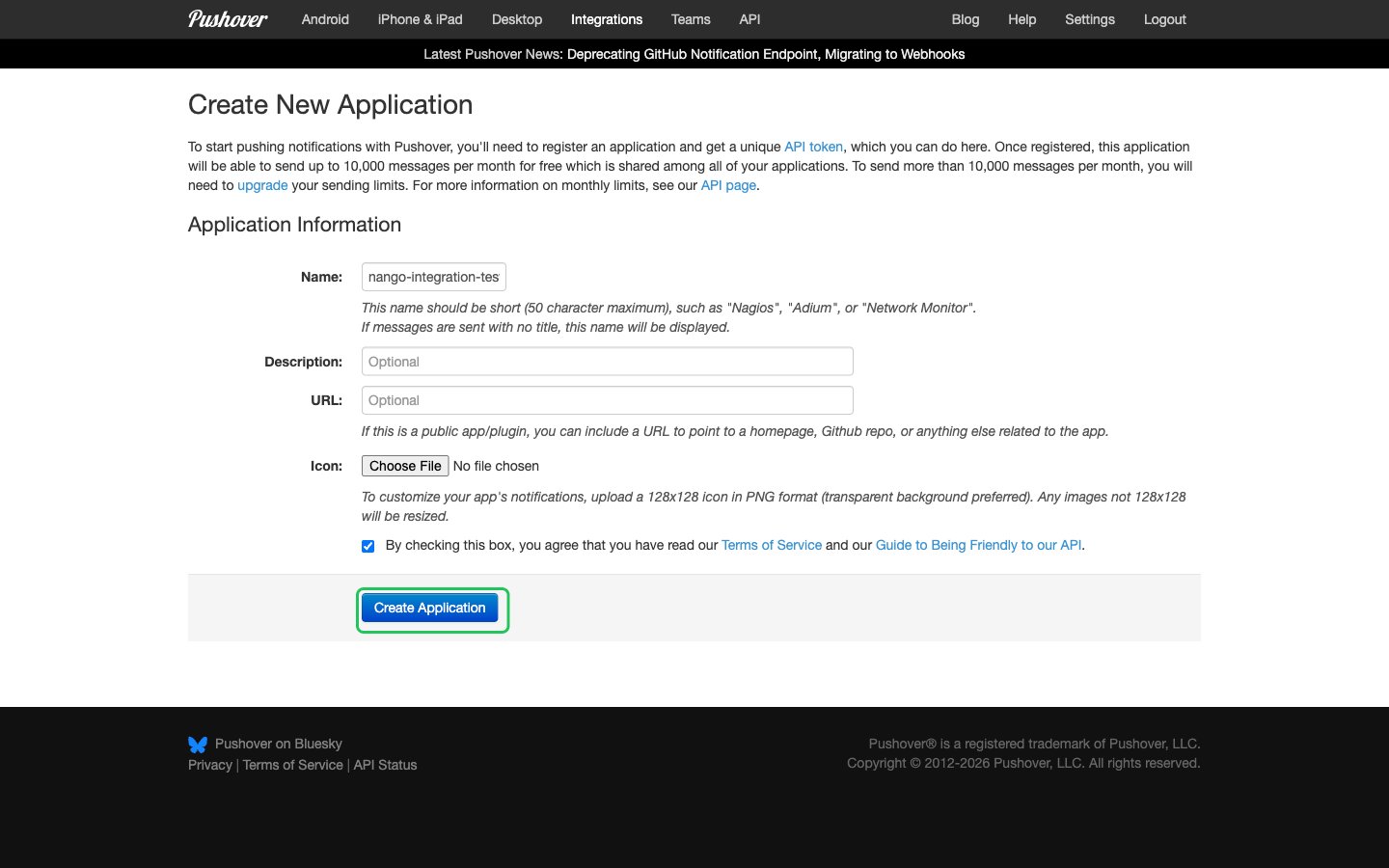
- Log in to Pushover and open Create New Application, or click Create an Application/API Token under Your Applications on your dashboard.
- Enter a Name for the application. Description, URL and Icon are optional.
- Tick the box to accept the Terms of Service and the API guidelines, then click Create Application.
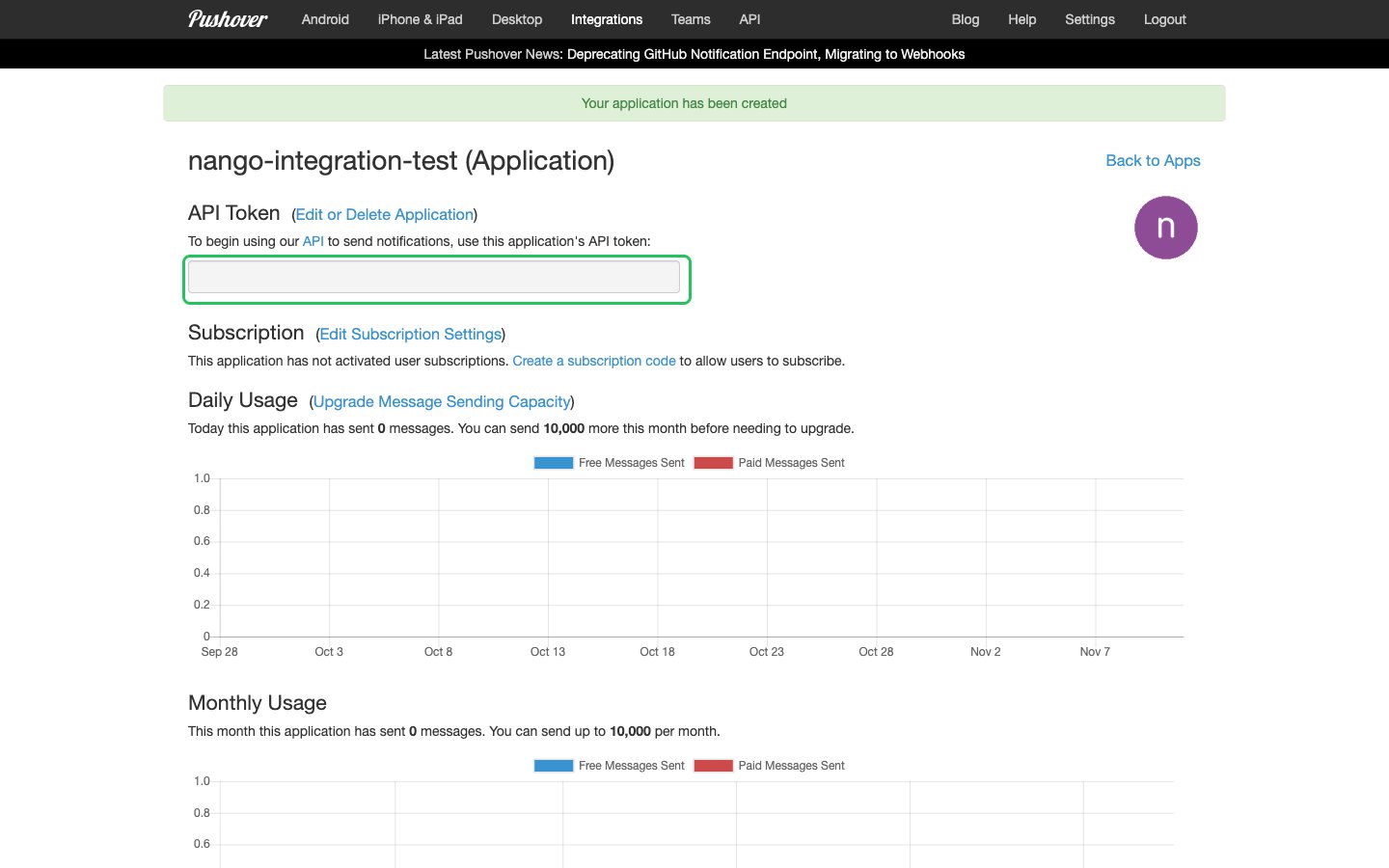
- Copy the API Token shown on the application page.
Step 2: Copy your user key
- Open your Pushover dashboard.
- Copy the key in the Your User Key box. To send messages to a delivery group instead, use that group’s key.
Step 3: Enter your credentials in the Connect UI
- Open the form where you need to authenticate with Pushover.
- Enter your API Token in the API Token field and your user or group key in the User or Group Key field.
- Submit the form, and you should be successfully authenticated.