Overview
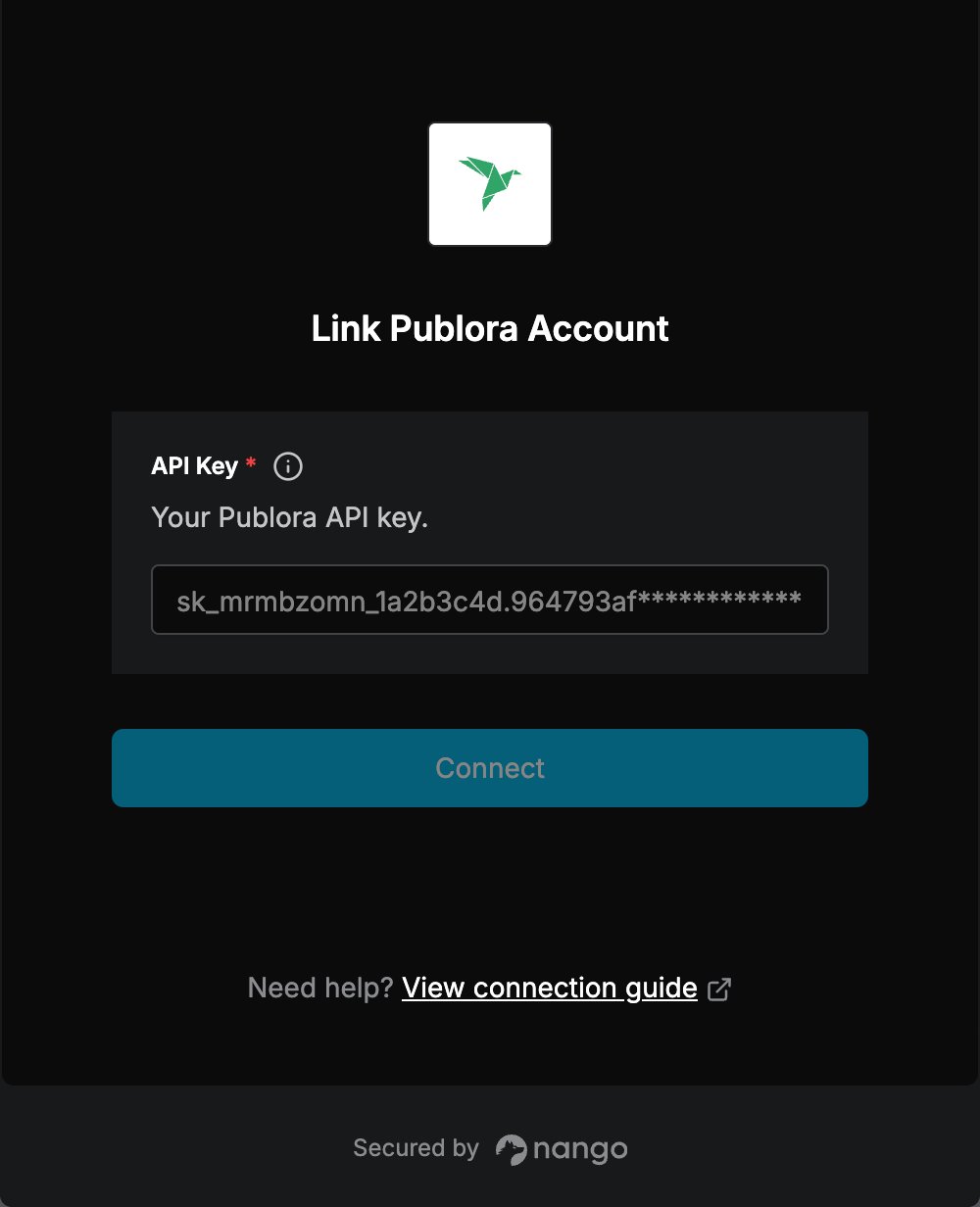
To authenticate with Publora, you will need:- API Key - A key that grants access to every social account connected to your Publora workspace.
Prerequisites:
- A Publora account. The free Starter plan includes API access, 15 posts a month and three connected social accounts, and does not ask for a card.
- At least one social account connected in Publora. The API publishes to accounts connected there; it cannot connect them for you.
Instructions:
Step 1: Creating your API key
- Sign in at app.publora.com.
- Open API in the left menu.
- Press + Create New Key, give the key a name and confirm.
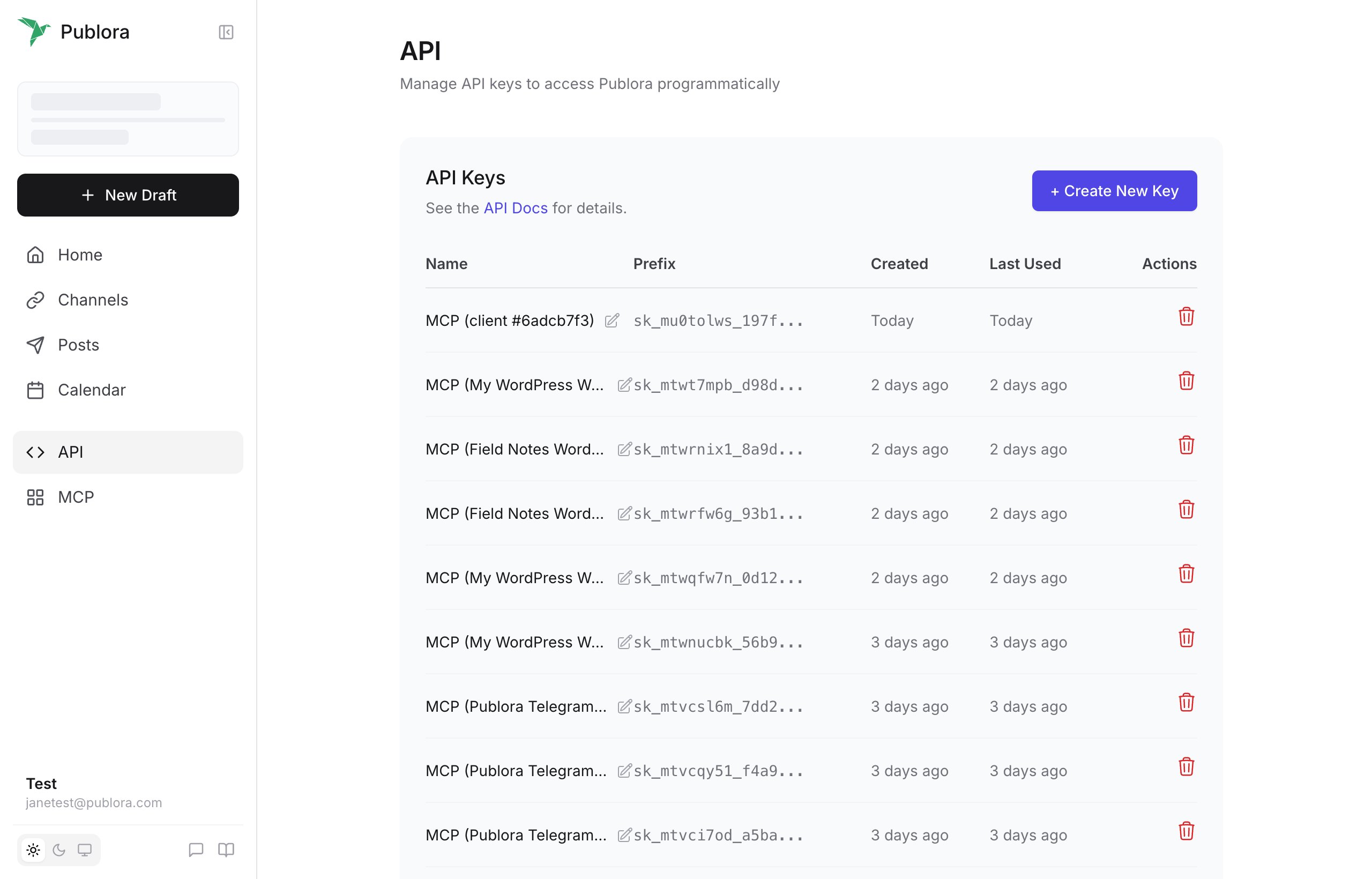
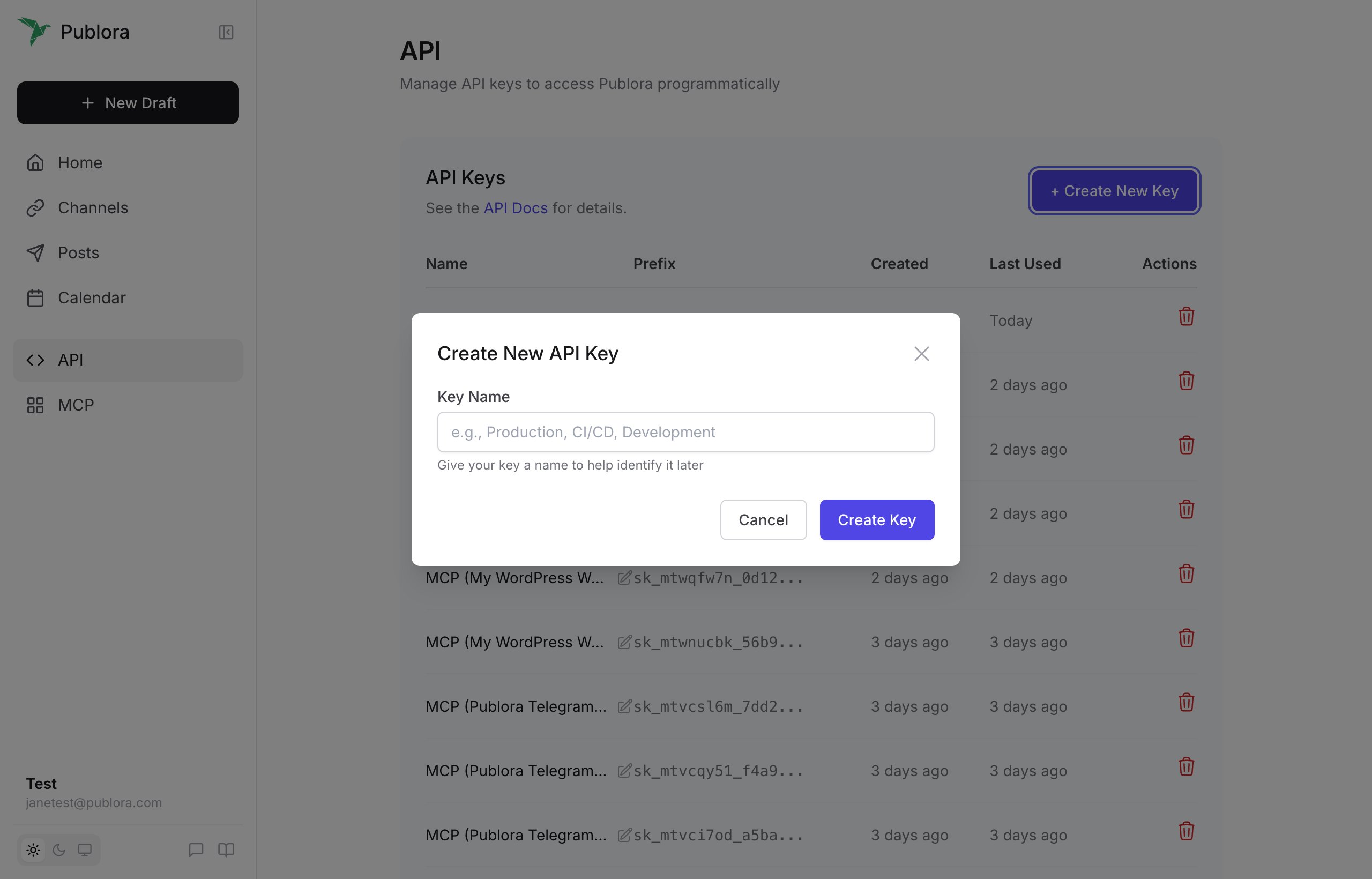
- Copy the key and store it securely. It is shown once, starts with
sk_, and the list afterwards keeps only its prefix.
The key belongs to the workspace, so it can publish to every social account connected in it.
Step 2: Enter credentials in the Connect UI
Once you have your API Key:- Open the form where you need to authenticate with Publora.
- Enter your API Key in its respective field.
- Submit the form, and you should be successfully authenticated.