Overview
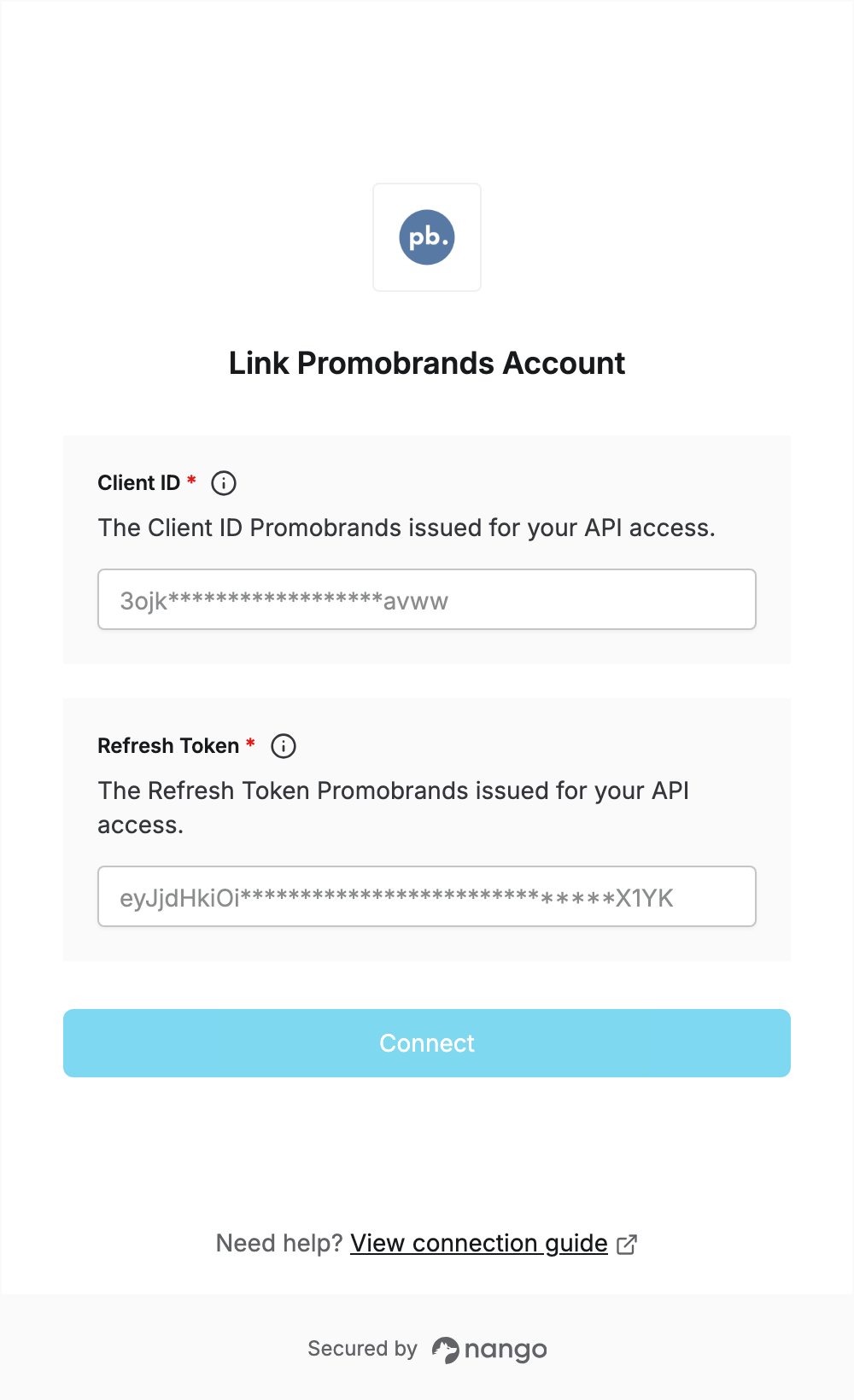
To authenticate with Promobrands, you need:- Client ID - the client identifier Promobrands issued for your API access.
- Refresh Token - the refresh token issued with it.
Prerequisites
- An approved Promobrands API access application. Promobrands issues the credentials once your application is approved.
Step 1: Get your API credentials
- Apply to Promobrands for API access.
- Once approved, Promobrands sends you a Client ID and a Refresh Token. Both stay valid until you ask Promobrands to cancel them.
- Store the refresh token somewhere safe: it gives access to the API.
Step 2: Enter your credentials in the Connect UI
- Open the form where you need to authenticate with Promobrands.
- Enter your Client ID and Refresh Token.
- Submit the form, and you should be successfully authenticated.