Overview
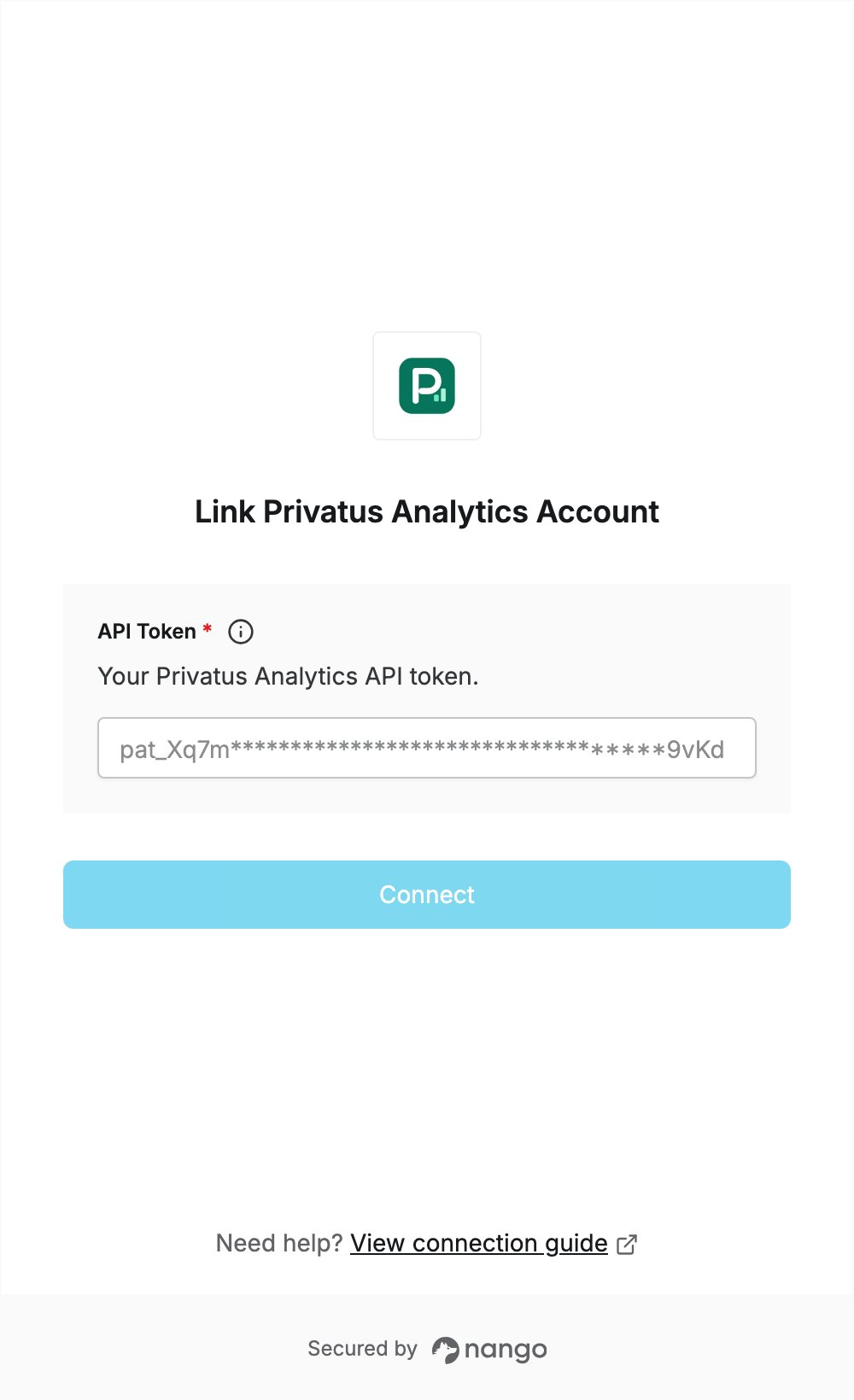
To authenticate with Privatus Analytics, you need:- API Token — a Privatus Analytics API token (starts with
pat_).
Prerequisites
- A Privatus Analytics account. You can sign up without a payment card.
Step 1: Create an API token
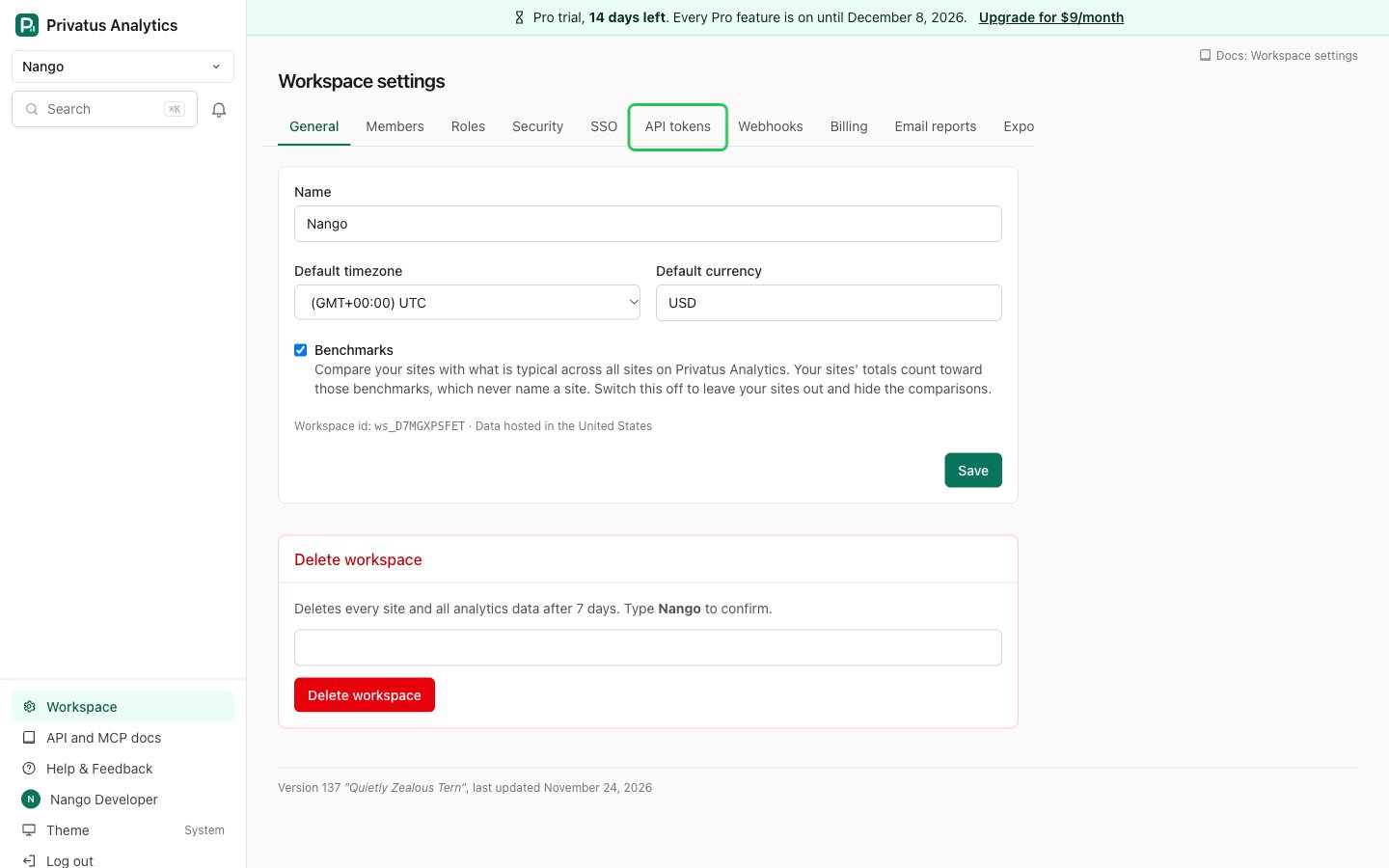
- Sign in to Privatus Analytics and click Workspace in the bottom-left sidebar to open Workspace settings.
- Open the API tokens tab and click New token.
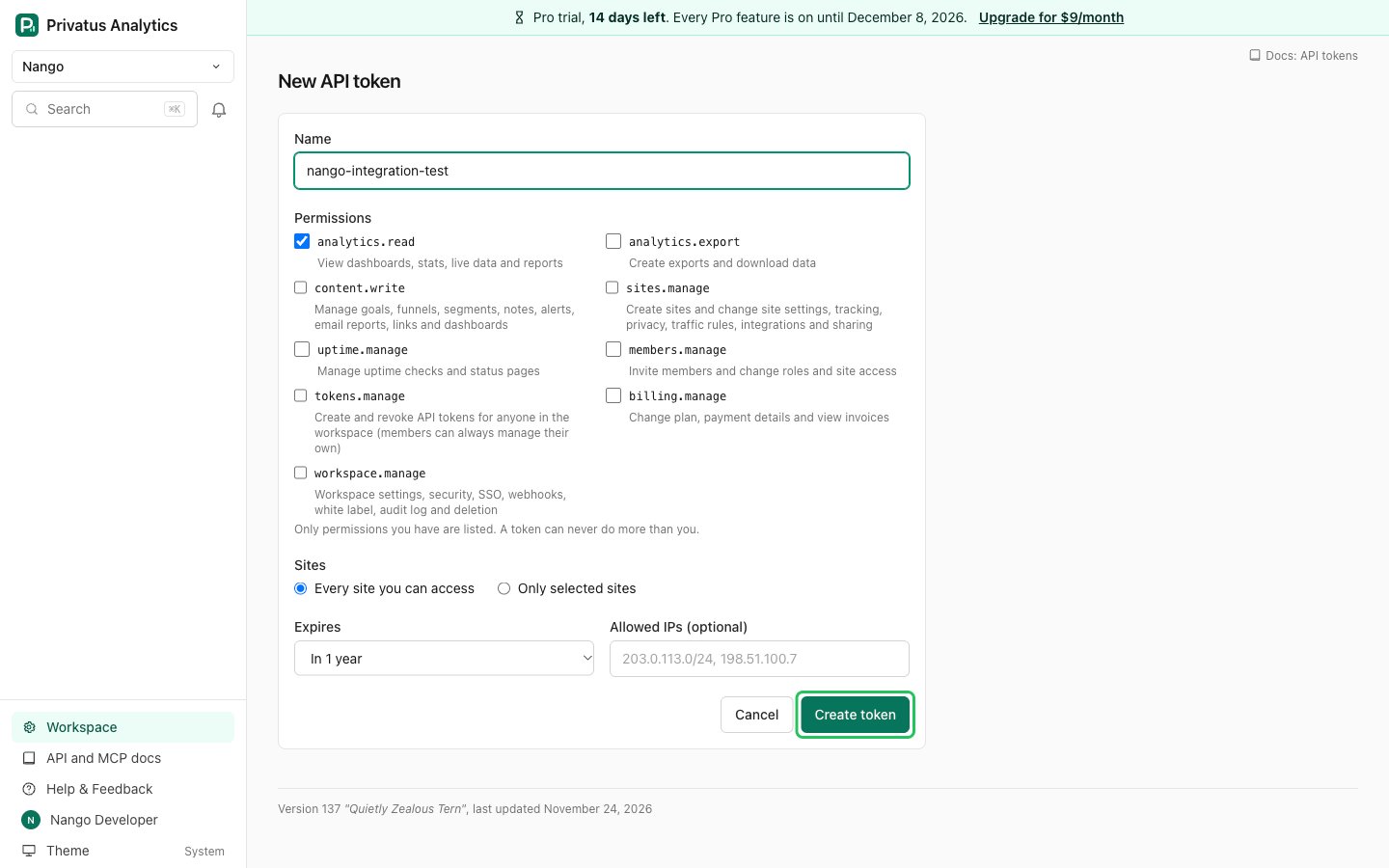
- Enter a name for the token (for example,
nango), choose the permissions your integration needs (for example,analytics.read), the sites it can access and an expiry, and optionally restrict allowed IPs. Then click Create token.
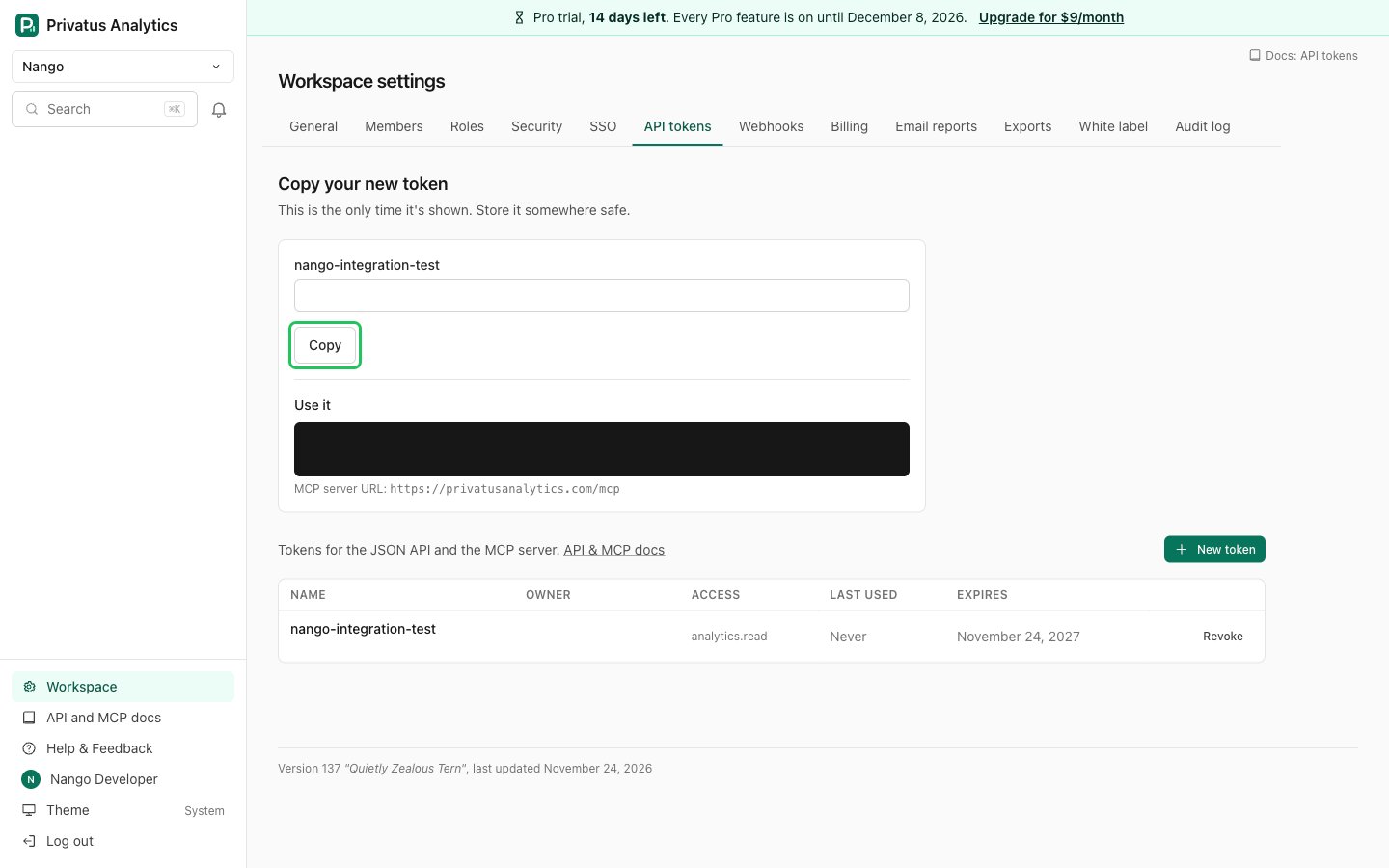
- Under Copy your new token, click Copy and store the token (
pat_…) right away. It is shown only once.
Step 2: Enter your API token in the Connect UI
- Open the form where you need to authenticate with Privatus Analytics.
- Paste the token you copied in Step 1 into the API Token field.
- Submit the form. Nango checks the token with Privatus Analytics and rejects it if it is invalid.