Overview
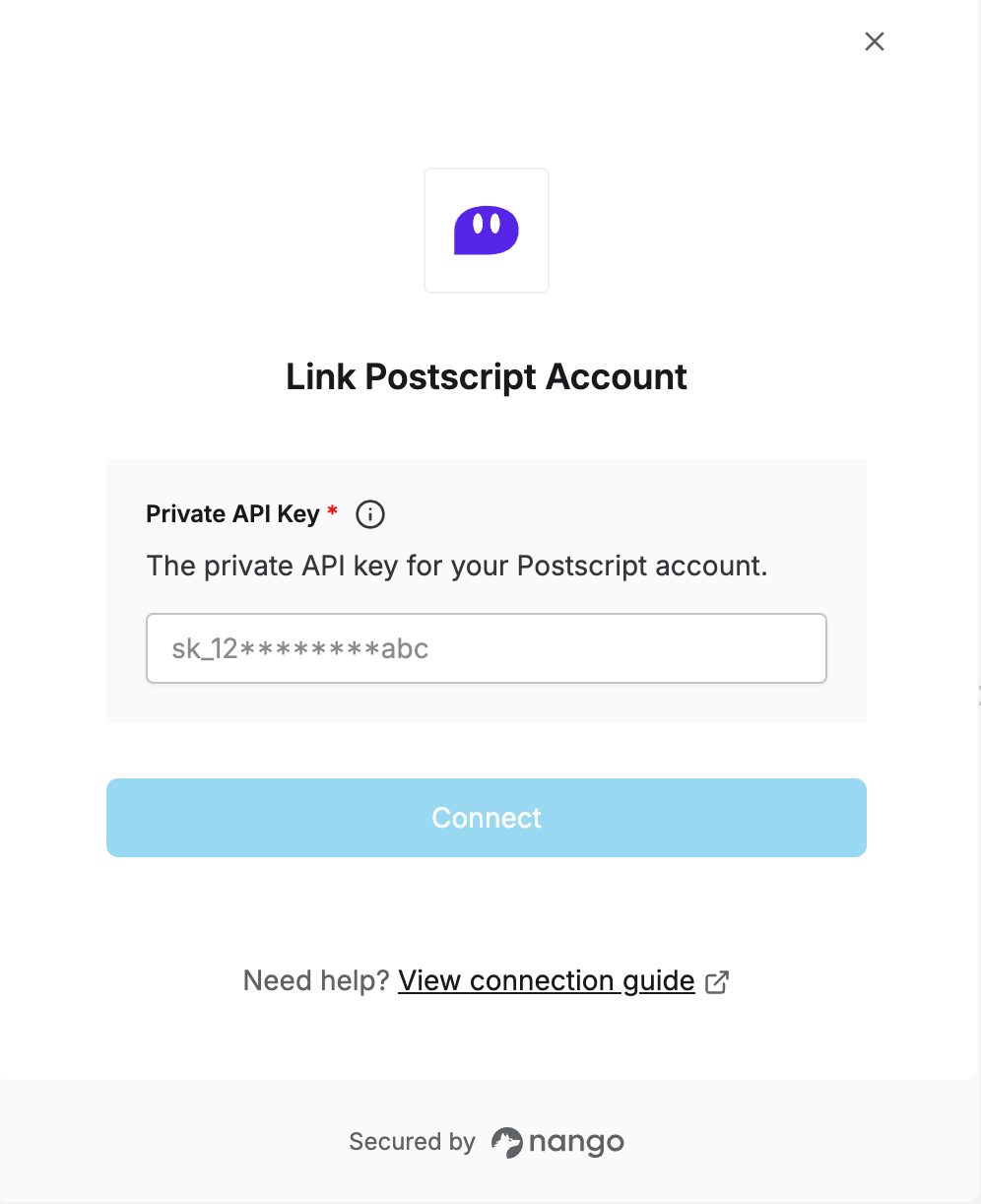
To authenticate with Postscript, you need:- Private API Key - A key that grants secure access to the Postscript API, enabling authorized applications to interact with Postscript resources and services.
Prerequisites
- An active Postscript account.
Instructions
Step 1: Finding your Private API Key
- Log in to Postscript, select your shop name in the side menu, then select API.
- If you don’t have a key yet, click Create Security Key Pair and confirm.
- Under the Private Key column, click Show and copy the value.
Use the Private Key (starts with
sk_), not the Public Key (starts with pk_) — the Public Key doesn’t authenticate requests.Step 2: Enter credentials in the Connect UI
Once you have your Private API Key:- Open the form where you need to authenticate with Postscript.
- Enter your Private API Key in the field provided.
- Submit the form, and you should be successfully authenticated.