Overview
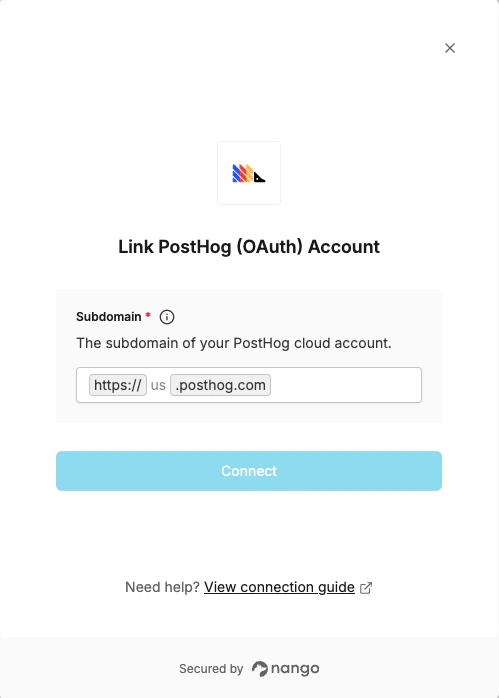
To connect with PostHog OAuth, you need:- Subdomain – The region prefix of your PostHog Cloud account (e.g.
usoreu).
Step 1: Finding your subdomain
Your PostHog subdomain matches the region your organization was created in:
You can confirm your region by checking the URL in your browser after logging in to PostHog.
Step 2: Enter your subdomain in Nango
- Open the PostHog (OAuth) connection form in Nango.
- Enter the subdomain value in the Subdomain field.
- Click Connect and authorize access to your PostHog account.