Overview
To authenticate with Podscribe, you will need:- API Key - A key that grants access to the Podscribe API, enabling authorized applications to interact with your campaign and performance data.
Prerequisites:
- You must have an active Podscribe account
Instructions:
Step 1: Generating your API key
- Log in to your Podscribe account.
- Click your initials in the bottom left corner of the dashboard.
- Select Account from the dropdown menu.
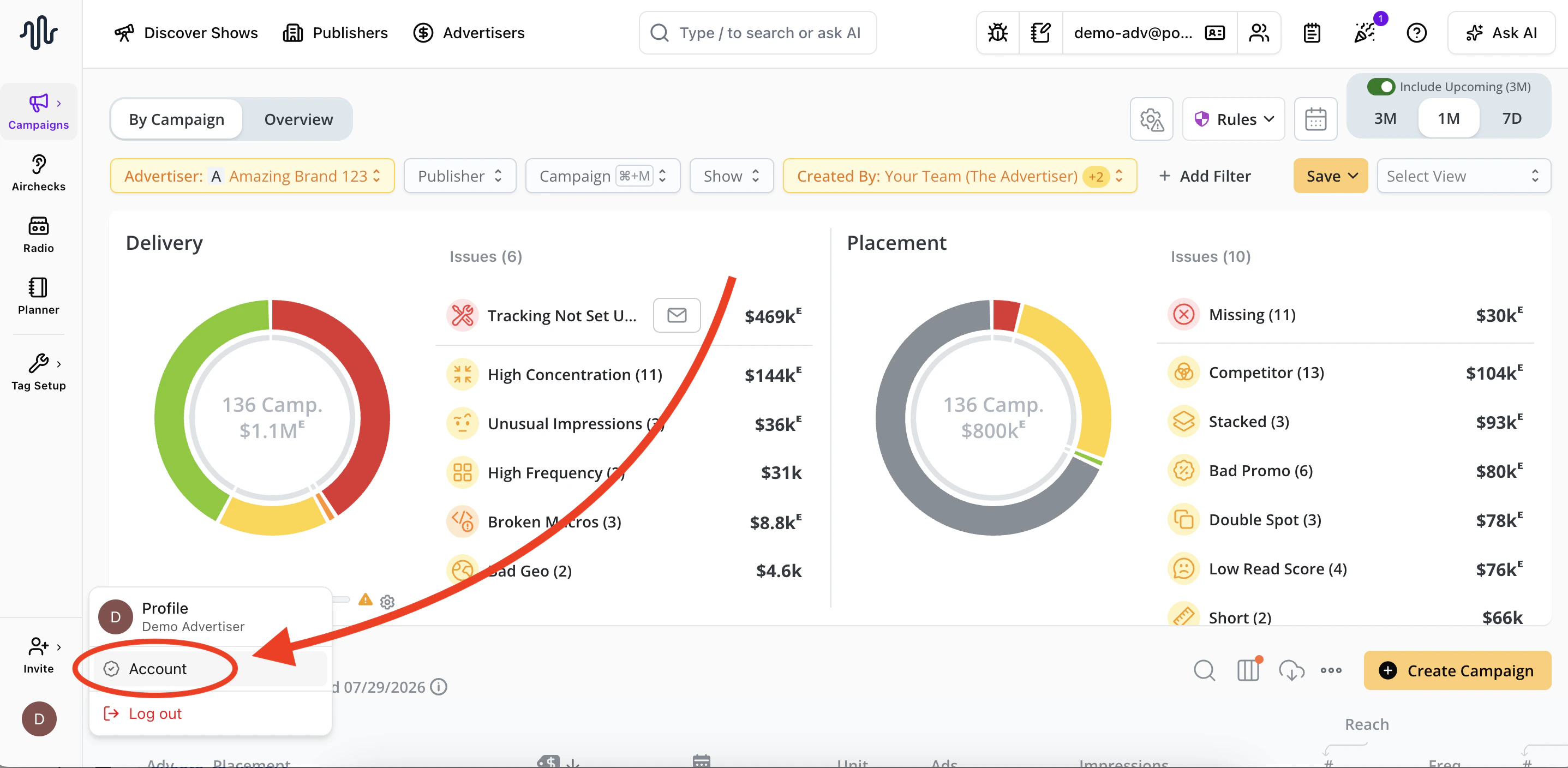
- Navigate to the API tab

- Click Generate Key to create your API key
- Copy the generated key and store it somewhere safe — you won’t be able to see it again

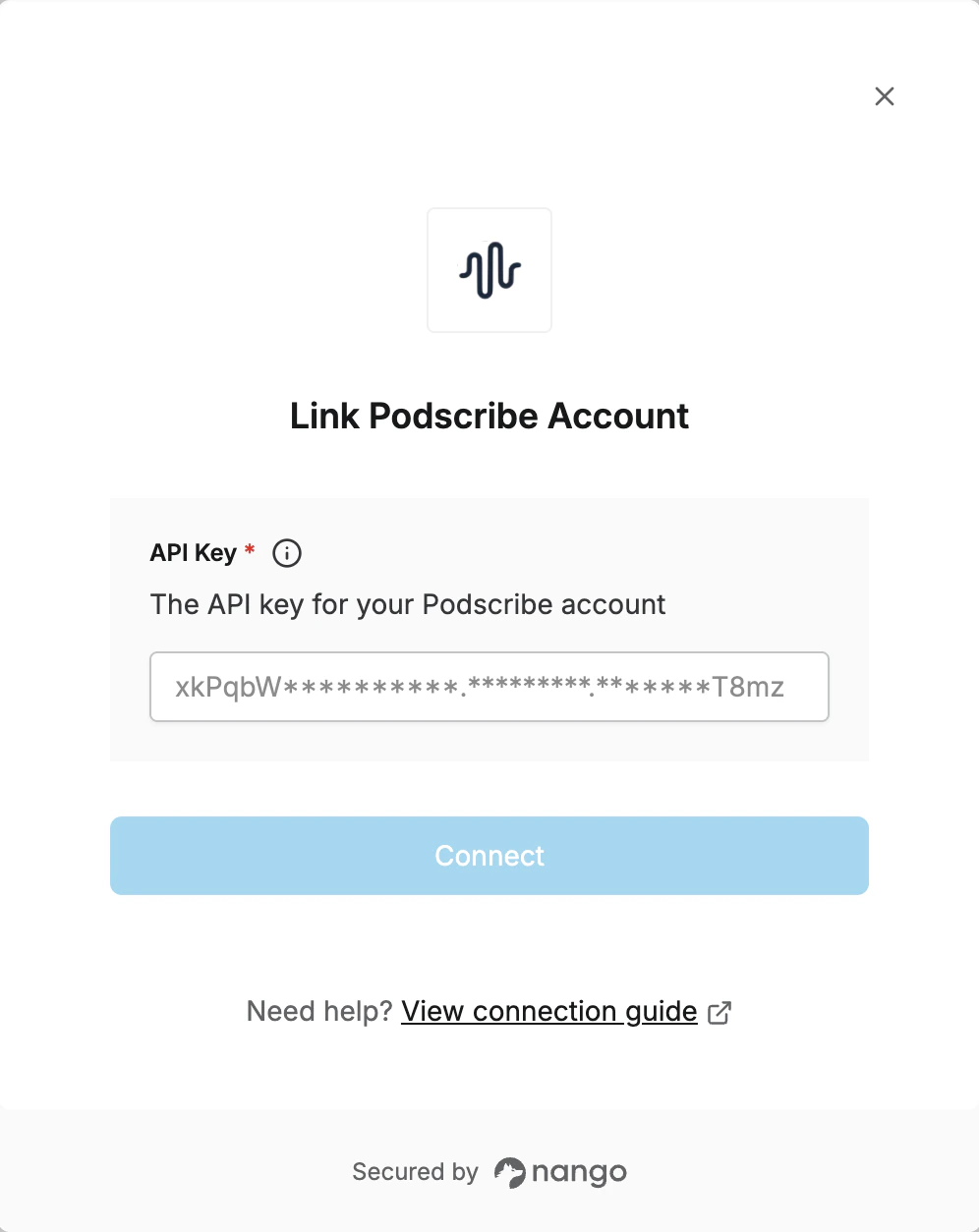
Step 2: Enter credentials in the Connect UI
Once you have your API Key:- Open the form where you need to authenticate with Podscribe.
- Enter your API Key in the respective field.
- Submit the form, and you should be successfully authenticated.